Permission
The tab is only displayed if the backend user group has the permission "Show statistics module in backend module" (enable_statistics), see Permission Management. Without this permission, a notice will appear instead, indicating that there is no access permission.
Content of the Module
Through a dropdown, you can choose between the current month and the previous five months (period: the last 6 months). For the selected month, two evaluations are displayed:
- Requests per Day: Bar chart with the number of requests made to the AutoDudes server per day.
- Requests by Model: Pie chart showing the distribution of requests across the used AI models.
If there is no data available for the selected period, a corresponding notice will be displayed instead.
-
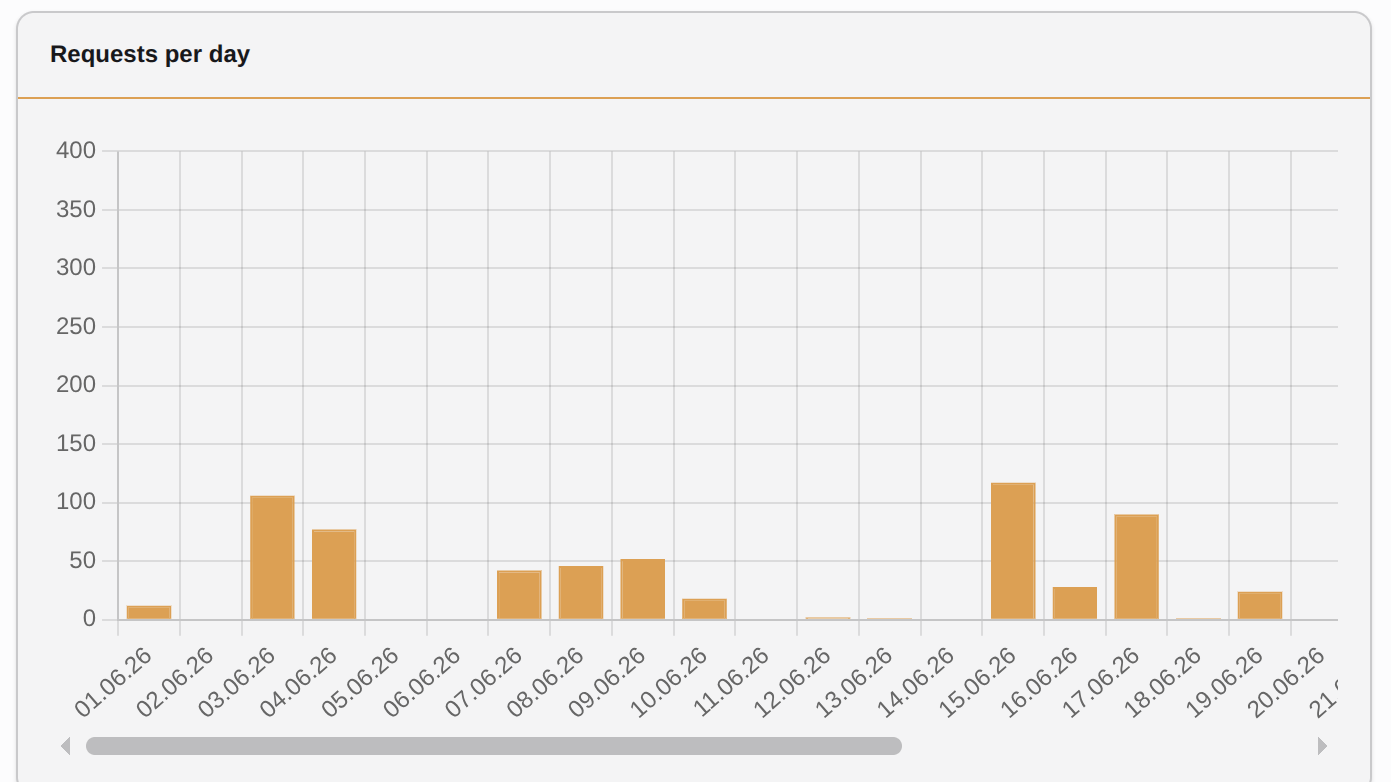
Bar chart with requests per day in the selected month
-
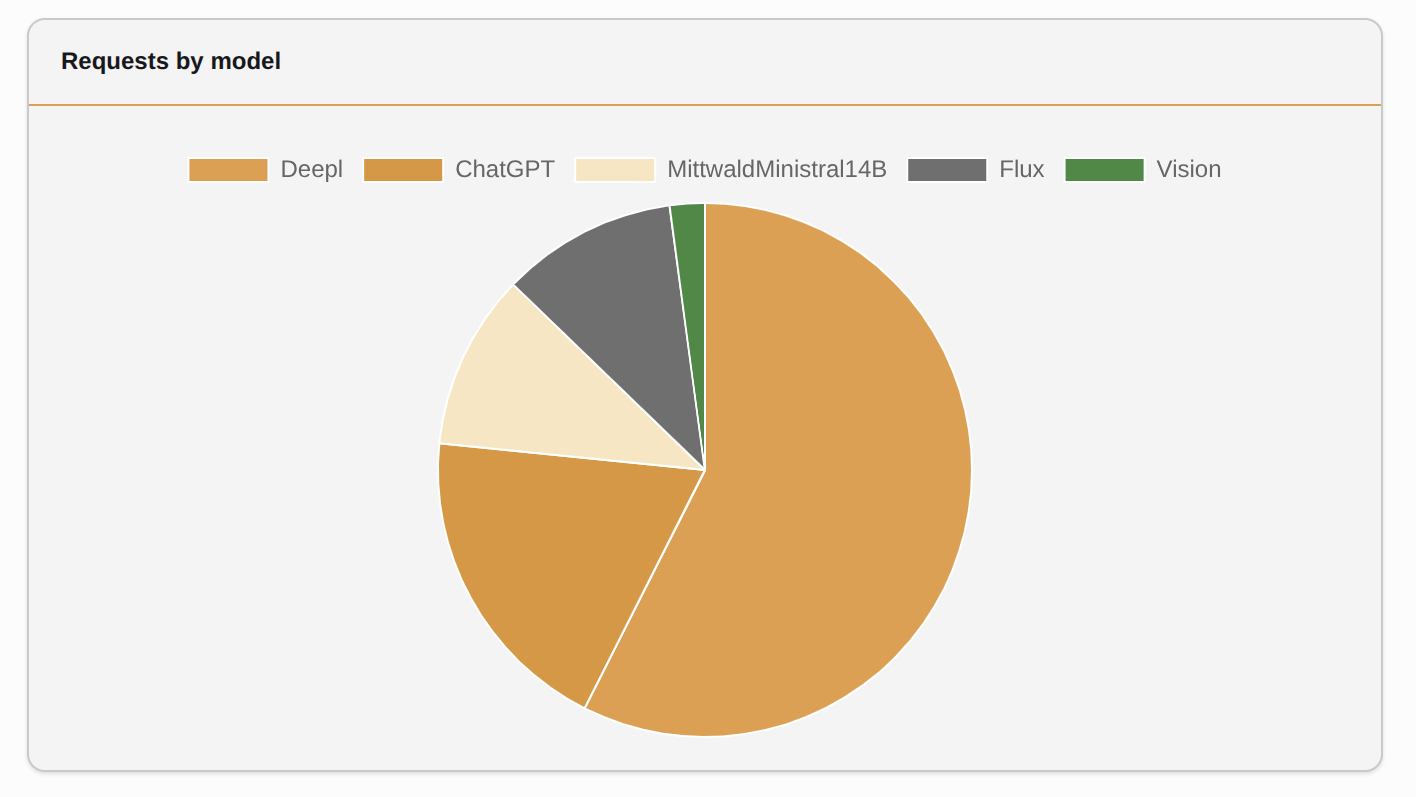
Pie chart with requests by model/interface in the selected month.
 Data Basis
The statistics are based on the requests sent to the AutoDudes server via your AI Suite license key. They also serve as a supplement for assessing your credit or plan consumption.