Prompt Manager (prompt templates)
So that you don’t have to enter your prompts again every time, a Prompt Manager is available to you. Here you load predefined prompts from the AutoDudes server and use them, or you create your own prompt templates. Each prompt template consists of a name and the prompt text. With the scope, and for content elements and metadata additionally with the type or field, you limit where it is offered.
-
Show larger version
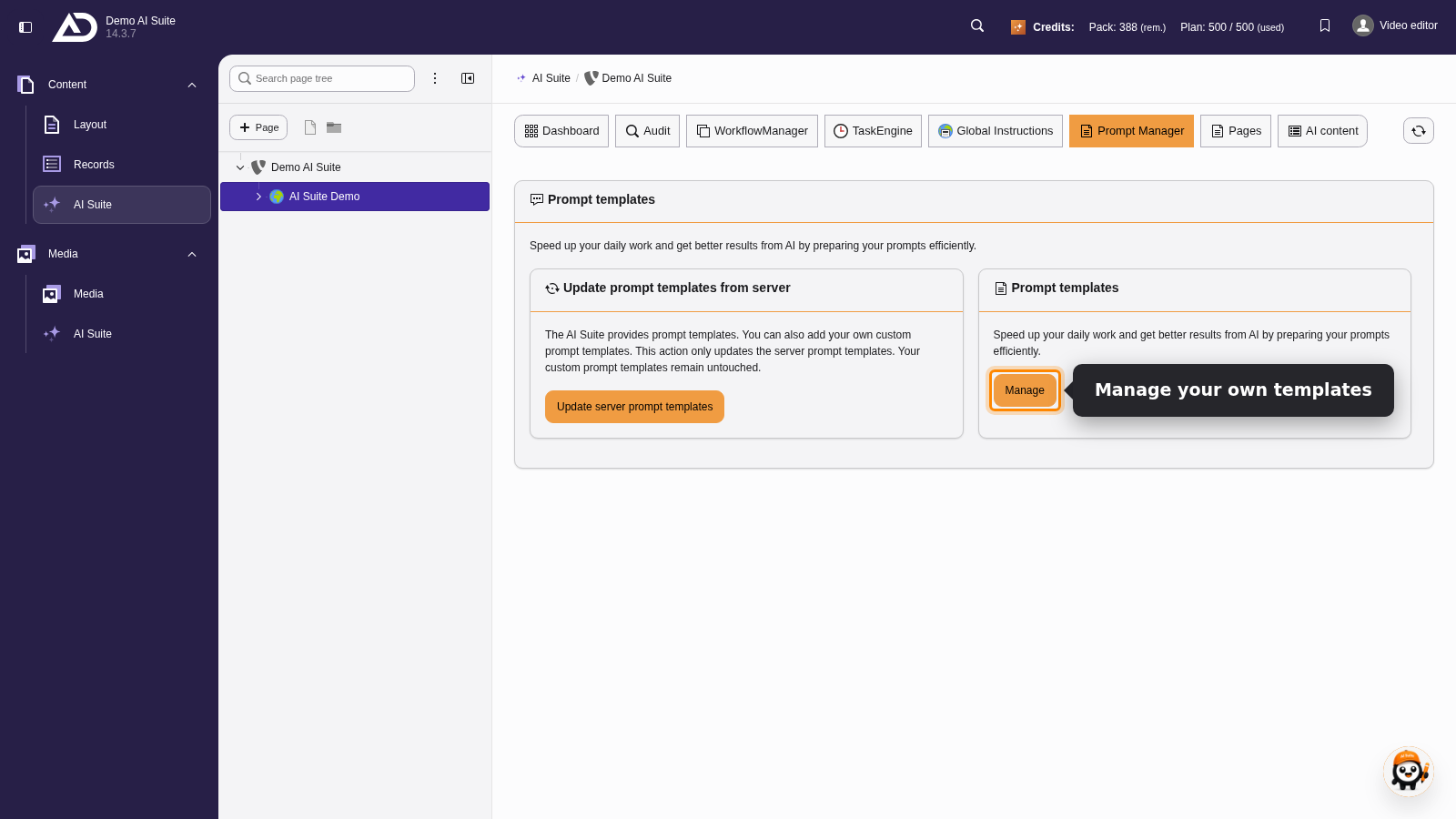
In the “Prompt Manager” section, “Manage” on the “Prompt templates” card leads to the list of our own templates.
-
Show larger version
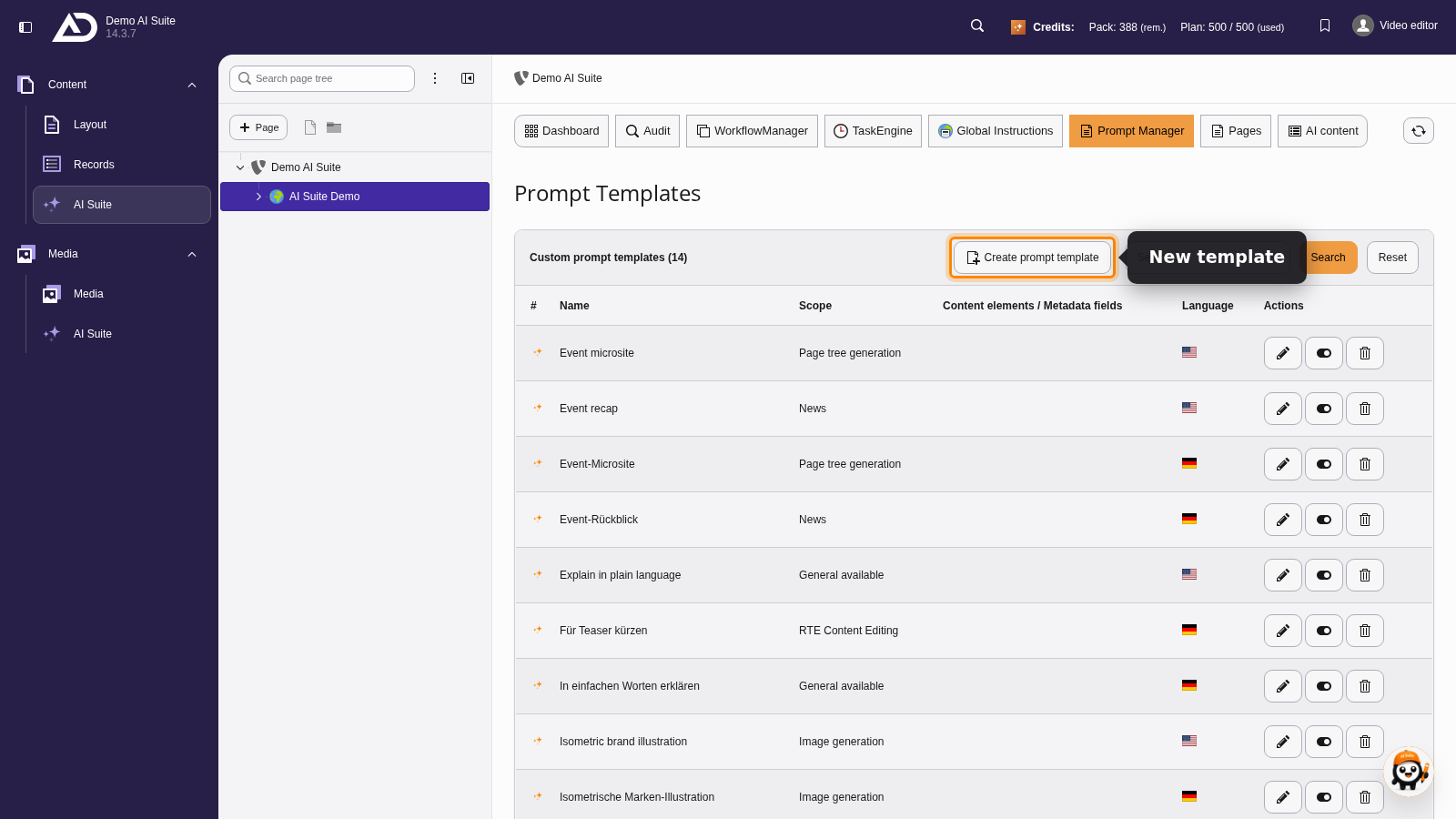
Here we see all of our own prompt templates. With “Create prompt template” we add a new one.
2. Structure of the initial input mask
- Set a meaningful name or edit the existing name
- Create your prompt template or edit an existing prompt template.
- Select the scope (General available, Page tree generation, Image generation, ContentElements, News, Metadata generation or RTE Content Editing) for the prompt template
- Additionally limit the validity: for “ContentElements” to individual content elements, and since versions 14.4.0/13.16.0/12.22.0 for “Metadata generation” to individual metadata fields. If you leave the field empty, the template applies to all of them.
- Save the record
-
Show larger version
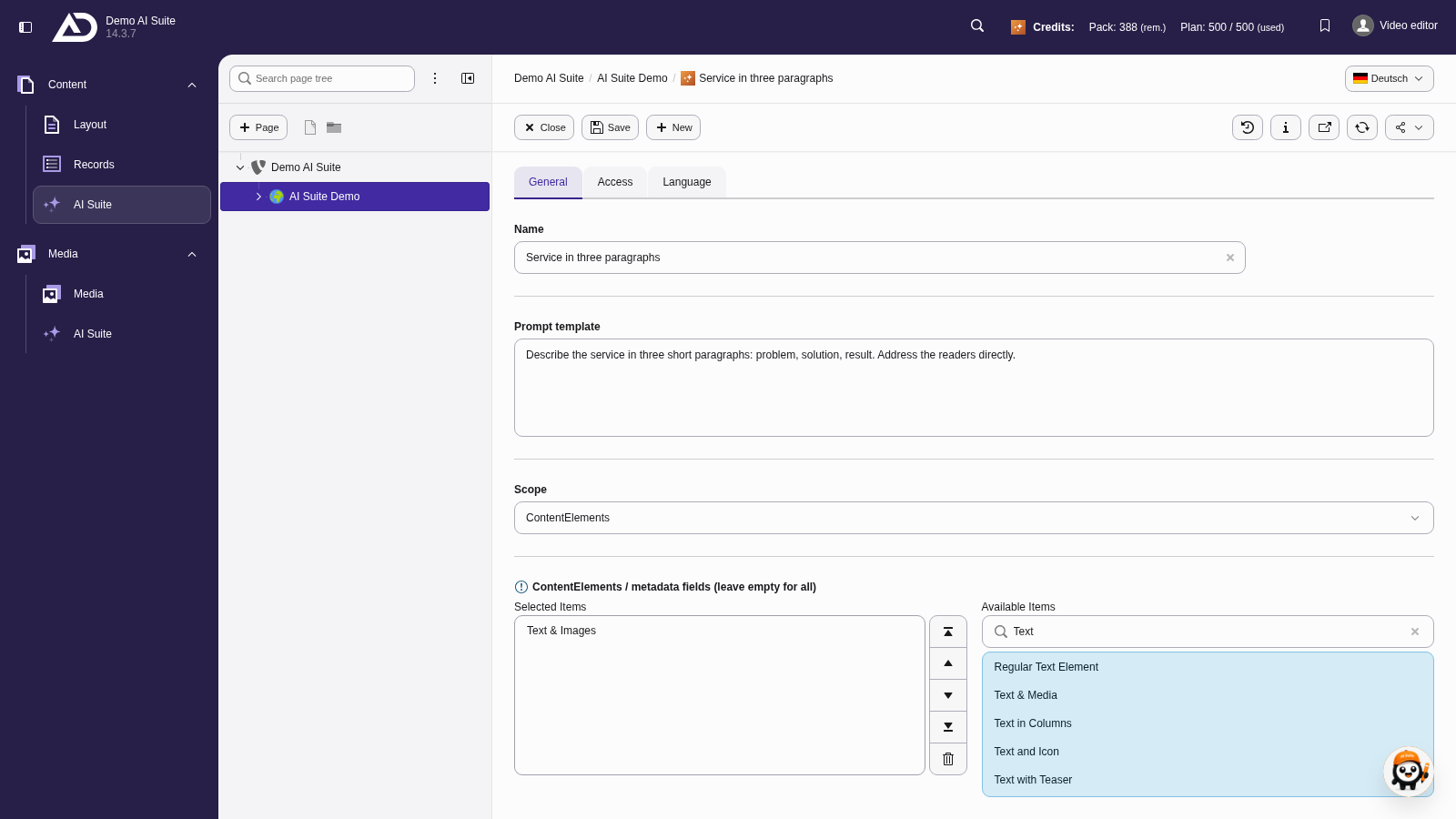
As the scope we choose “ContentElements” and limit the template to “Text & Images”. If the selection stays empty, it applies to all content elements.
-
Show larger version
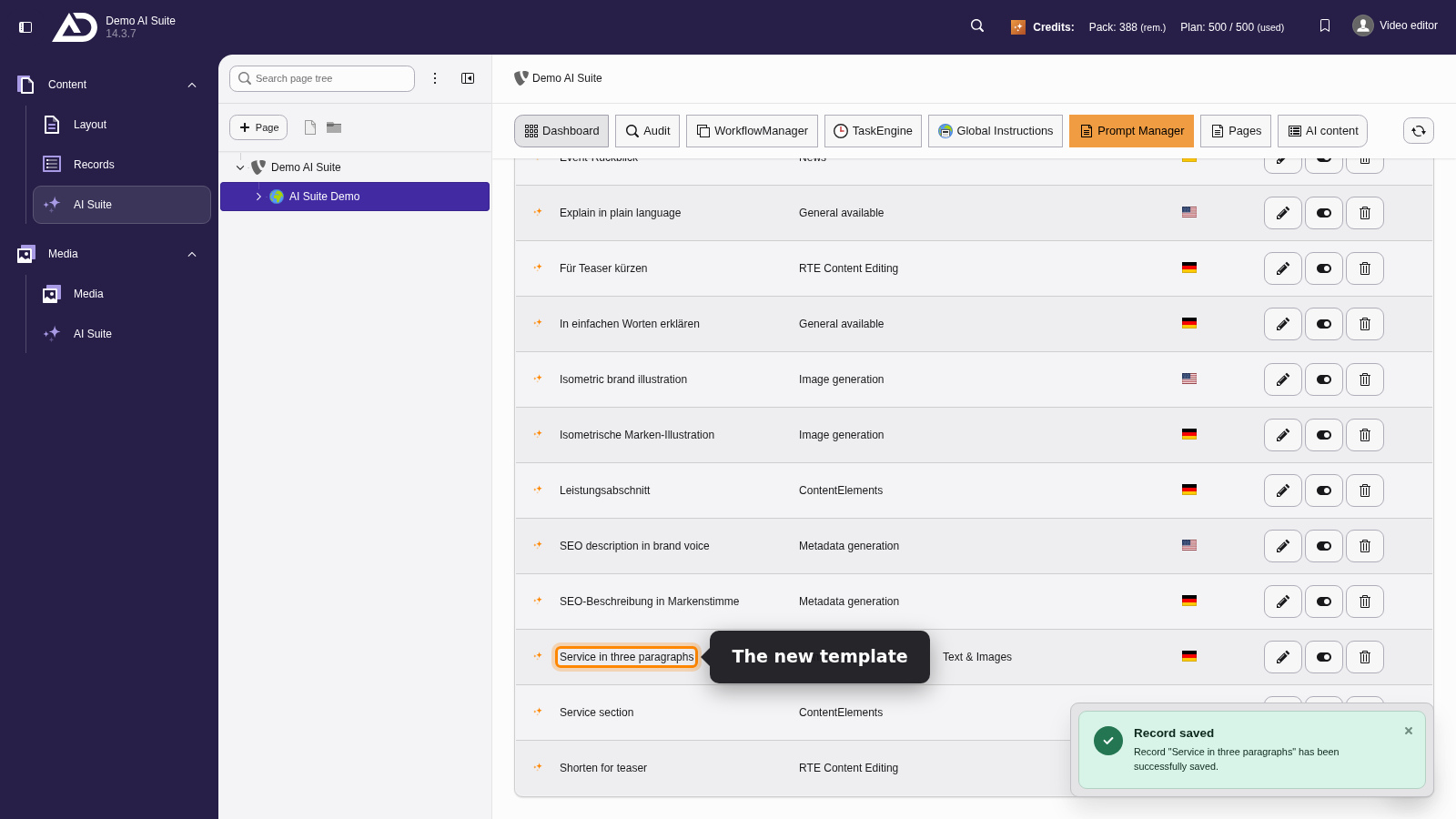
The new template now shows up in the Prompt Manager list and can be picked wherever its scope applies.