Every conversation is separate. They are stored per backend user, named automatically from the first message, and can be reopened, switched or deleted through the list in the chat. With “+ New conversation” you start over.
Since version 0.3.0 every message shows the time it was written, and the conversation list shows the date and time of last use.
If a conversation gets long, you can condense it through “Summarize”. The earlier messages are then replaced by a summary, recognisable in the history by a separator line.
-
Show larger version
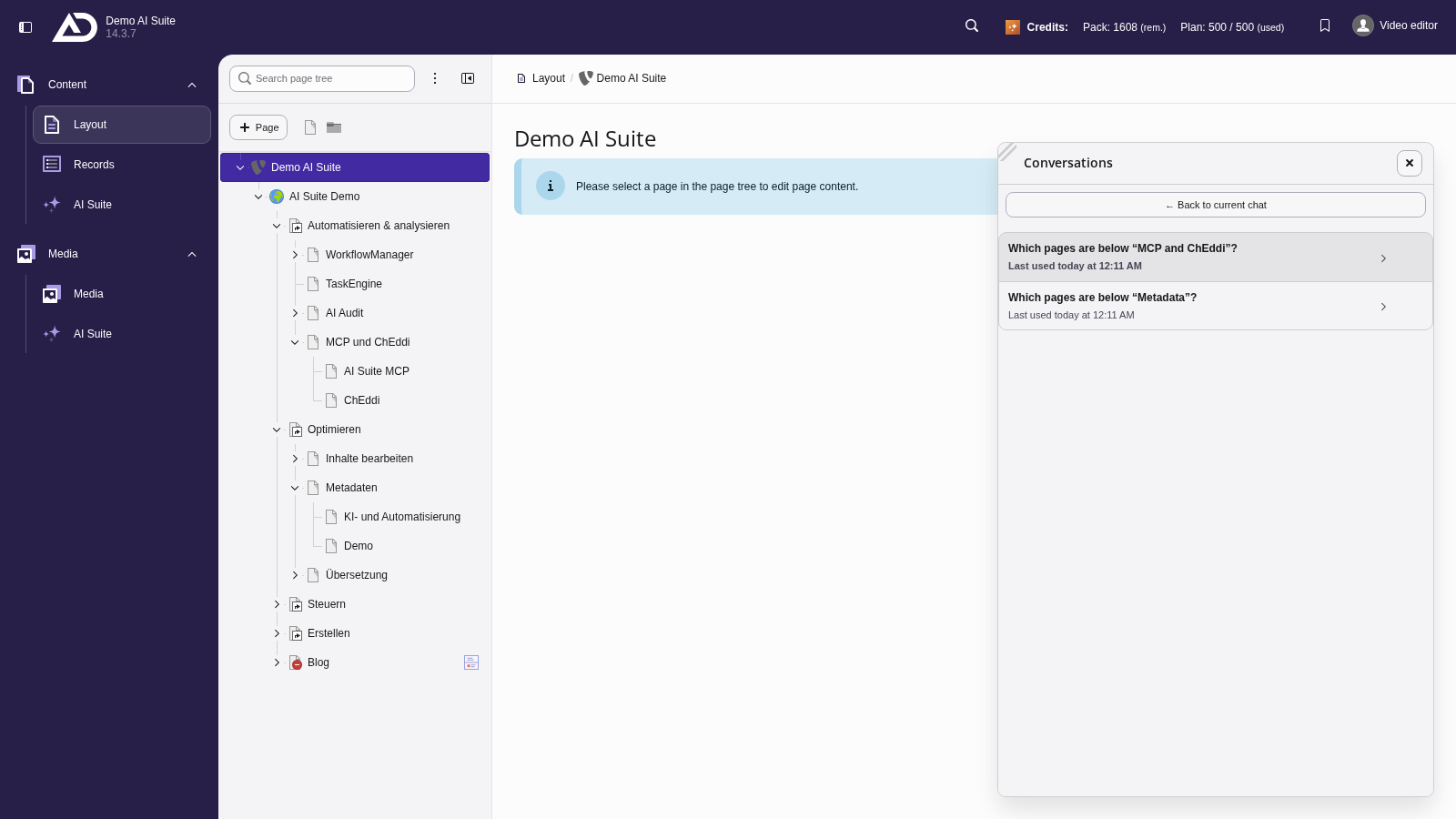
Conversations are saved. Under “Conversations” you find all chats with date and time, and they can be opened again later.
-
Show larger version
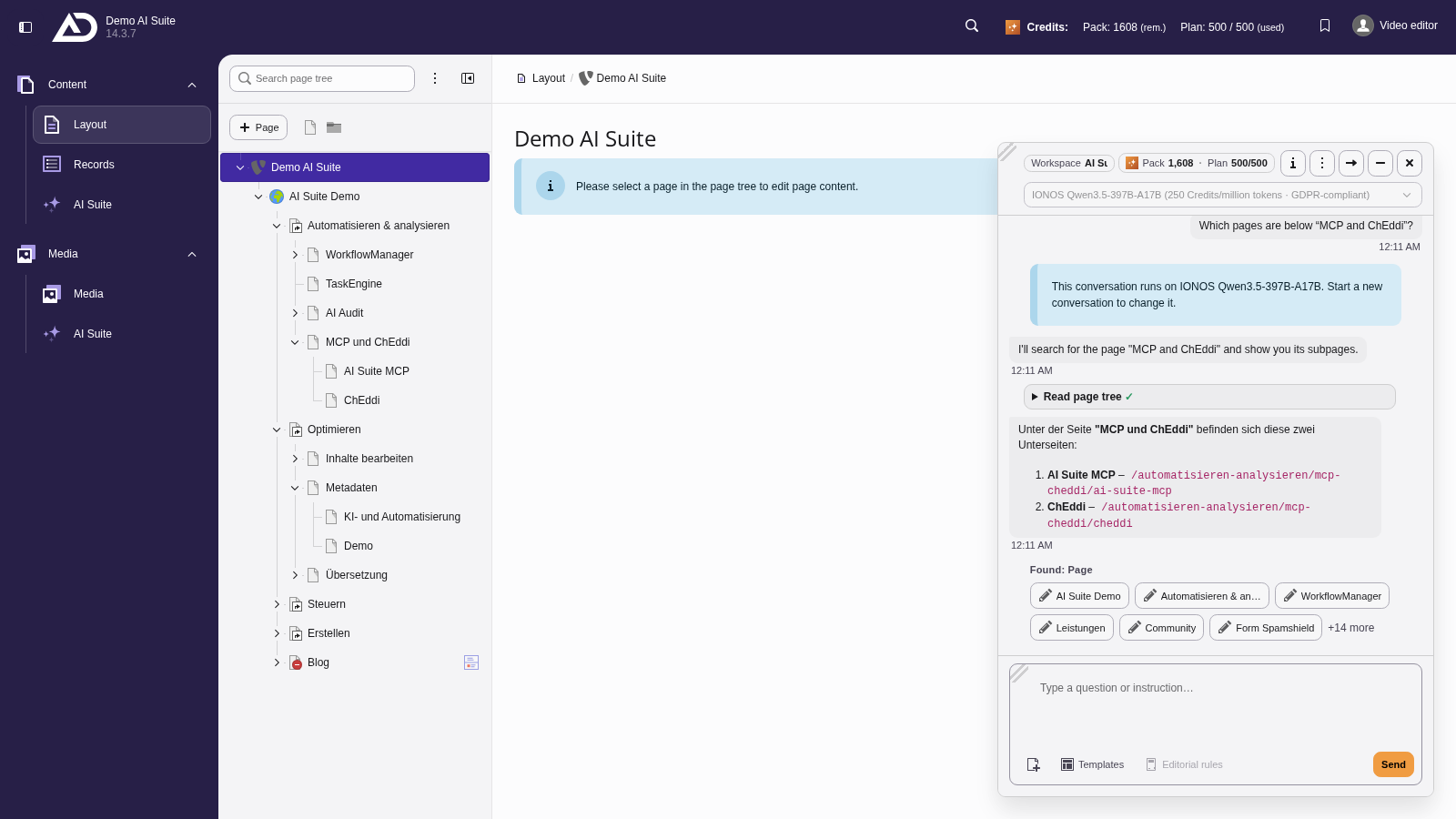
Every message carries its time.
Model selection
You choose the model at the top of the chat. Important: it is fixed from the first answer of the conversation onwards. Switching is only possible through a new conversation. Only models your backend group is authorized for are offered. The current choice is OpenAI GPT-5.6 Luna, IONOS Qwen3.5-397B-A17B, Claude Haiku 4.5, Claude Sonnet 5 and, since version 0.3.0, Claude Opus 5. If GDPR mode is active, only IONOS Qwen3.5-397B-A17B is available.
Per model you see the price in credits per million tokens, and GDPR-compliant models are marked.
-
Show larger version
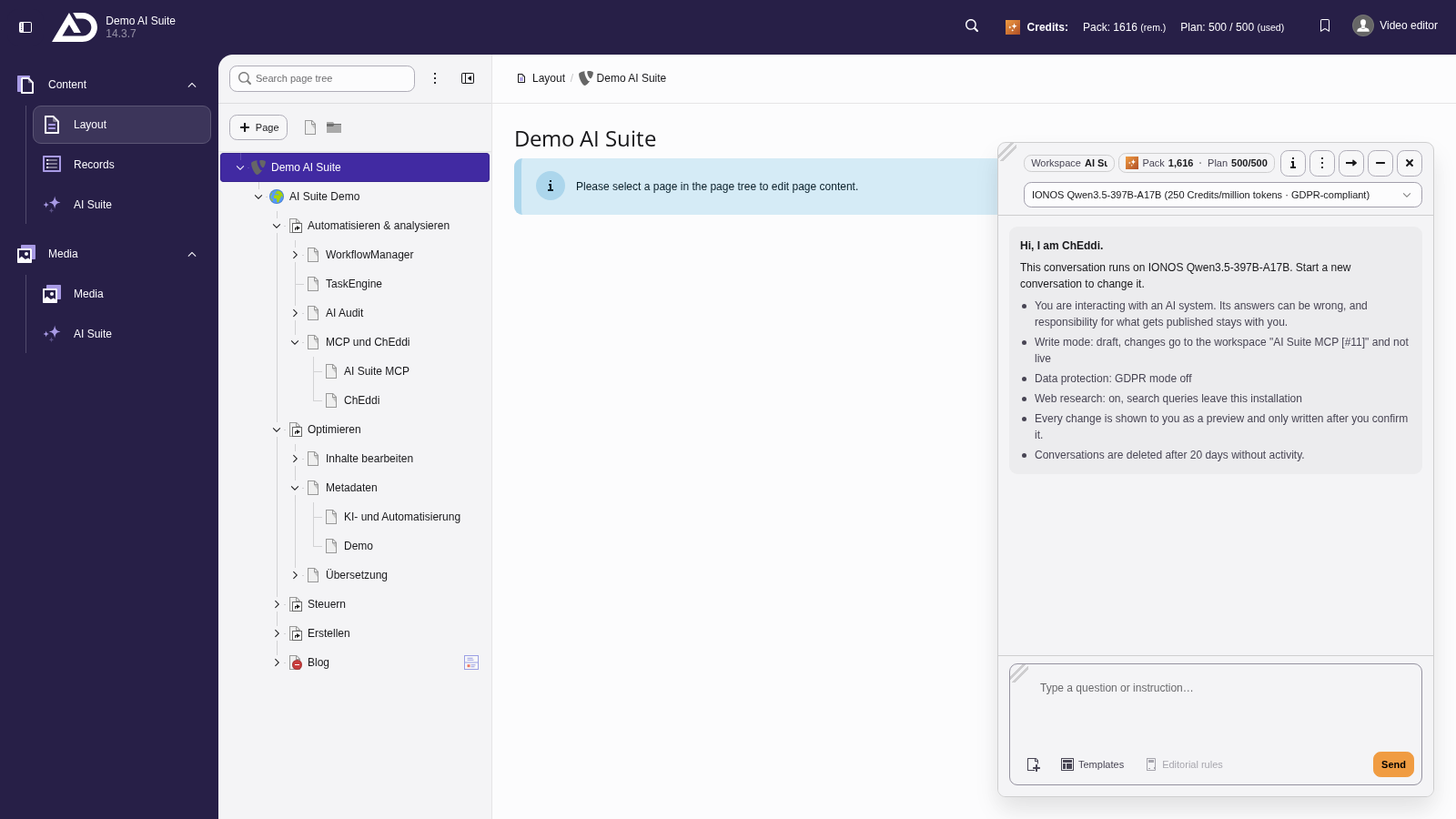
We choose the model at the start of a conversation. The selection shows the cost per million tokens and marks GDPR-compliant models.
Credits
Your balance is shown at the top of the chat and changes colour when it runs low. Once the credits are used up, the input area locks.
Two rules of thumb from practice:
- Continuing a conversation costs less than starting a new one.
- One conversation per topic is cheaper than one long conversation about everything.
On the second rule: with every message the history so far is sent again, so long conversations about many topics become expensive. Once a conversation is finished topically, end it rather than dragging it on.