 Off by default
Web research is switched off until a backend group is granted the permission for it, see Permissions. Its behaviour and its settings may still change between minor versions.
ChEddi can look things up on the web when needed. It searches for pages matching your question, reads them and lets the result flow into its answer. The sources used appear with the answer in the “Sources” section, so you can check them.
If you name an address yourself, it is fetched directly. A search through a search provider, on the other hand, runs via the AI Suite server and costs credits. Outside GDPR mode, models with their own web search use that instead.
Web research can also be used in a GDPR-compliant way. With GDPR mode active, the search runs through a search provider hosted in the EU. If that provider does not serve the language region of your website, or if the server has no EU search provider, the search is skipped and the chat states the reason at the top.
-
Show larger version
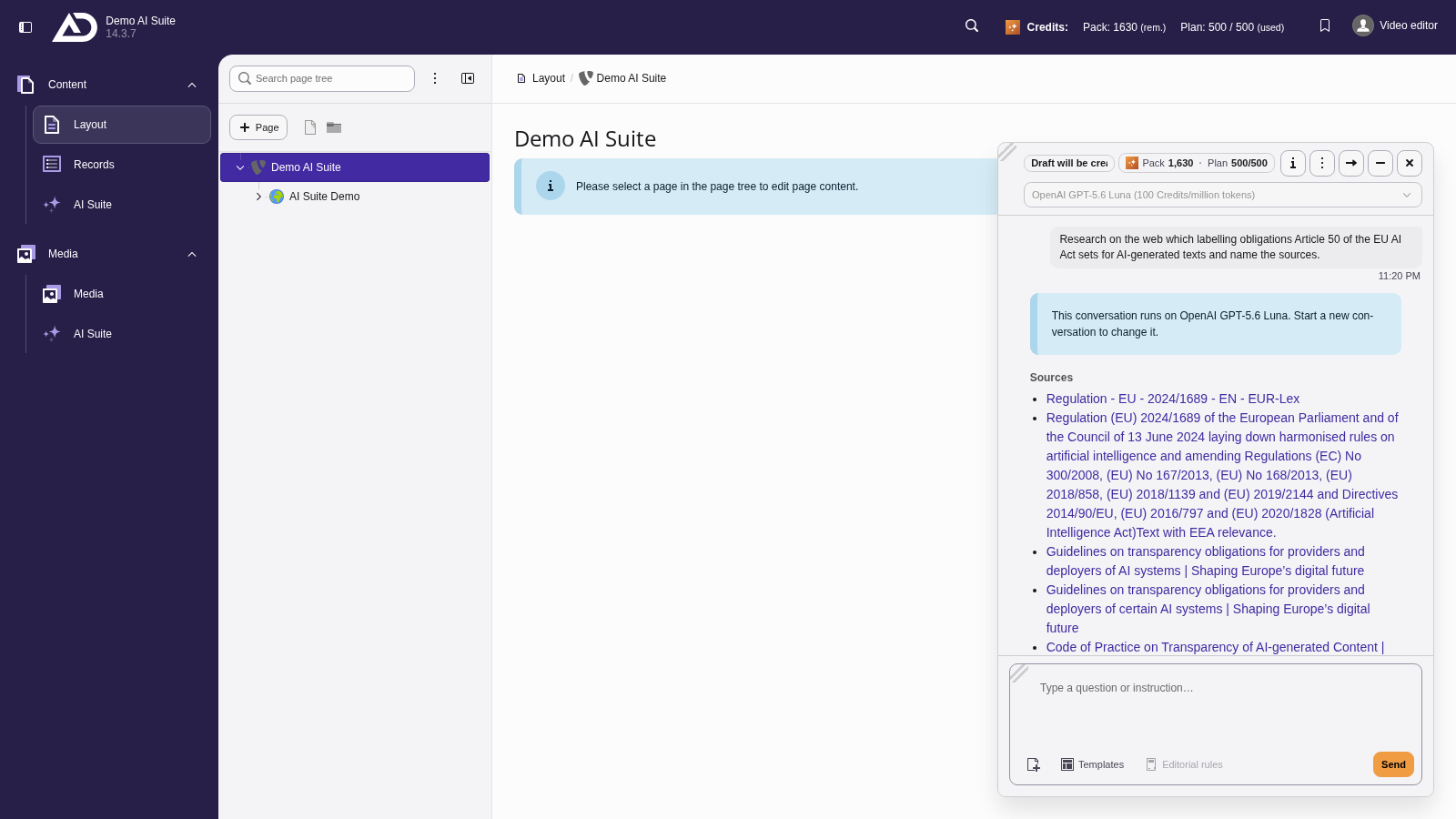
Here ChEddi sums up what Article 50 requires for AI-generated texts. Above the answer, the sources are listed in the “Sources” section. That way every statement can be checked.
Limits
Page text is extracted heuristically. Scripts, styling and boilerplate are stripped, and the result is truncated. The model therefore sees a cleaned-up excerpt, not the page. With tables, footnotes or nested layouts something can get lost along the way.
If research is unavailable, the chat states the reason at the top, for instance that your group may not use it, that the EU search provider does not serve the language region of your website, that the server has no EU search provider in GDPR mode, or that on a plan with your own keys the key is missing.