Generation of Metadata
The AI Suite supports you in generating and revising various SEO metadata. Currently, we support the most important SEO metadata (page title, meta description, Open Graph tags, Twitter tags and abstract).
In addition, you can create or revise your image metadata. You can use this function both for images within your content elements and for images in the file list.
You can also generate or revise the metadata (alternative title and description) in your news records (EXT:news).
-
Show larger version
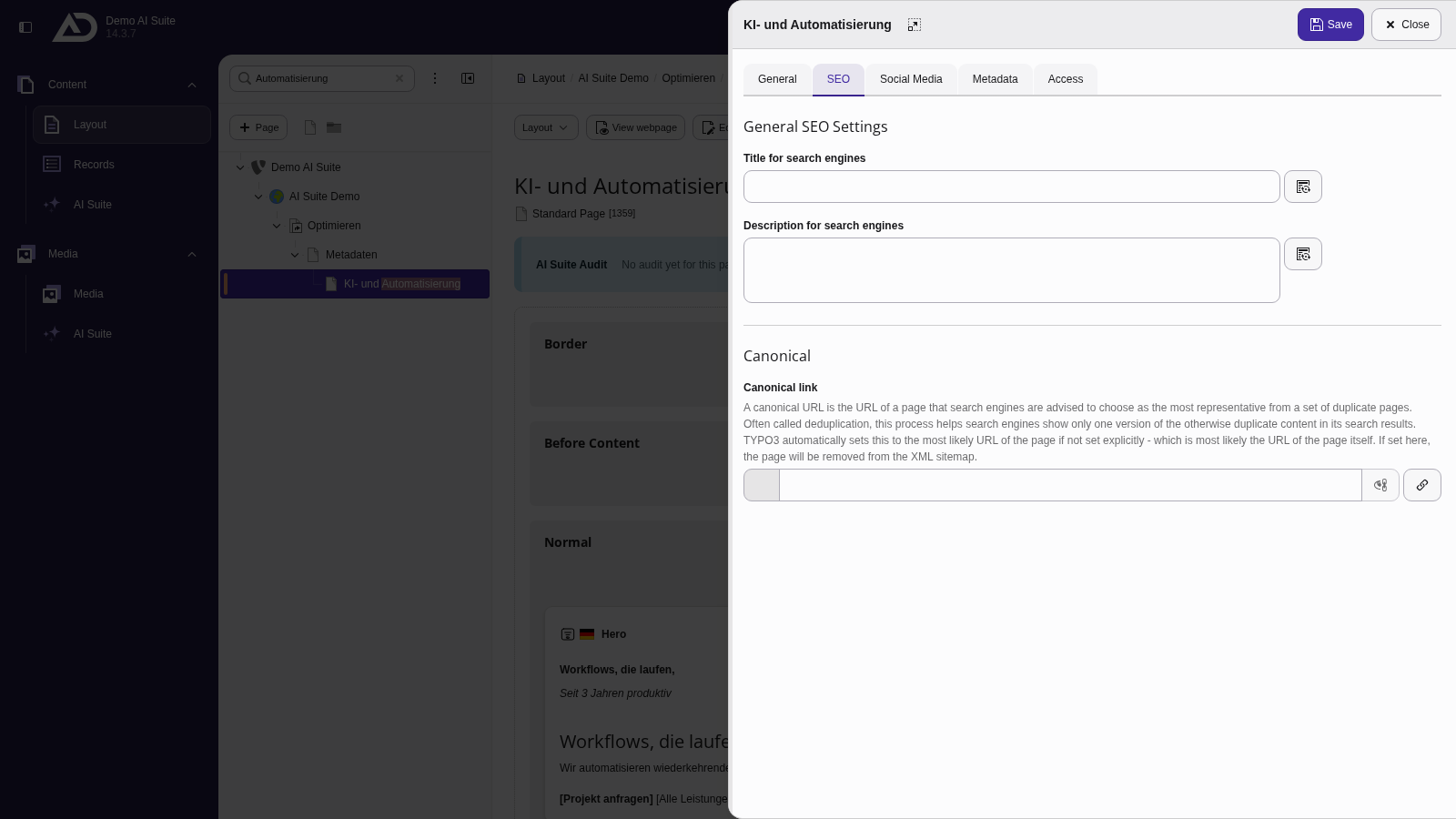
In the “SEO” tab, “Title for search engines” and “Description for search engines” each have an AI button.
-
Show larger version
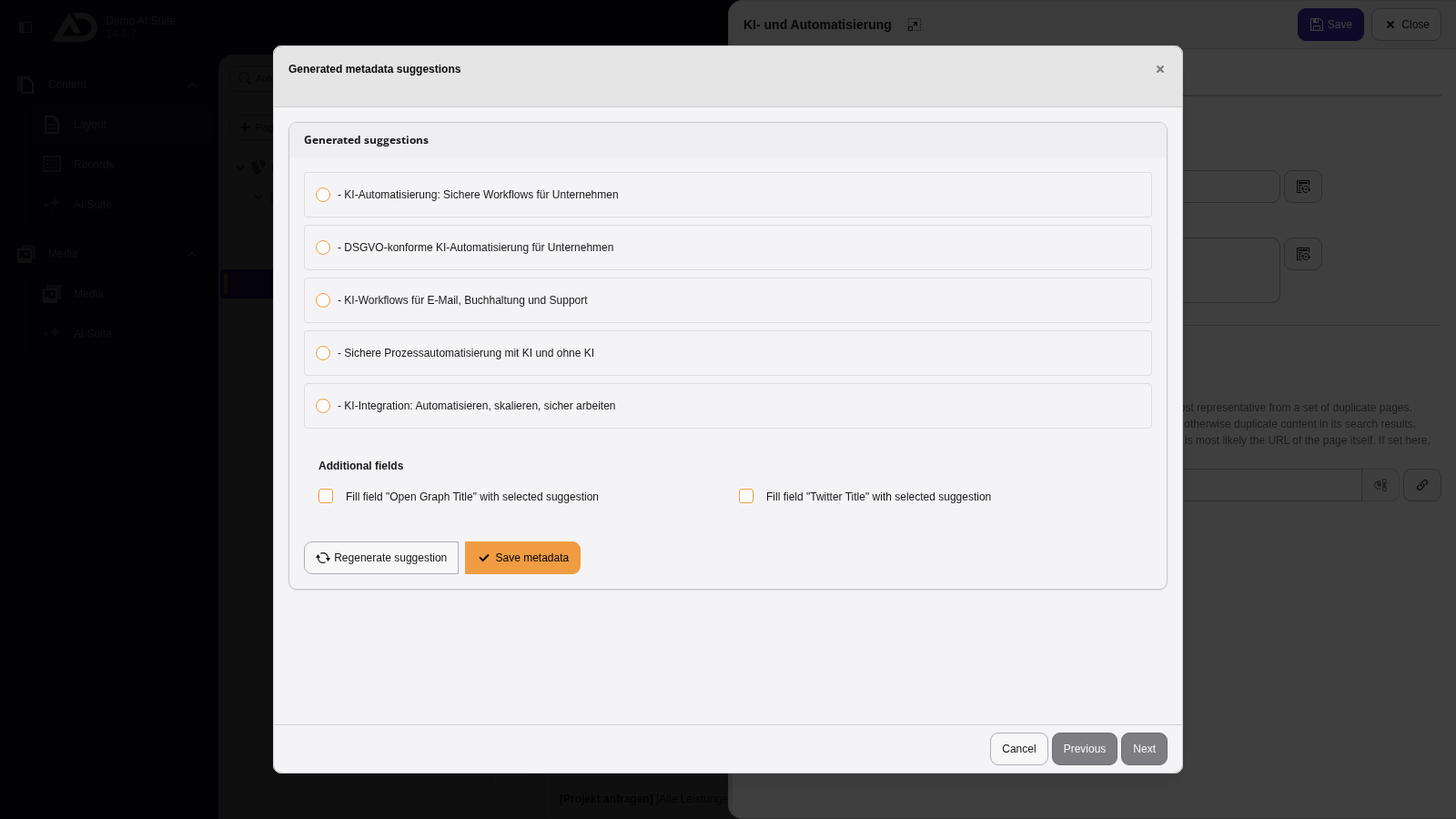
The AI Suite reads the page content and suggests several titles.
-
Show larger version
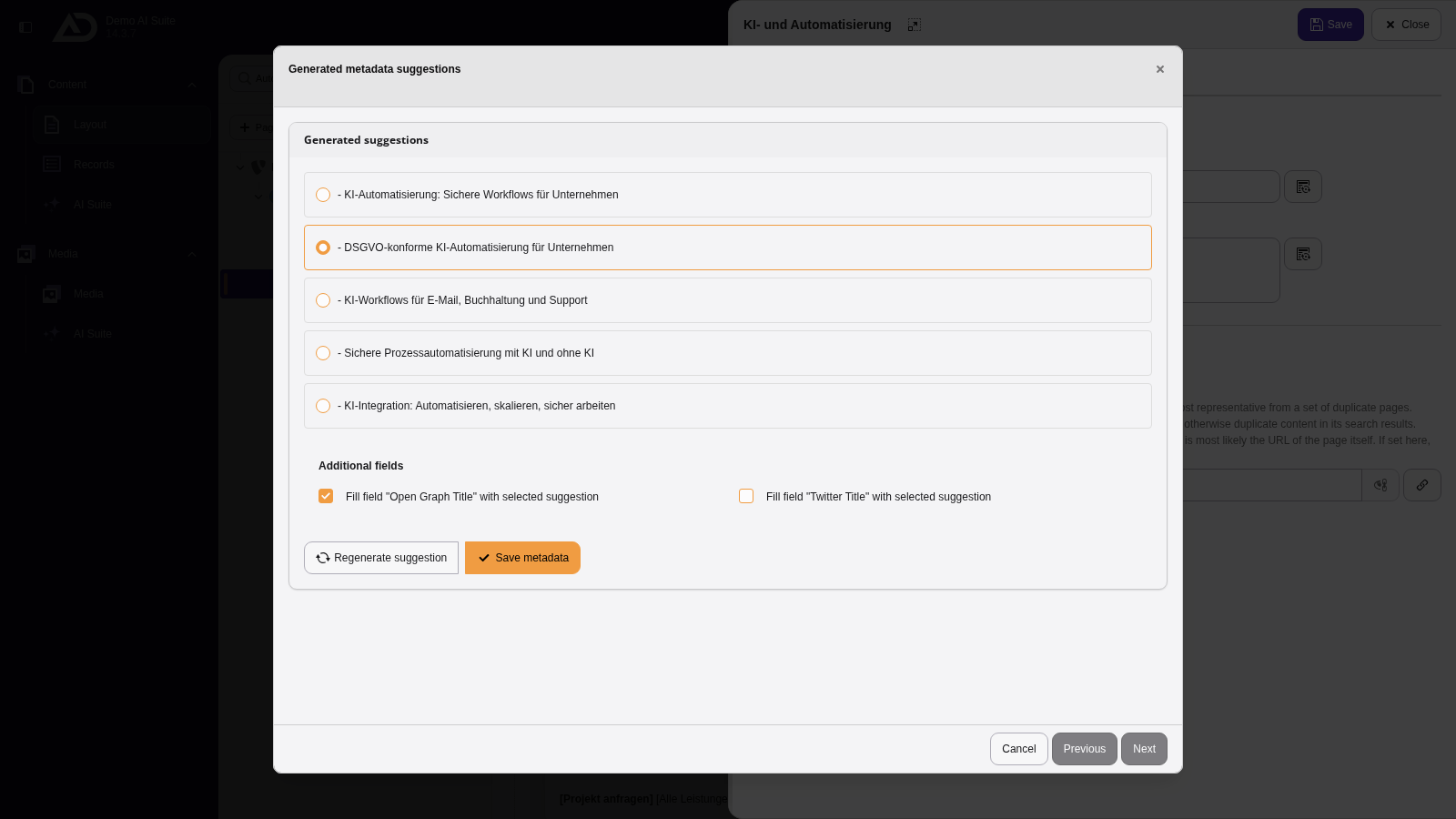
We choose a suggestion, use it for the Open Graph title as well if we like, and click “Save metadata”.
-
Show larger version
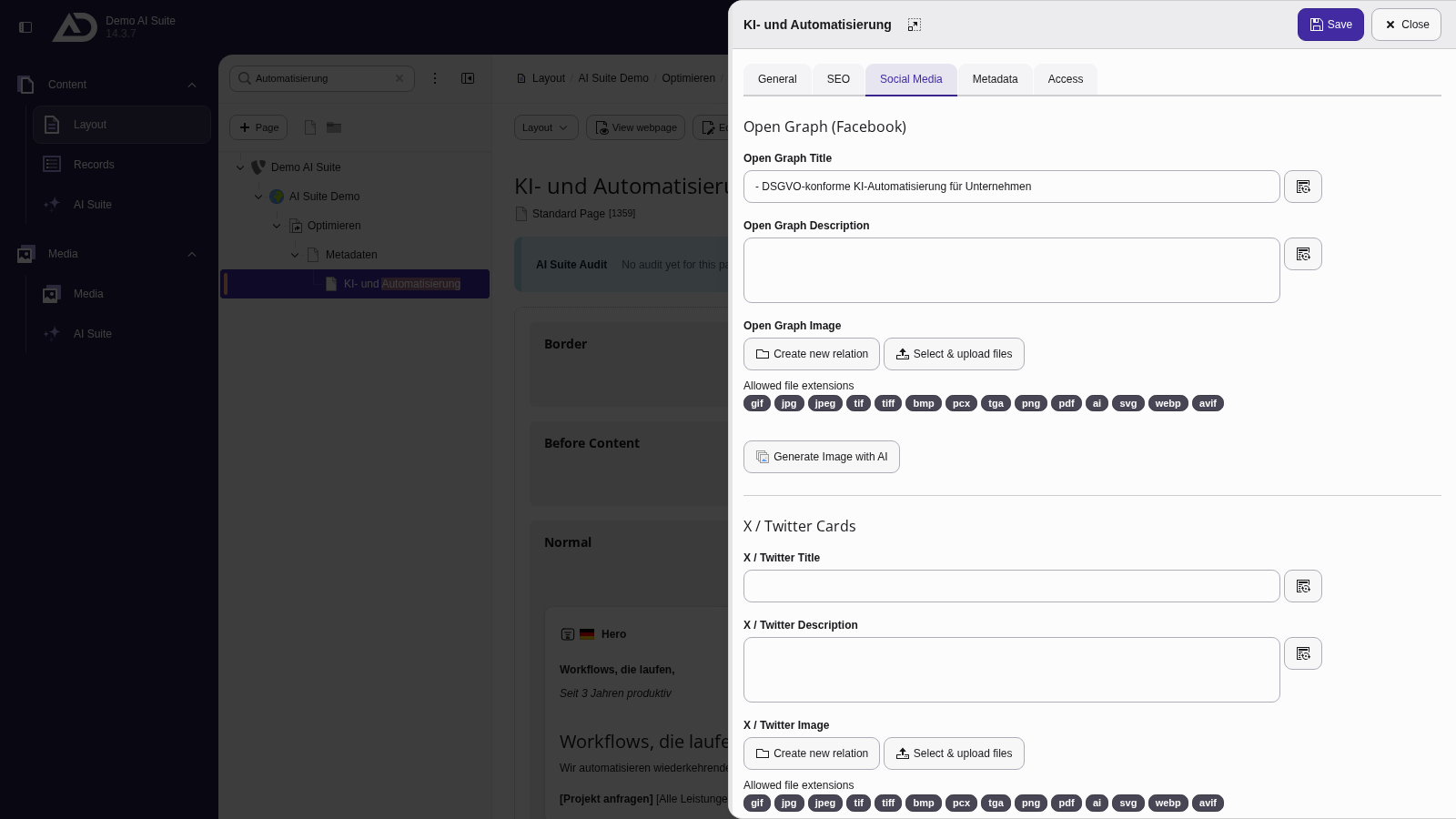
The title is in the field. In the “Social Media” tab, the Open Graph title is filled as well, with AI buttons there too.
-
Show larger version
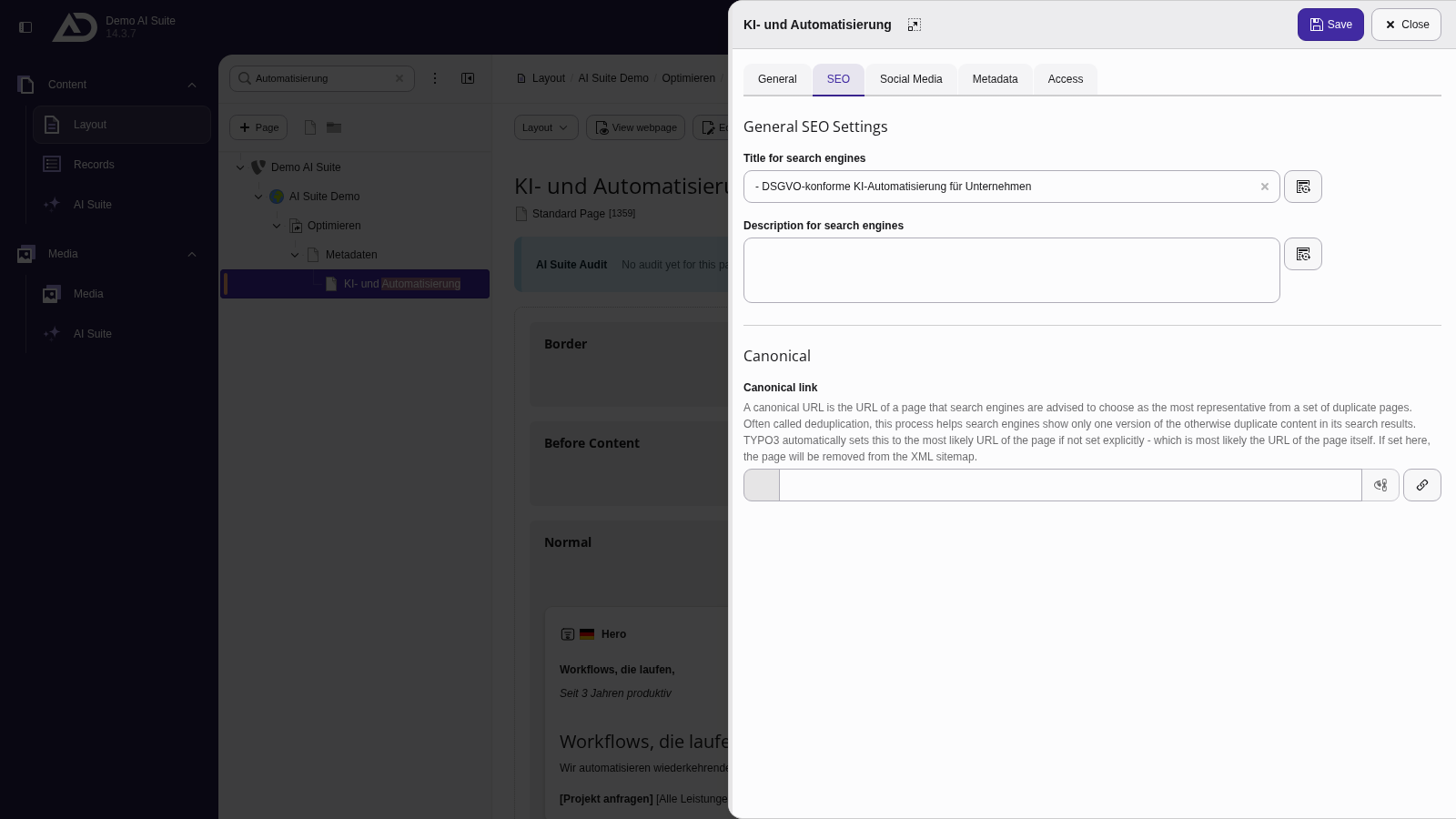
Finally, we save the page properties.
-
Show larger version
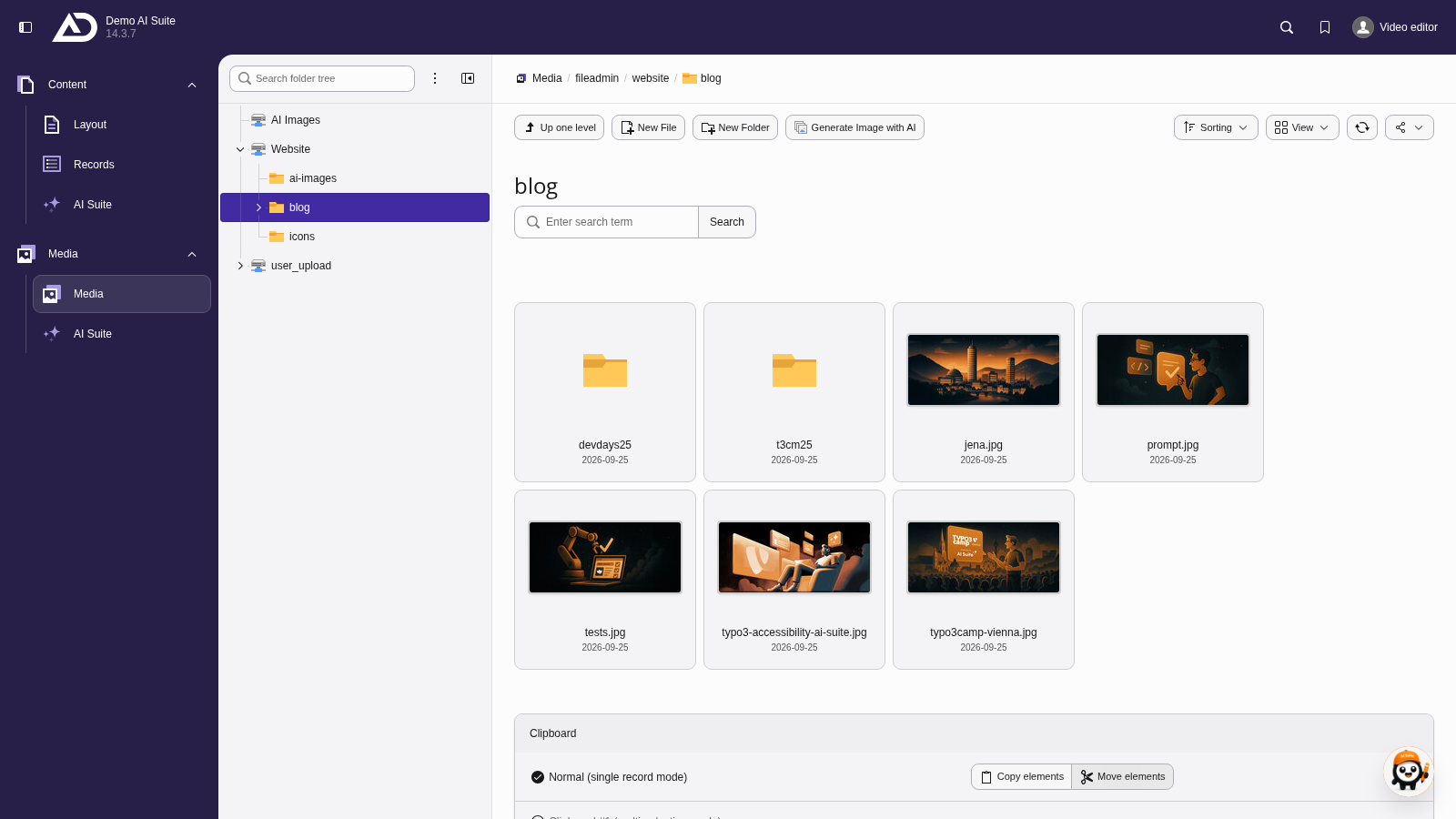
In the file list, we switch to the “blog” folder.
-
Show larger version
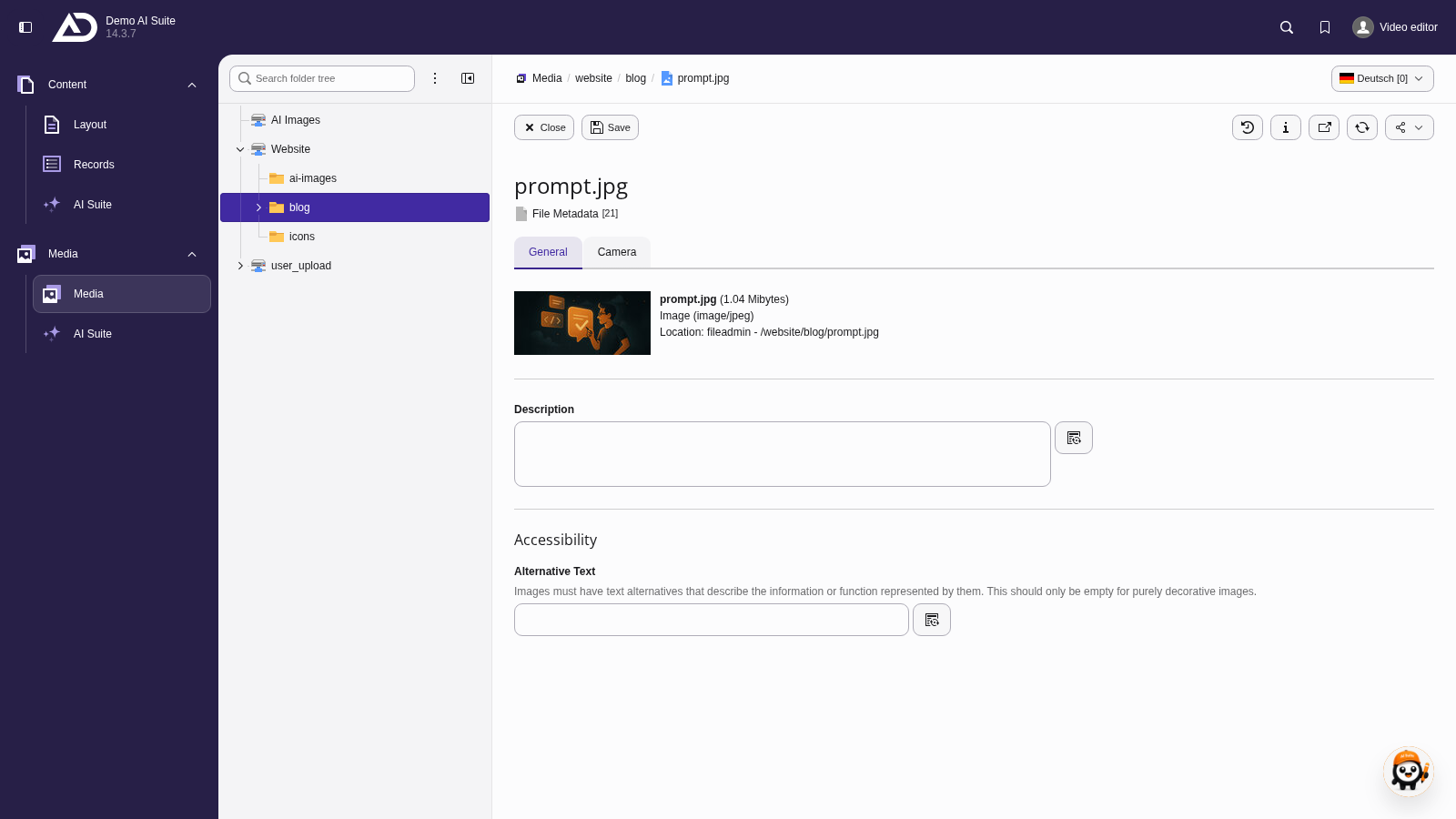
A click on the image opens its metadata. Next to “Title”, “Description” and “Alternative Text”, there is an AI button each.
-
Show larger version
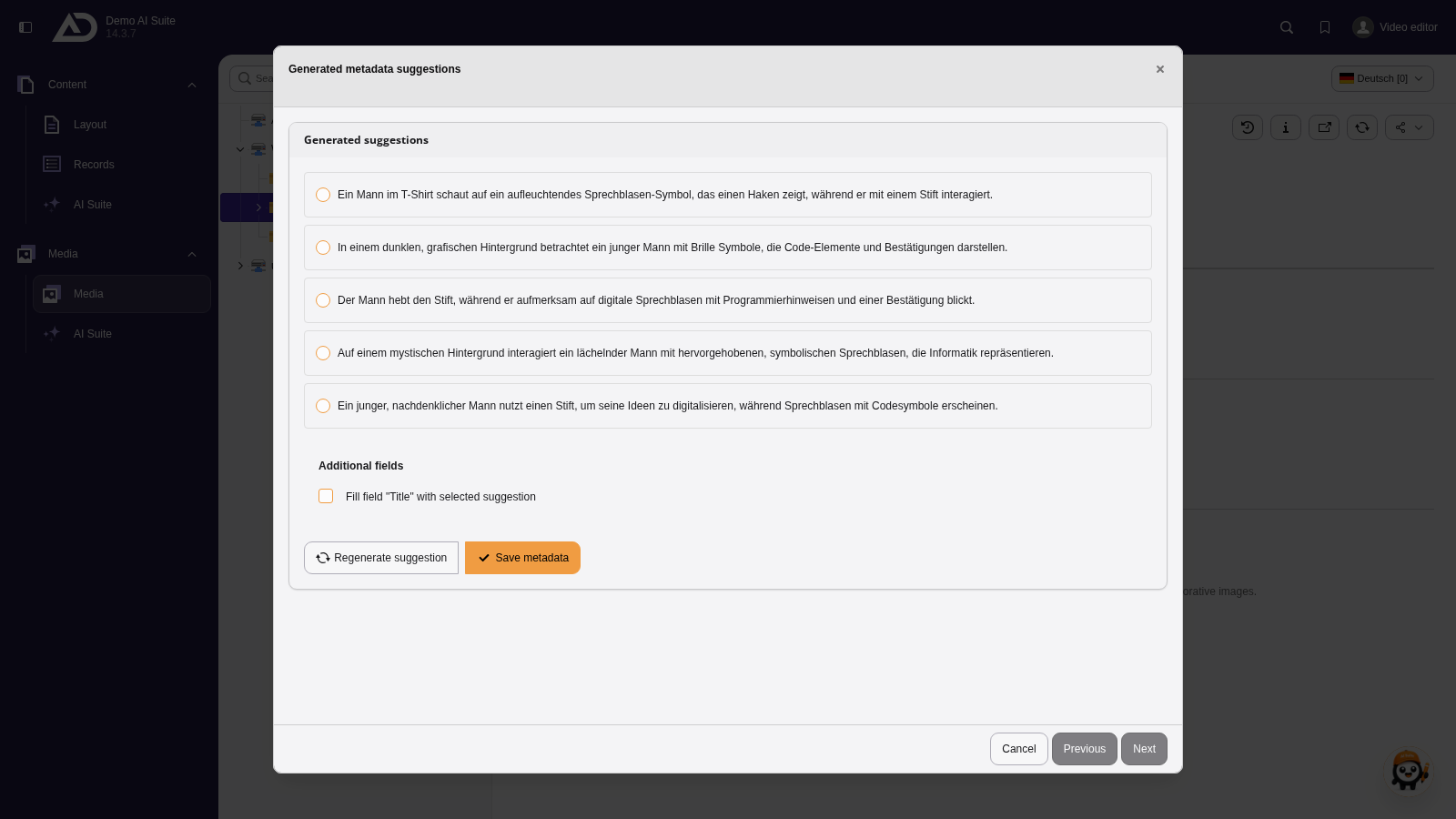
We start with the alternative text. A vision-capable model looks at the image and suggests texts.
-
Show larger version
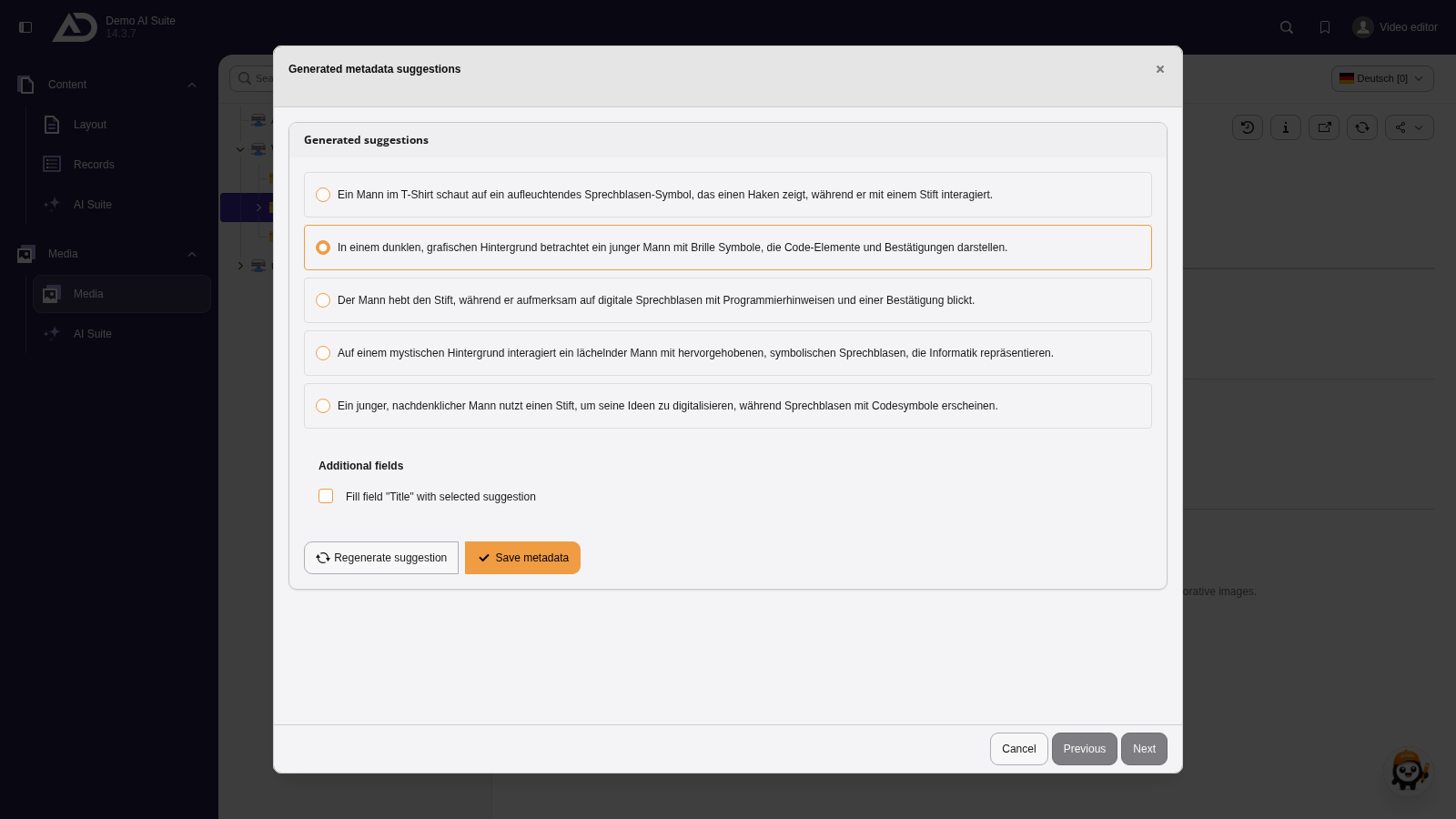
The suggestions are written in the selected language. We choose one and apply it with “Save metadata”.
-
Show larger version
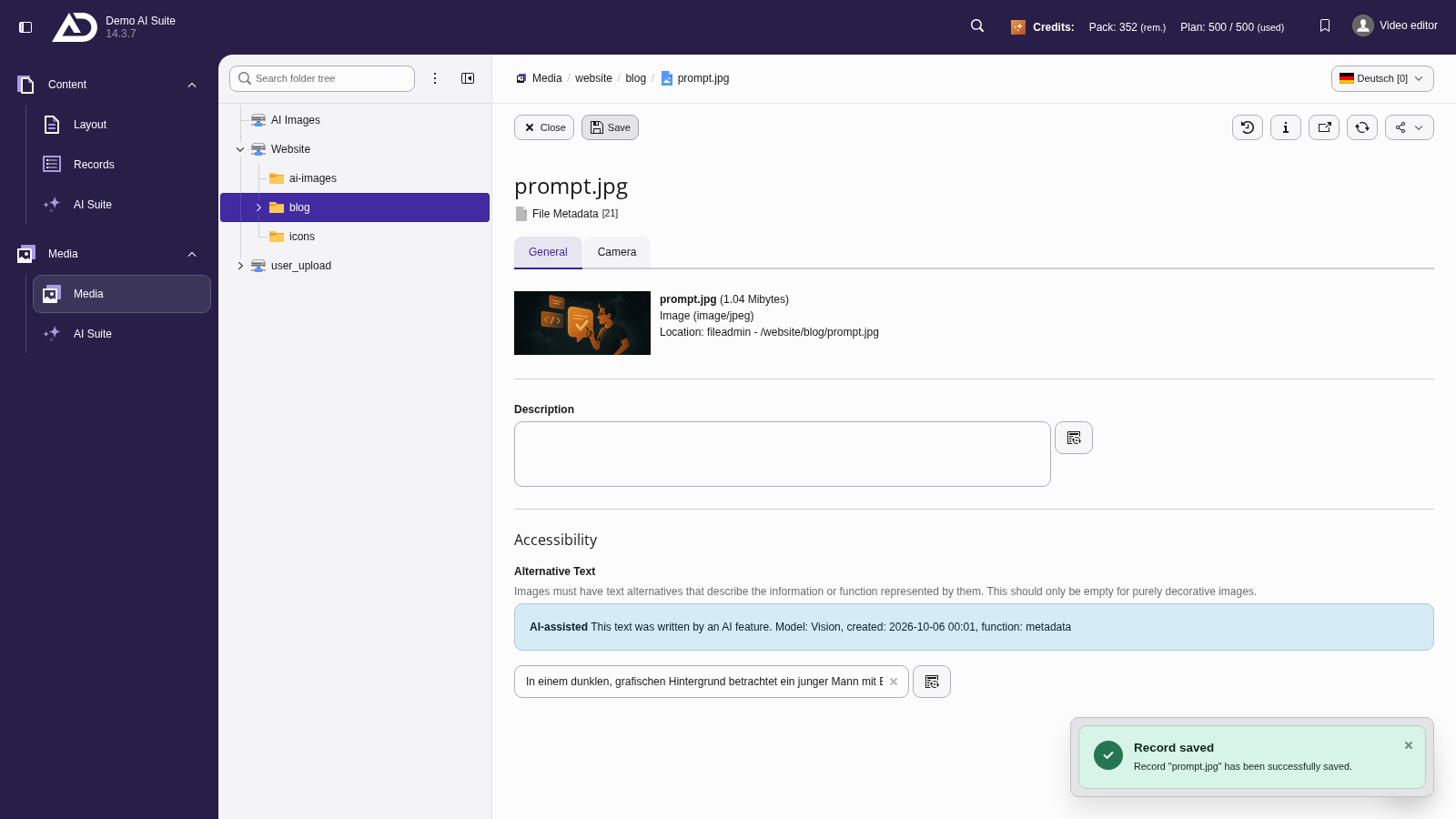
The alternative text is in the field. We save the metadata.
-
Show larger version
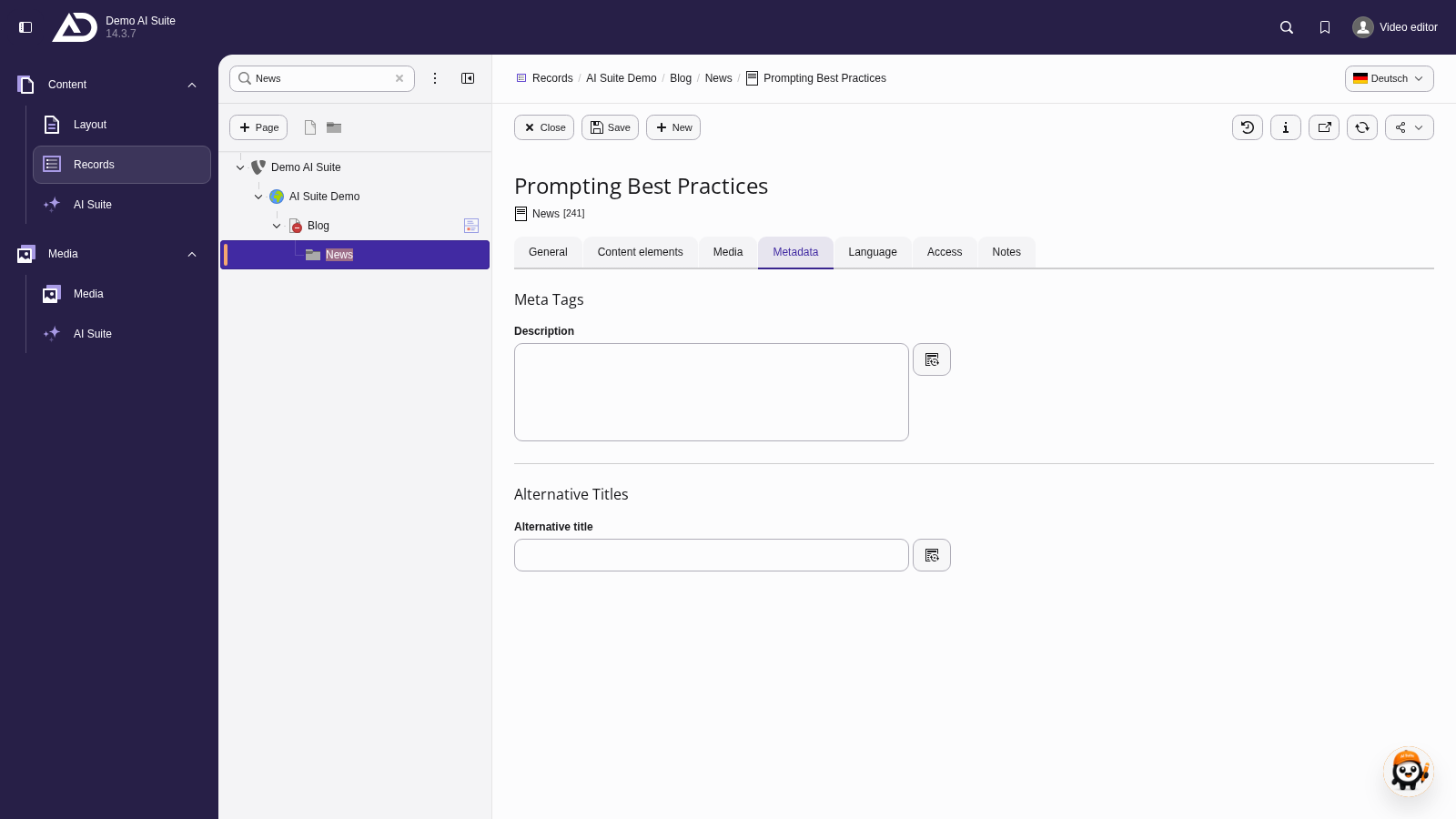
In the “Records” module, we open an article in the “News” folder and switch to the “Metadata” tab.
-
Show larger version
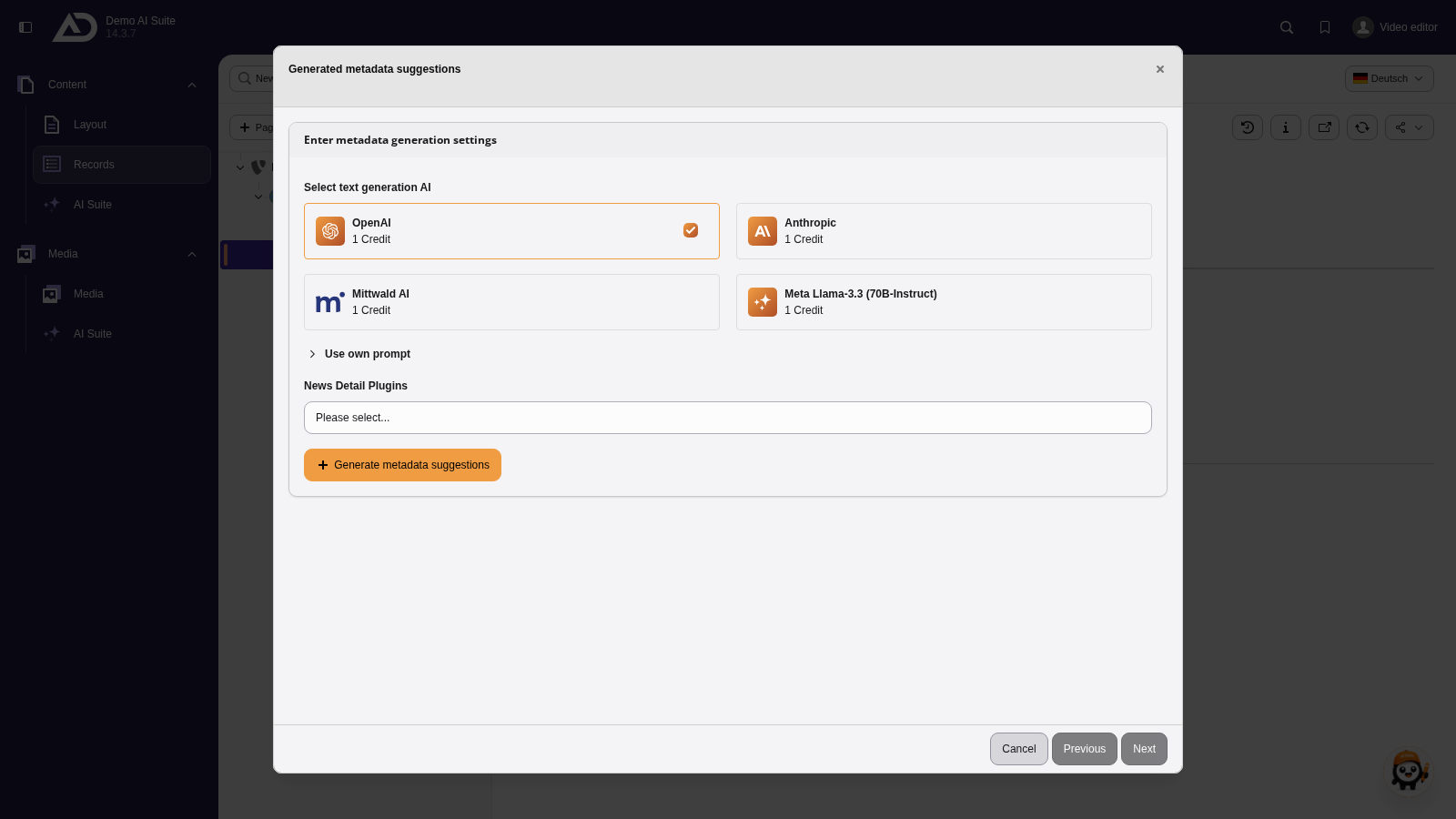
We start with the description and choose the model and the news detail plugin. The AI Suite reads the article and suggests several texts.
-
Show larger version
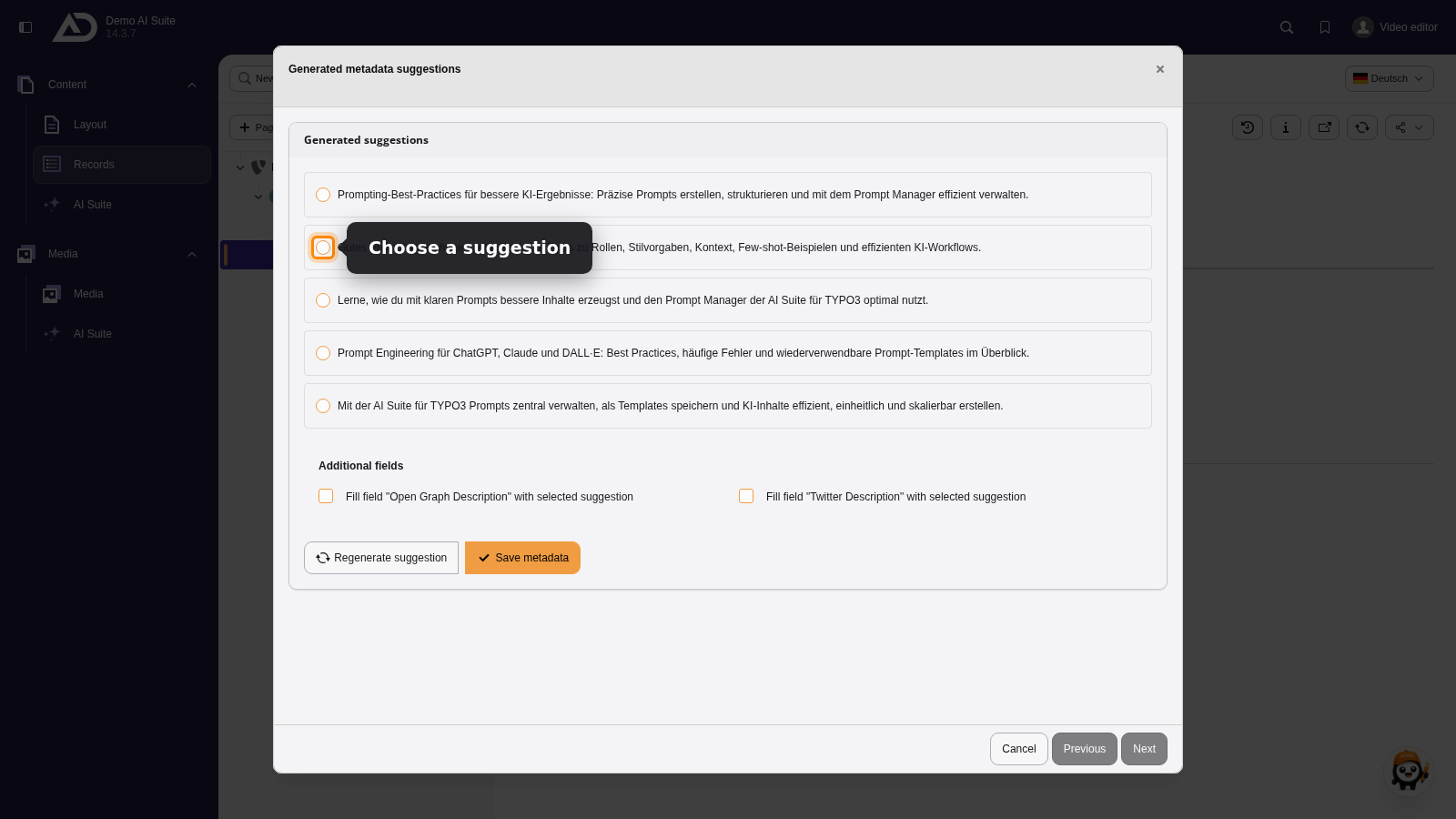
The suggestions are written in the language of the article. We choose one and apply it.
-
Show larger version
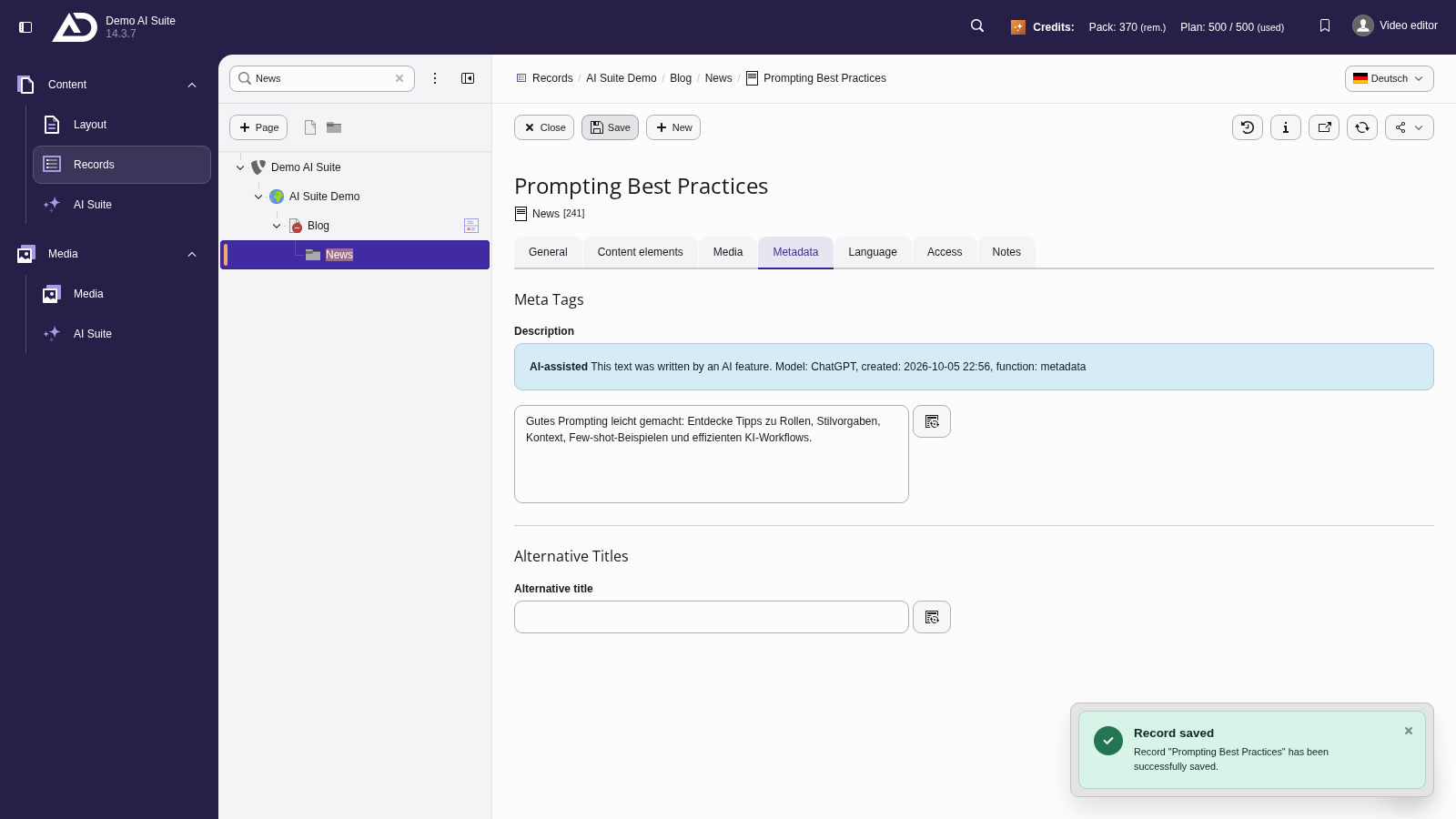
The description is in the field. We save the article.