Managing your own prompts
So that you don’t have to enter your prompts again every time, a Prompt Manager is available to you. Here you can load predefined prompts from the AutoDudes Server and use them, as well as create your own custom prompt templates. Each prompt template consists of a name and the prompt text. With the scope and, for content elements and metadata, additionally with the type or field, you limit where it is offered.
-
Show larger version
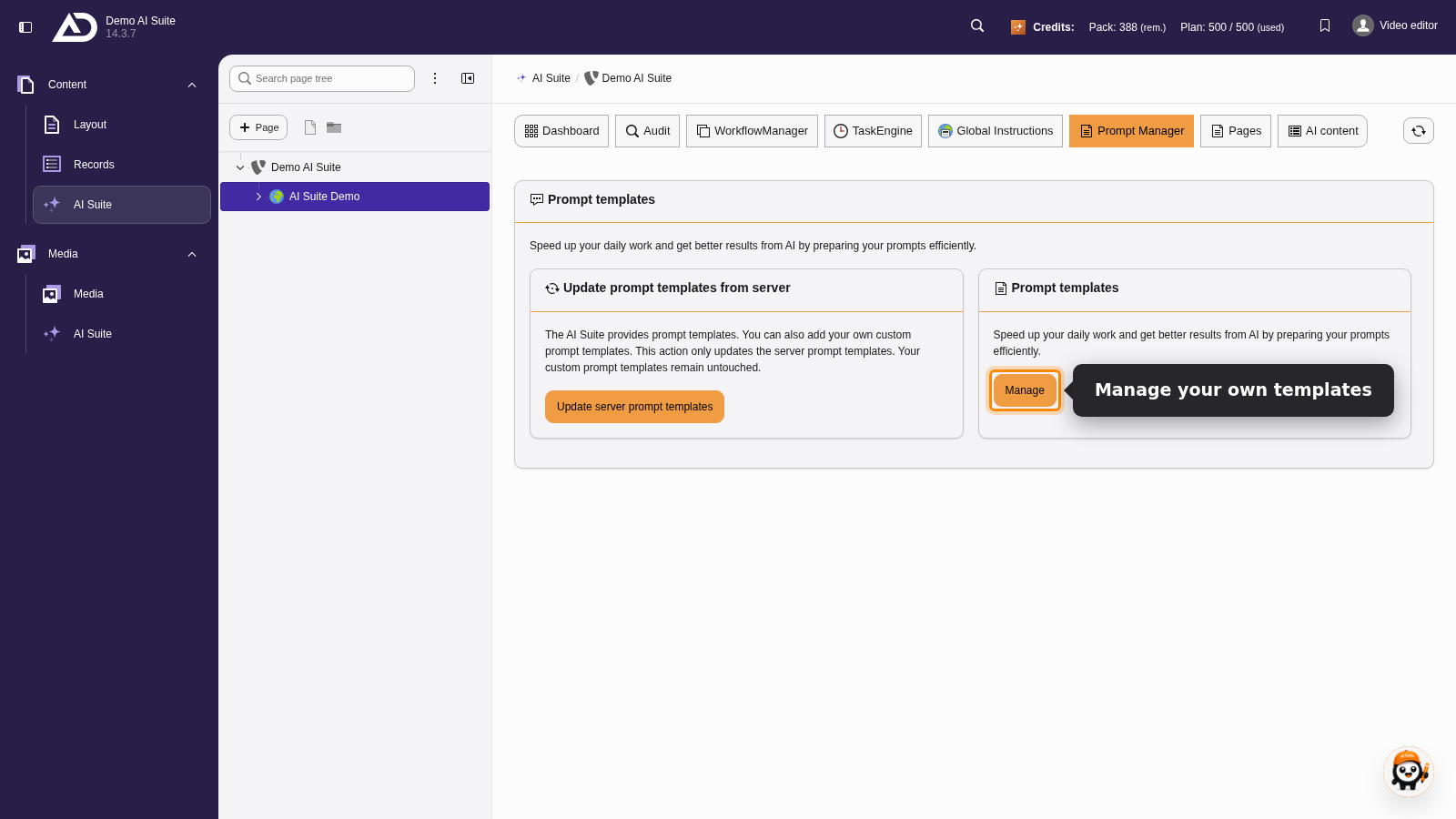
In the “Prompt Manager” section, “Manage” on the “Prompt templates” card leads to the list of our own templates.
-
Show larger version
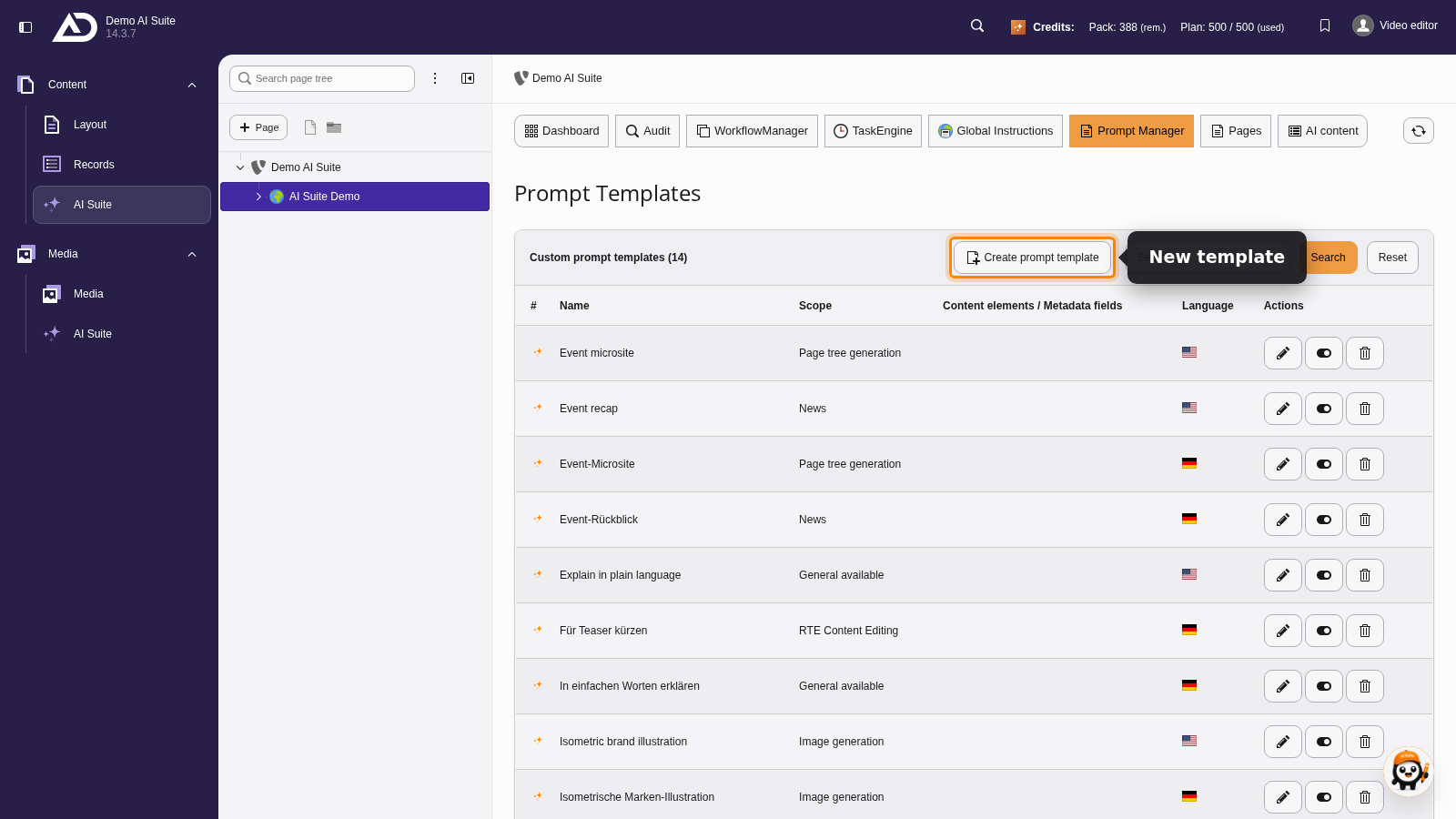
Here we see all of our own prompt templates. With “Create prompt template” we add a new one.
-
Show larger version
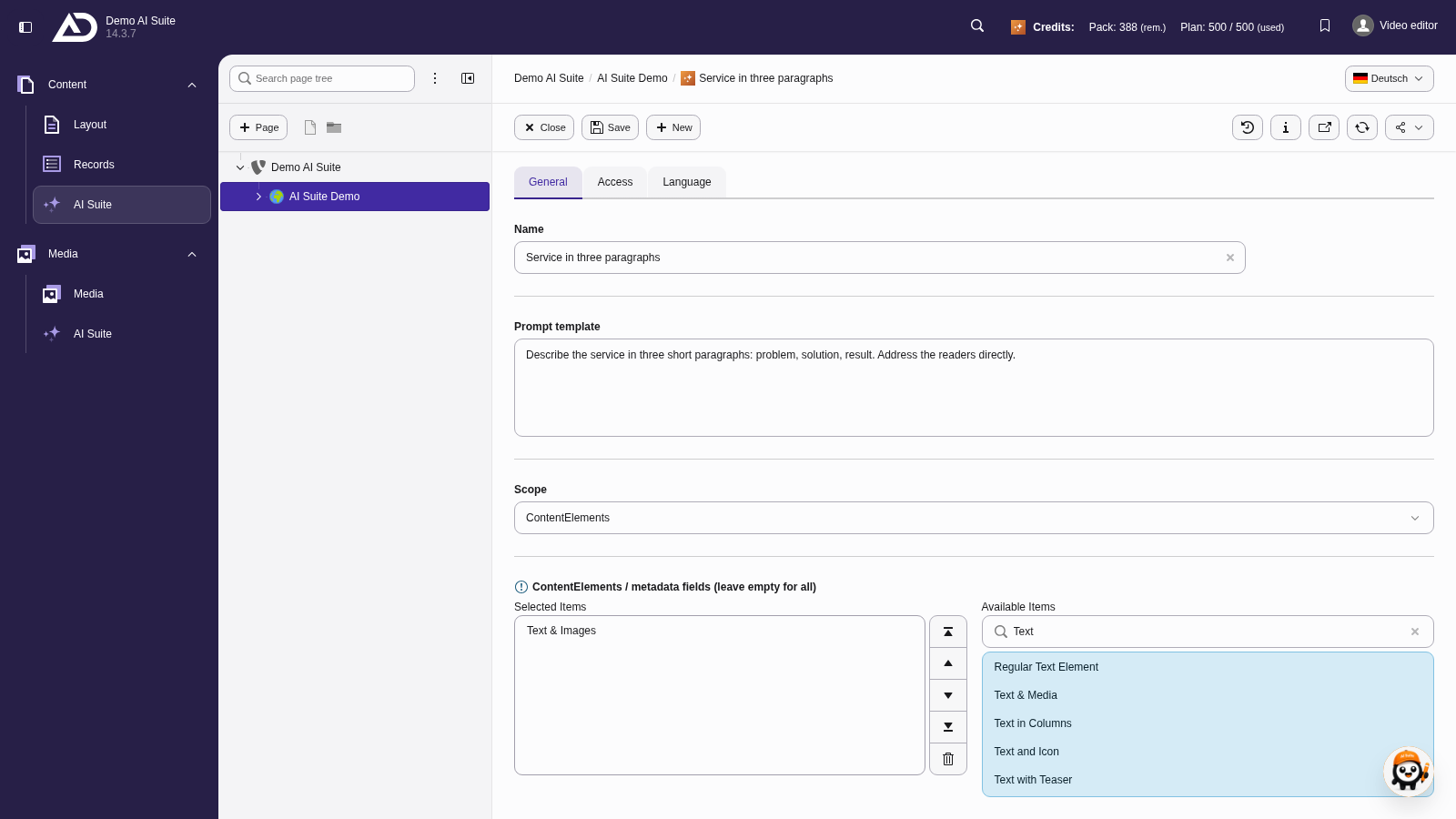
As the scope we choose “Content elements” and limit the template to “Text & Images”. If the selection stays empty, it applies to all content elements.
-
Show larger version
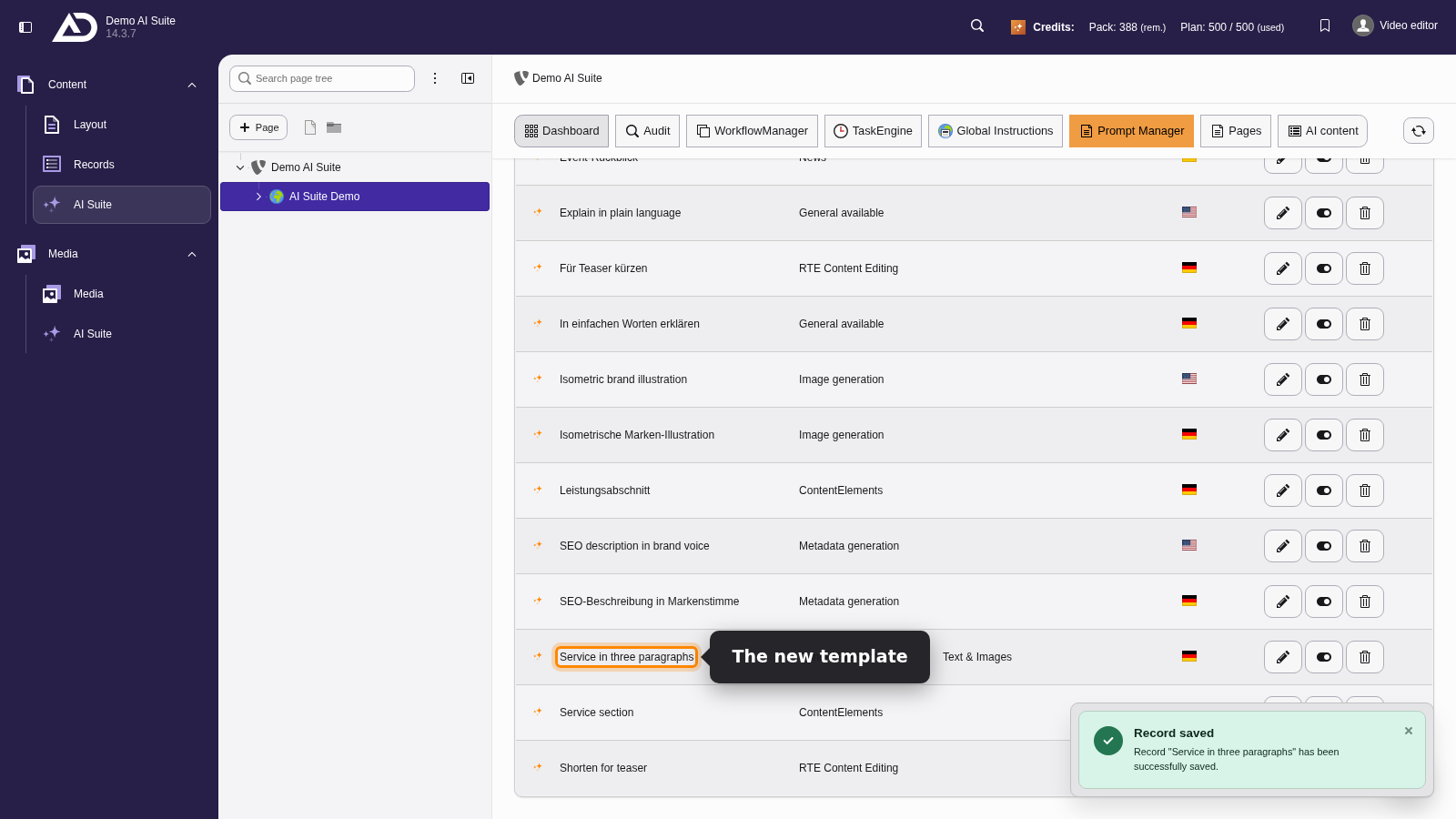
The new template now shows up in the Prompt Manager list and can be picked wherever its scope fits.