-
Show larger version
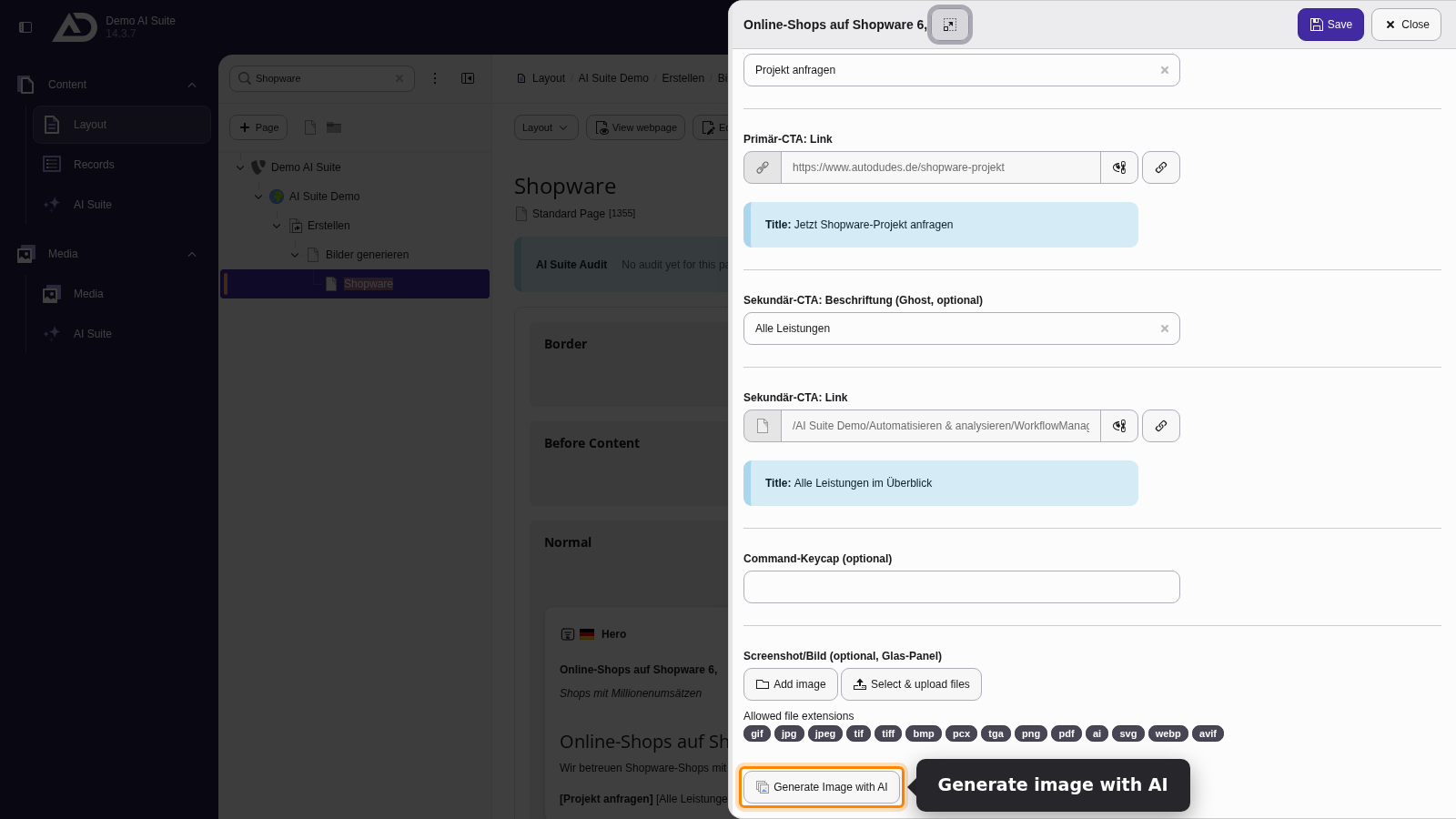
Next to every image field is the “Generate Image with AI” button.
-
Show larger version
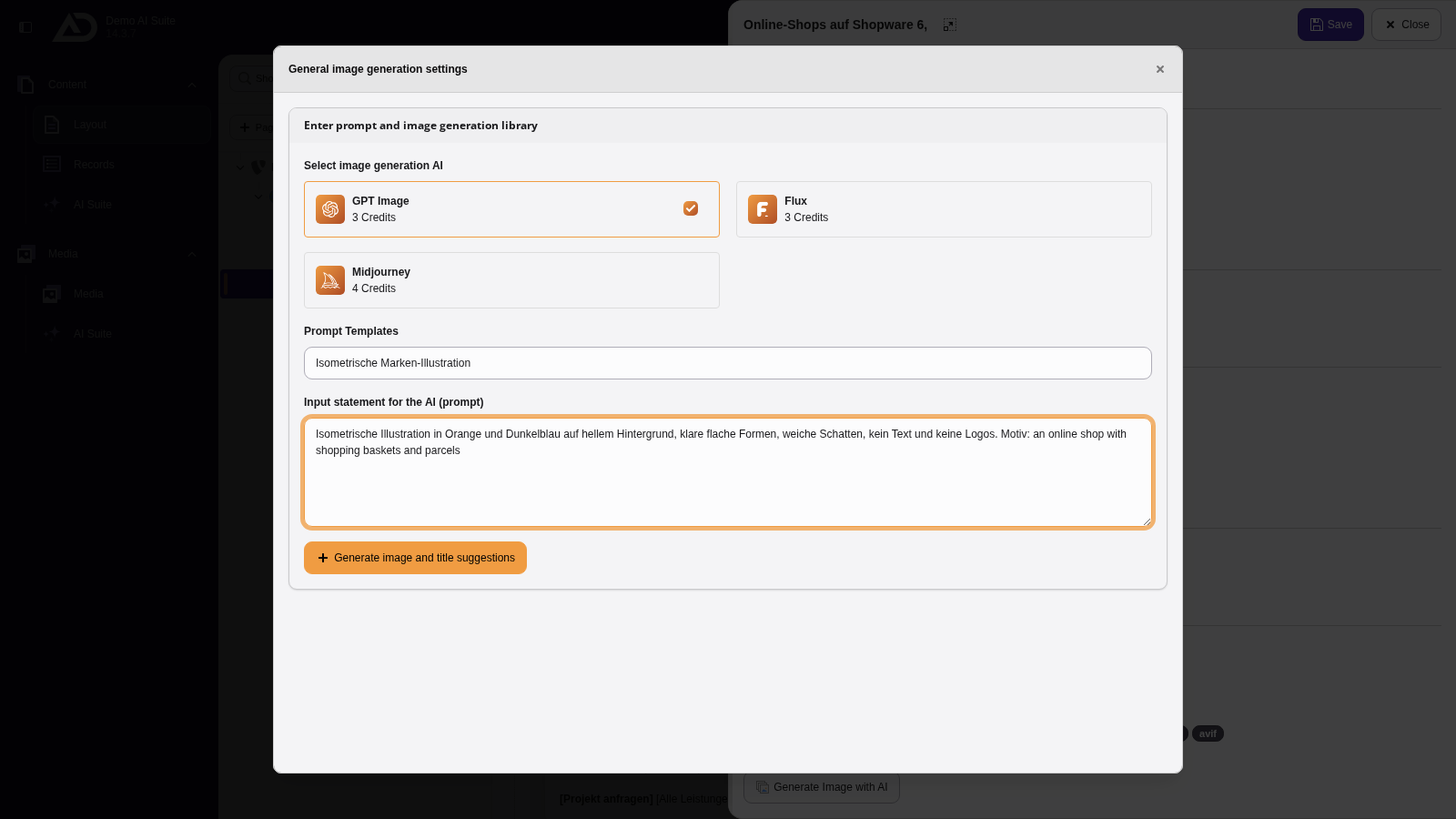
We choose an image model and the prompt template “Isometrische Marken-Illustration” and only add the prompt.
-
Show larger version
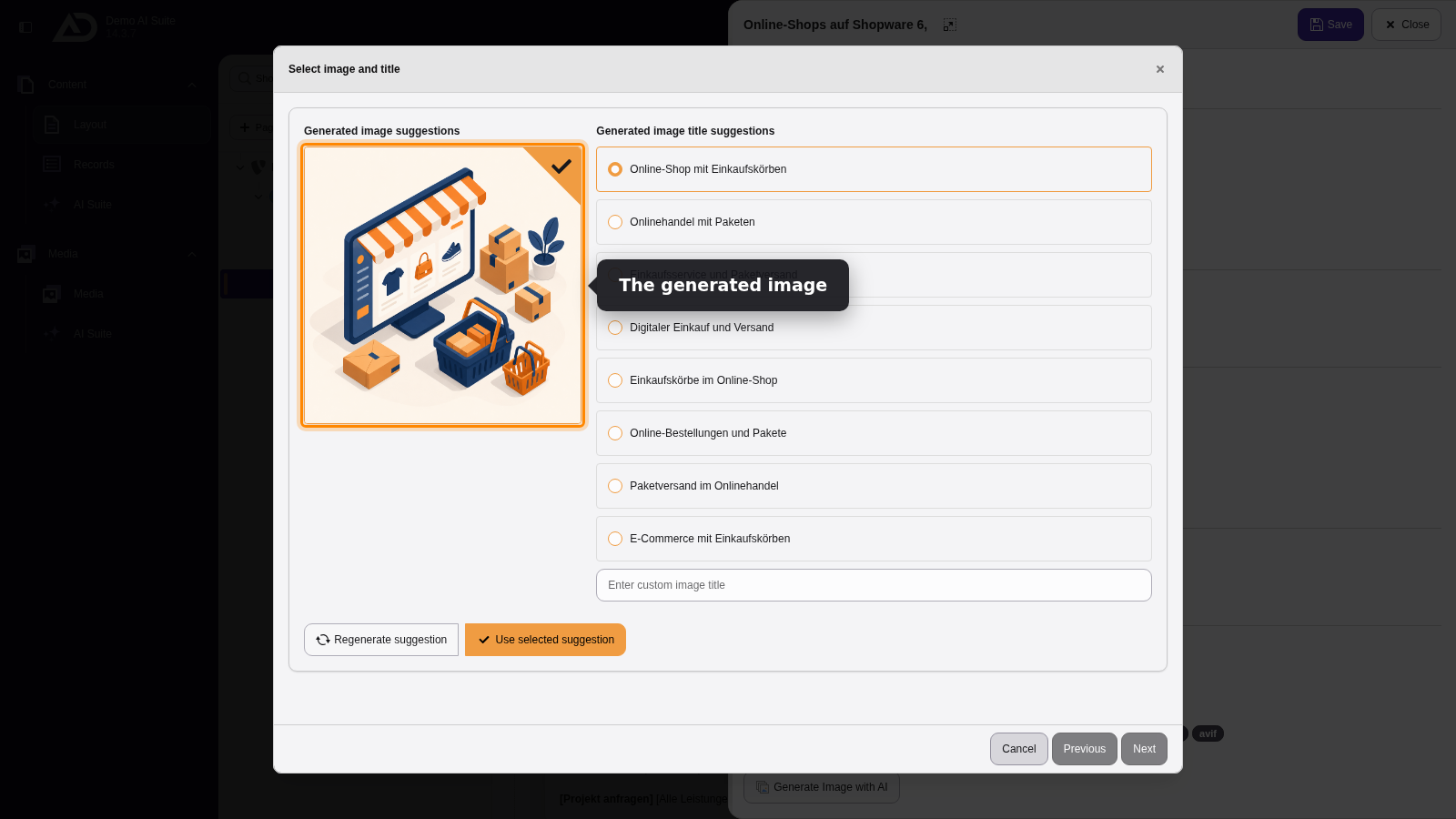
We choose a title. With “Regenerate suggestion” we create a new image if needed. Otherwise we take it with “Use selected suggestion”.
-
Show larger version
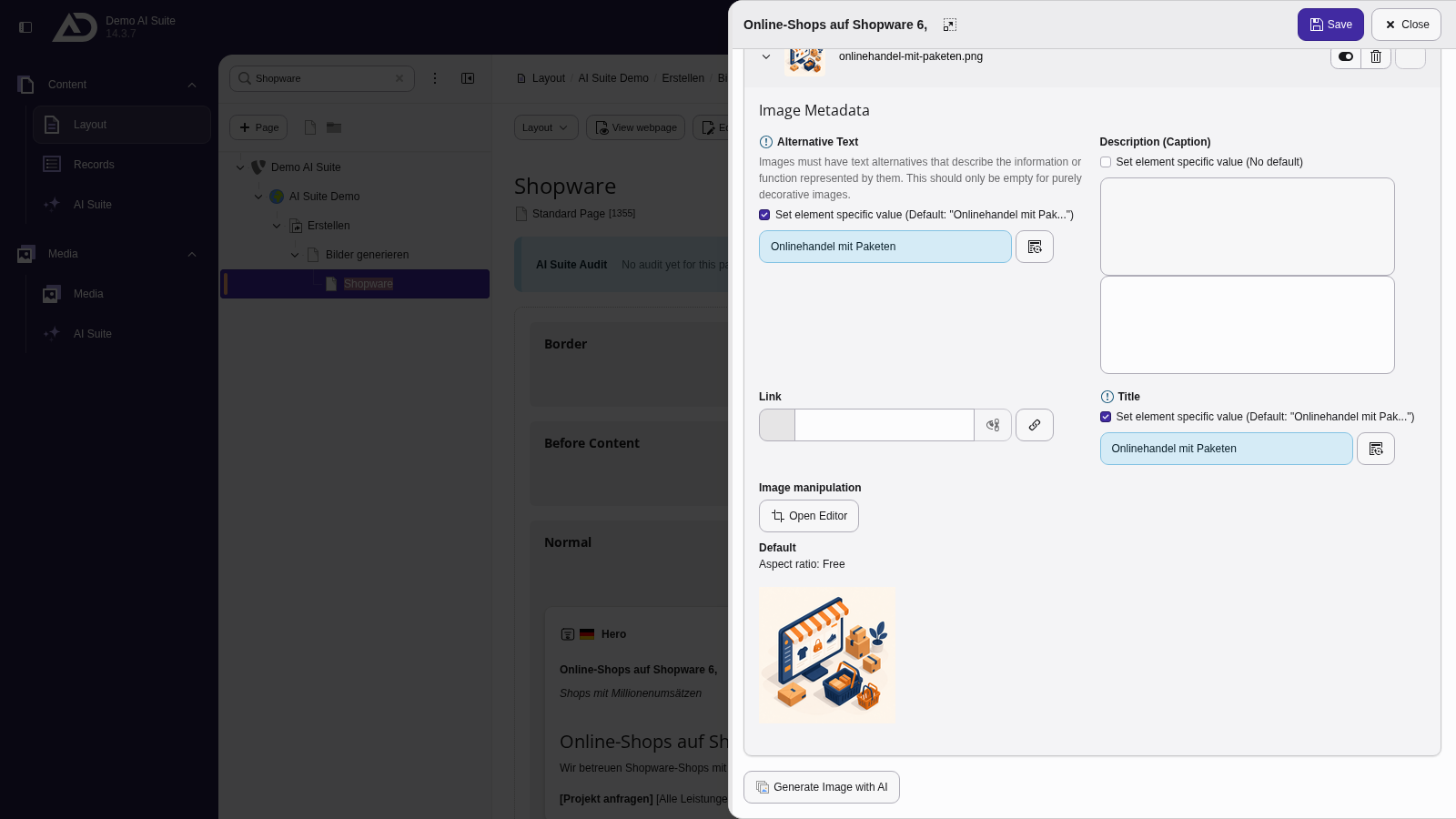
The image is now in the field, with title and alternative text already filled in. Then we save the element.
-
Show larger version
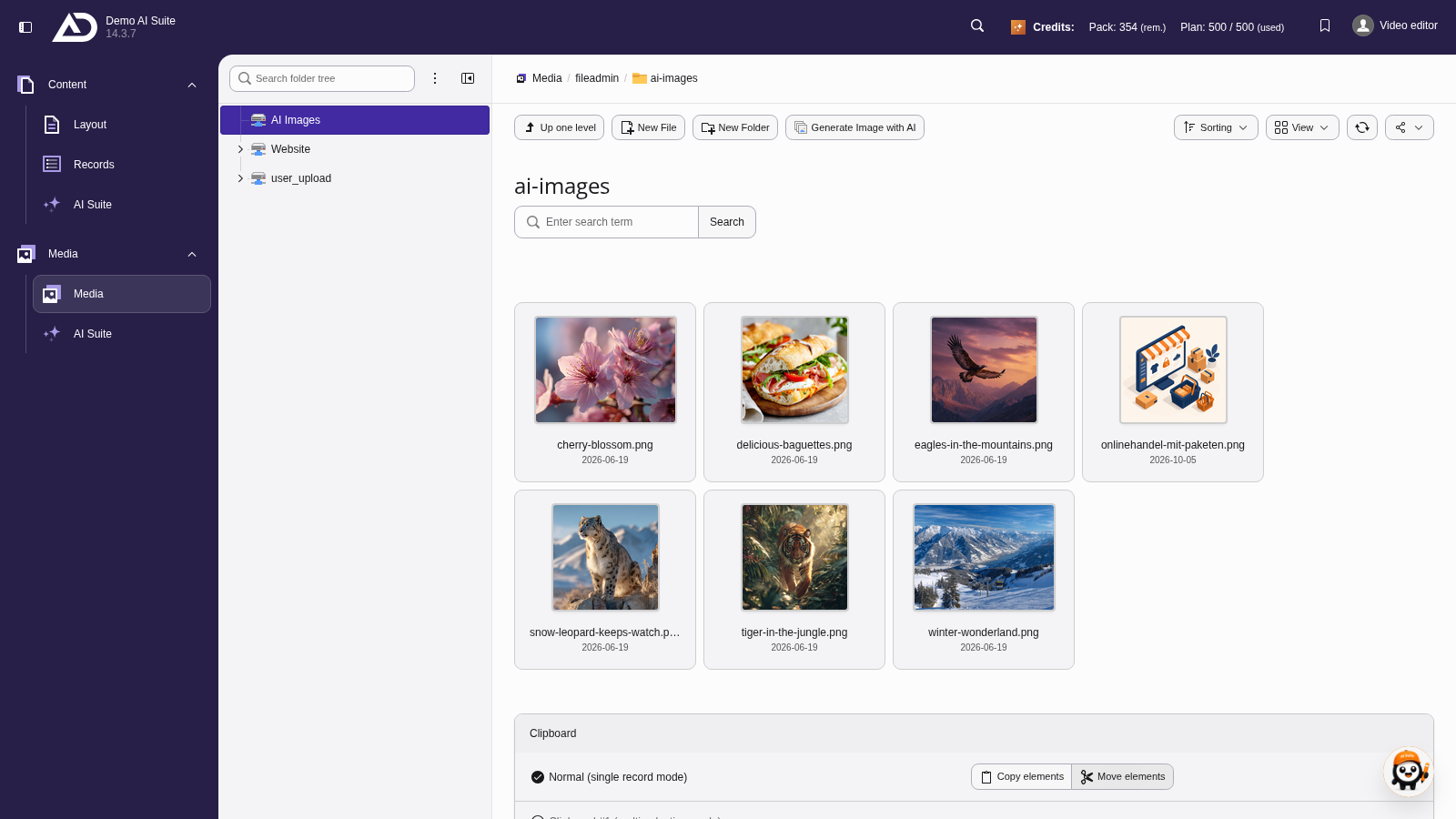
The new image is also in the file list, in the “ai-images” folder.
-
Show larger version
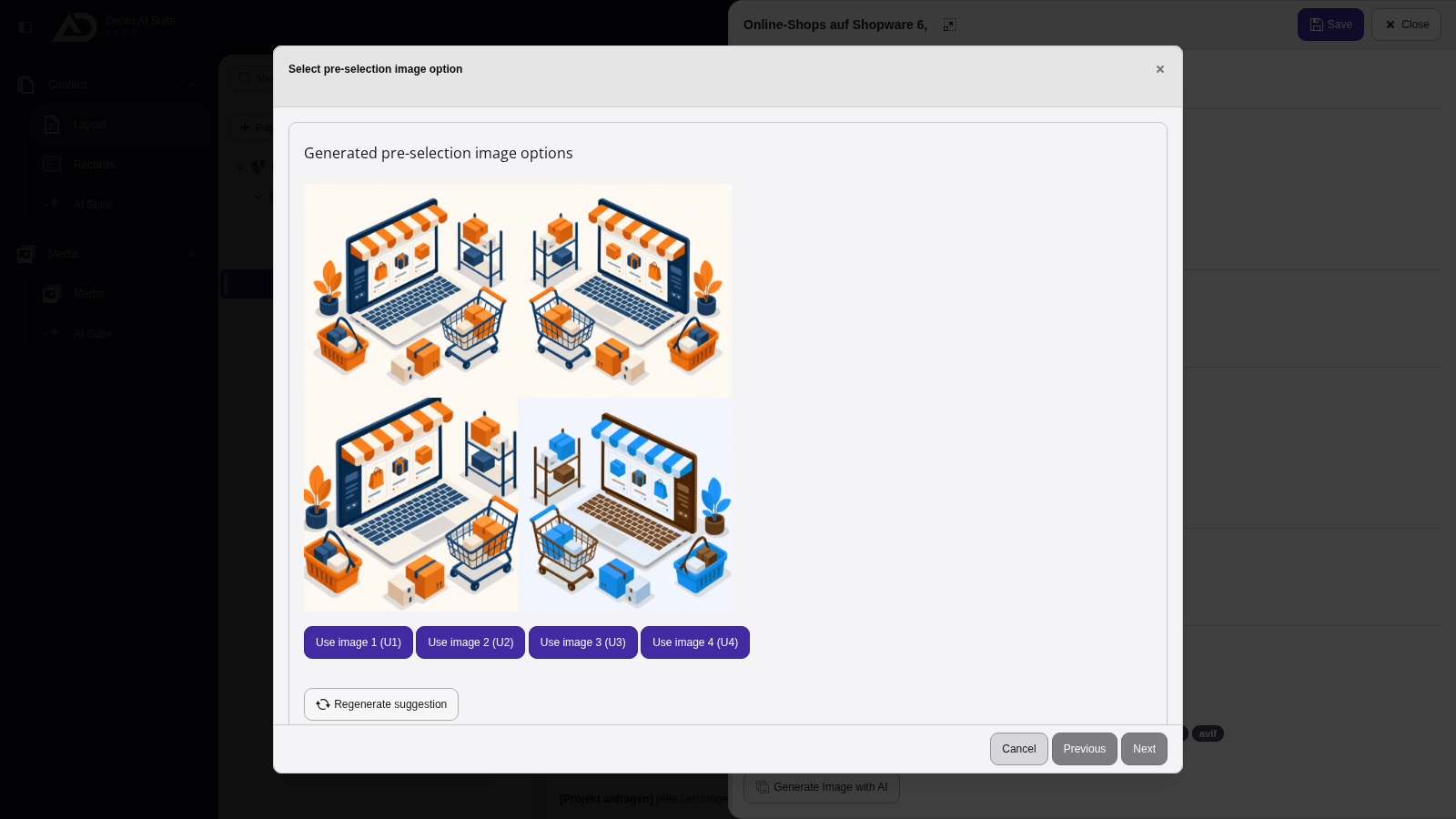
Midjourney delivers four variants. With “Use image 1 (U1)” to “(U4)” we take one of them.
-
Show larger version
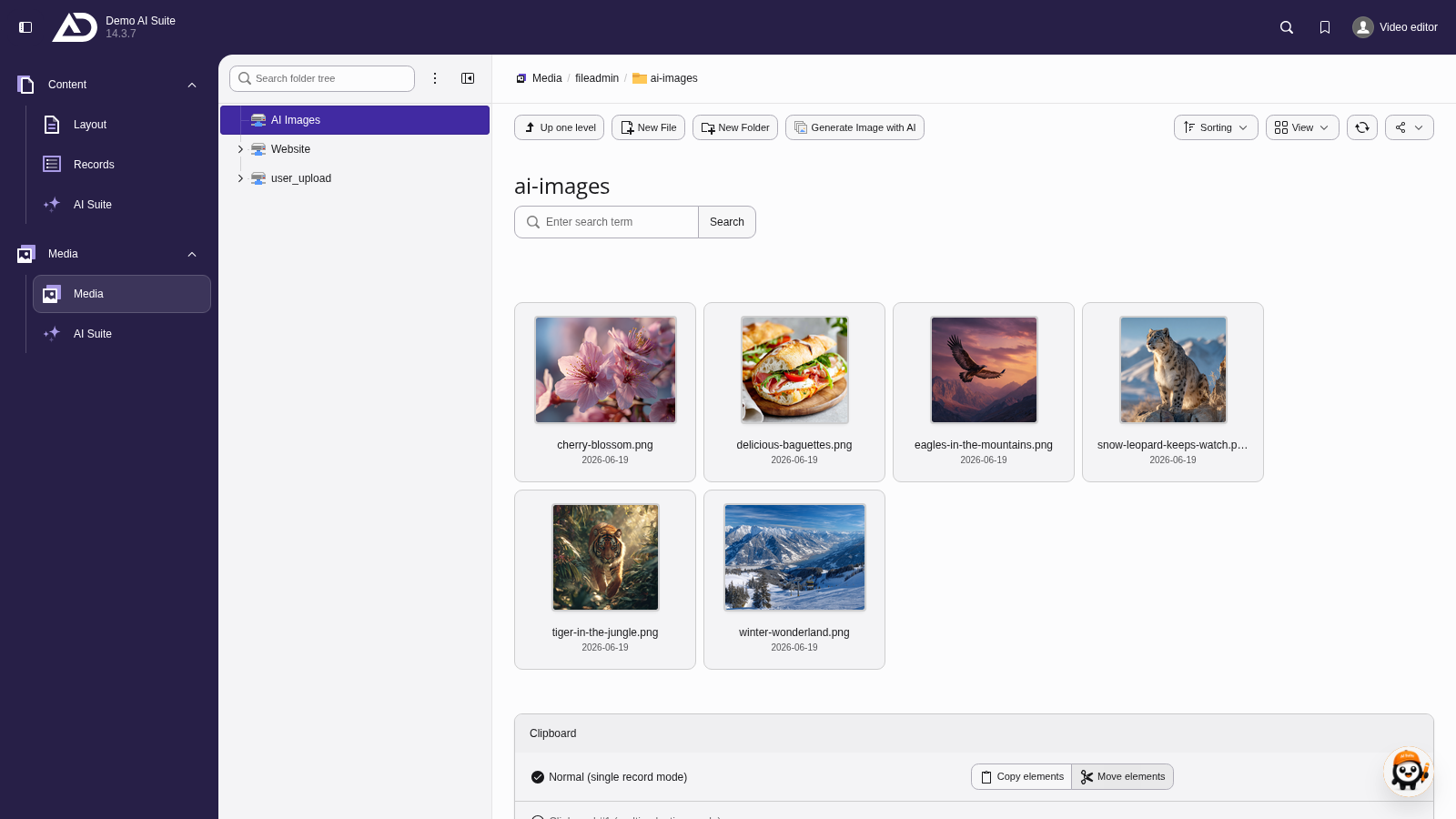
In the file list, we choose the “ai-images” folder. The “Generate Image with AI” button is located in the bar at the top.
-
Show larger version

We choose an image model, insert the prompt template with our image style and only add the prompt.
-
Show larger version
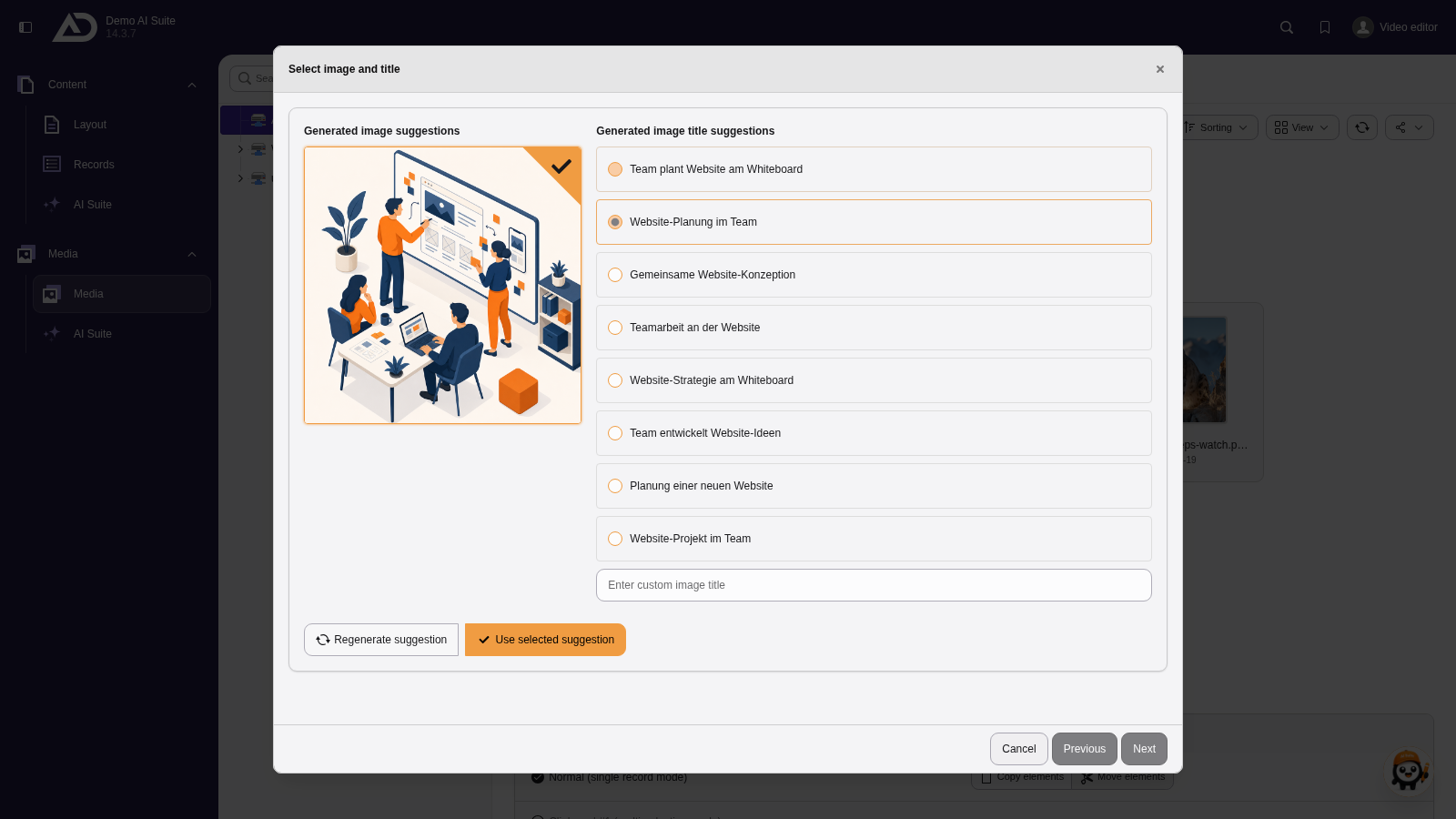
We choose a title and save the image to the folder with “Use selected suggestion”.
-
Show larger version

After a click on “Reload”, the new image is in the folder.
-
Show larger version
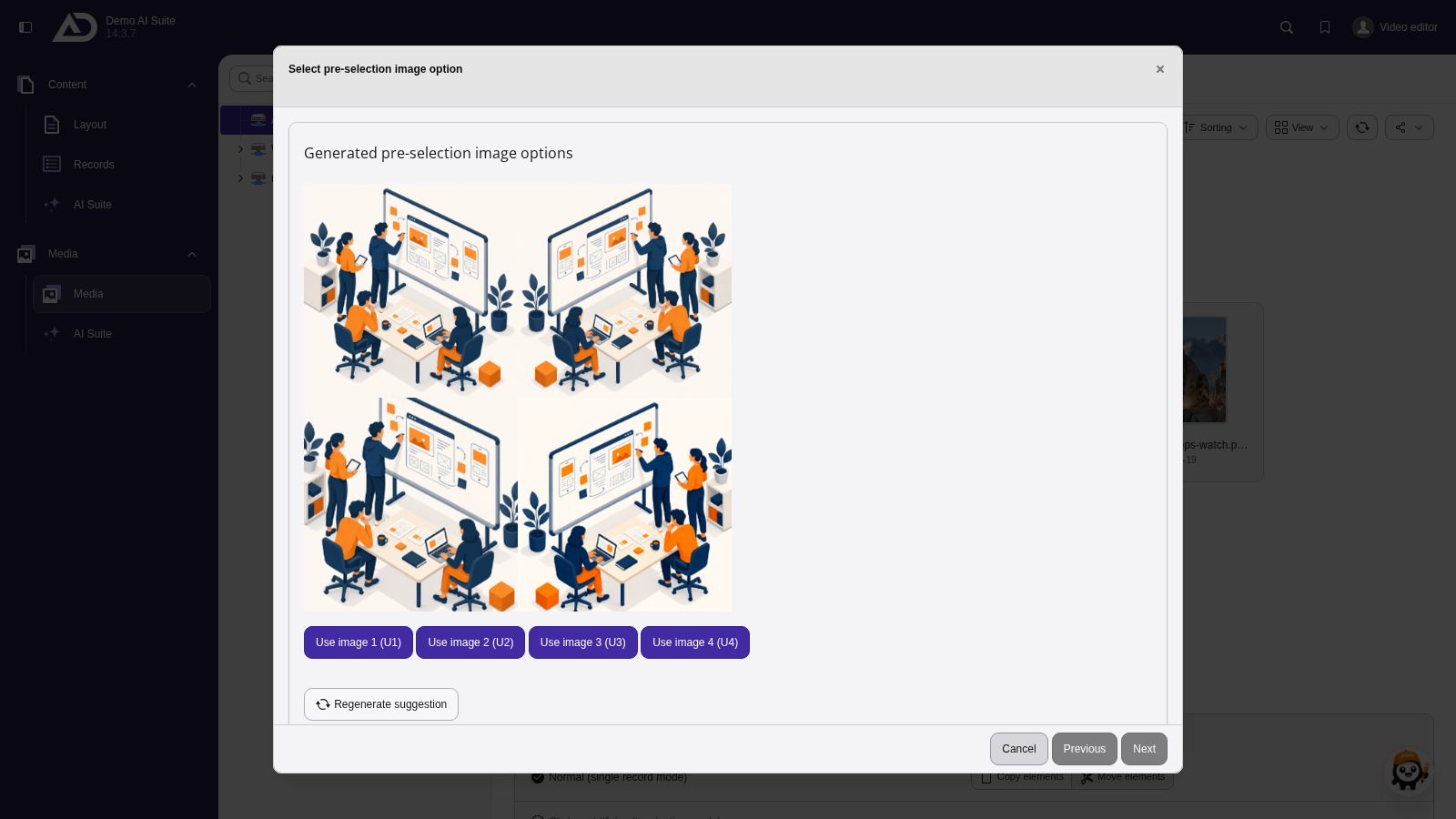
Midjourney delivers four variants. With “Use image 1 (U1)” to “(U4)” we take one of them.
-
Show larger version
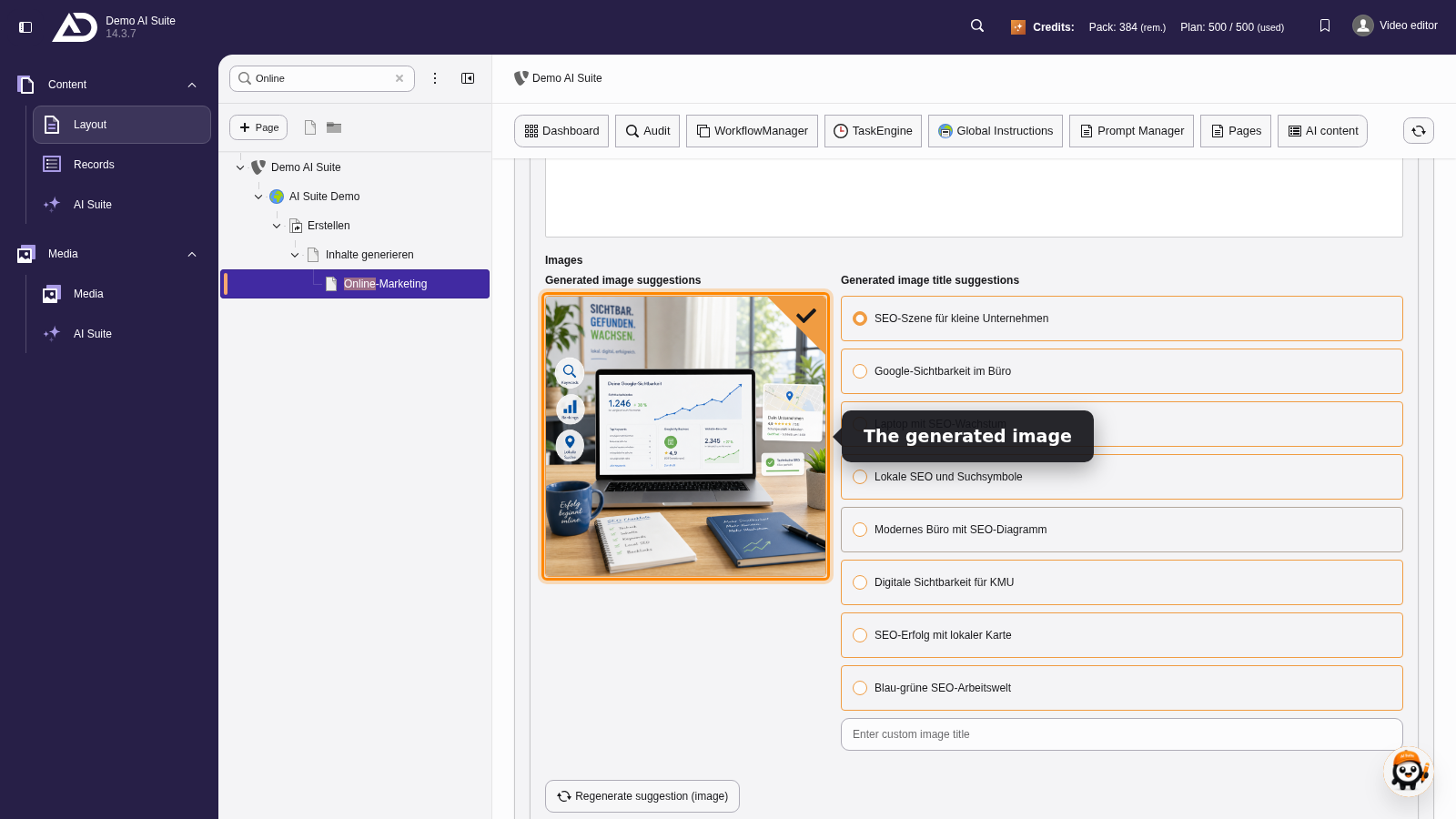
For the image, the AI suggests several titles. We pick one. If the image does not fit, it can be generated again on its own.