-
Show larger version
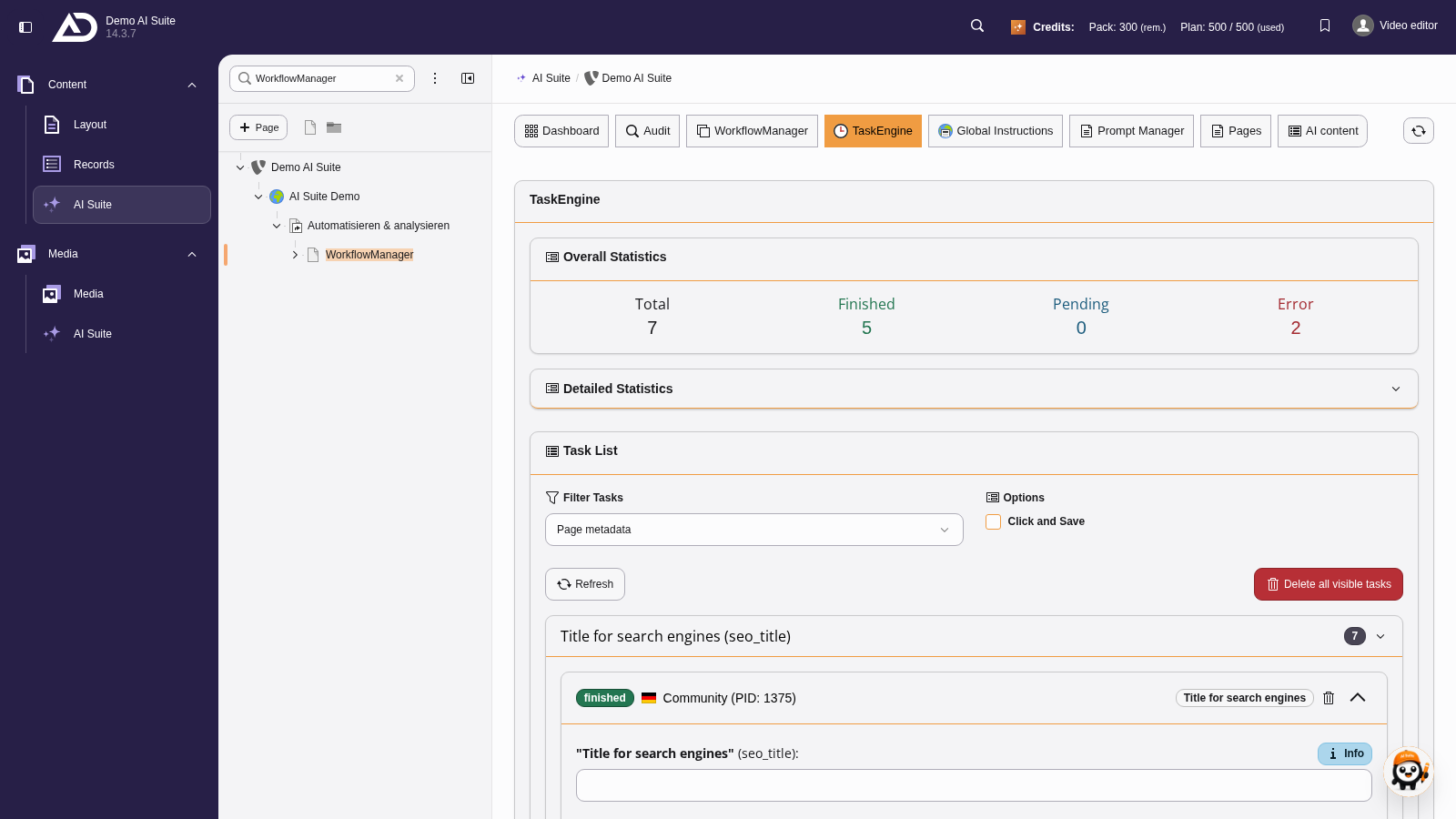
The TaskEngine collects the tasks from the WorkflowManager. From left to right, the overall statistics show all tasks, the finished, the pending and the failed ones.
-
Show larger version
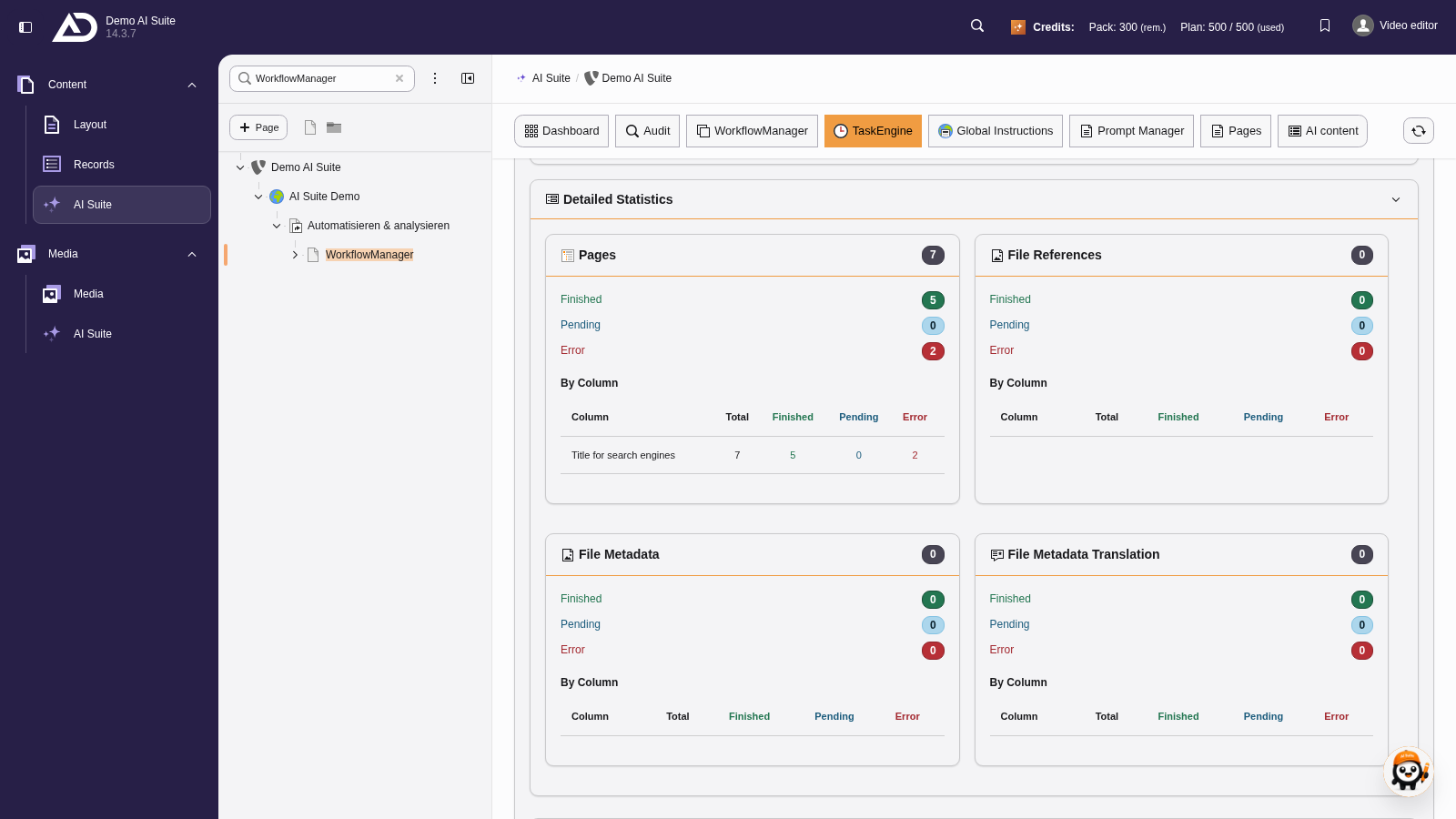
Expanded, the detailed statistics show the same per area: pages, file references, file metadata and their translations, each with a table by field.
-
Show larger version
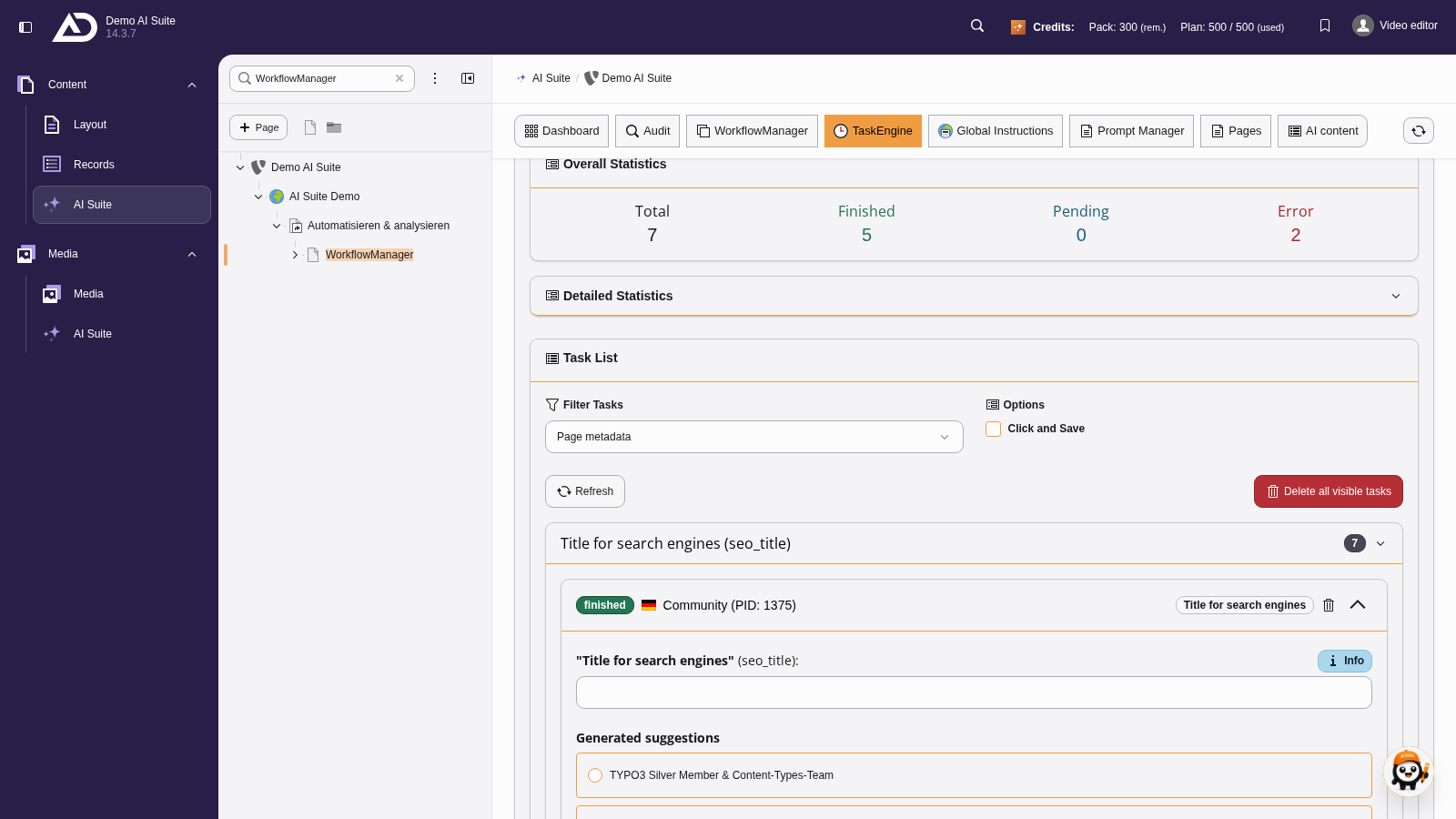
In the task list we filter by the kind of task, refresh the list or delete all visible tasks. The tasks are grouped by field, here “Title for search engines”.
-
Show larger version
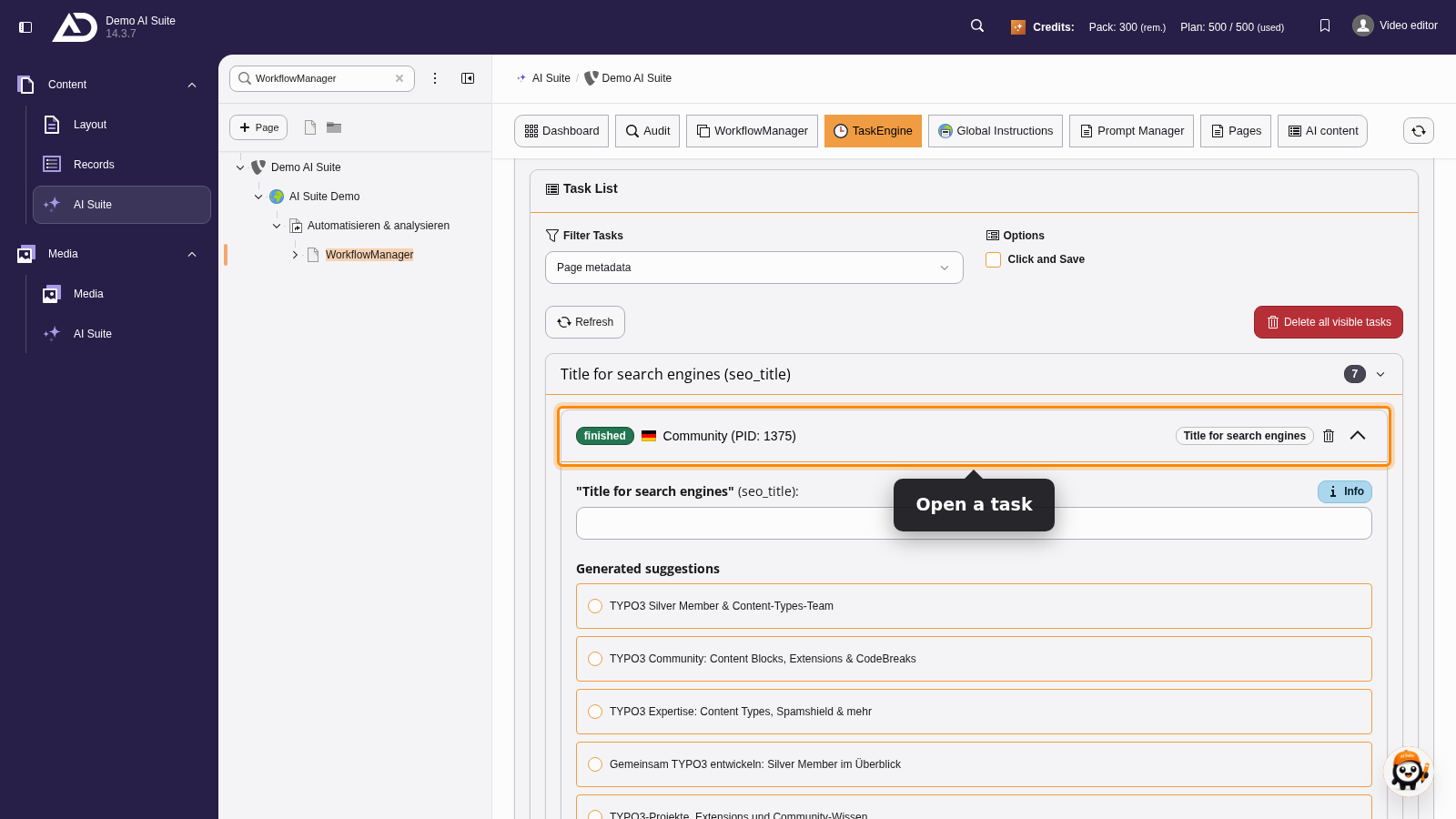
We open a task, choose one of the suggestions and save it. The task disappears from the list, and we continue with the next one.
-
Show larger version
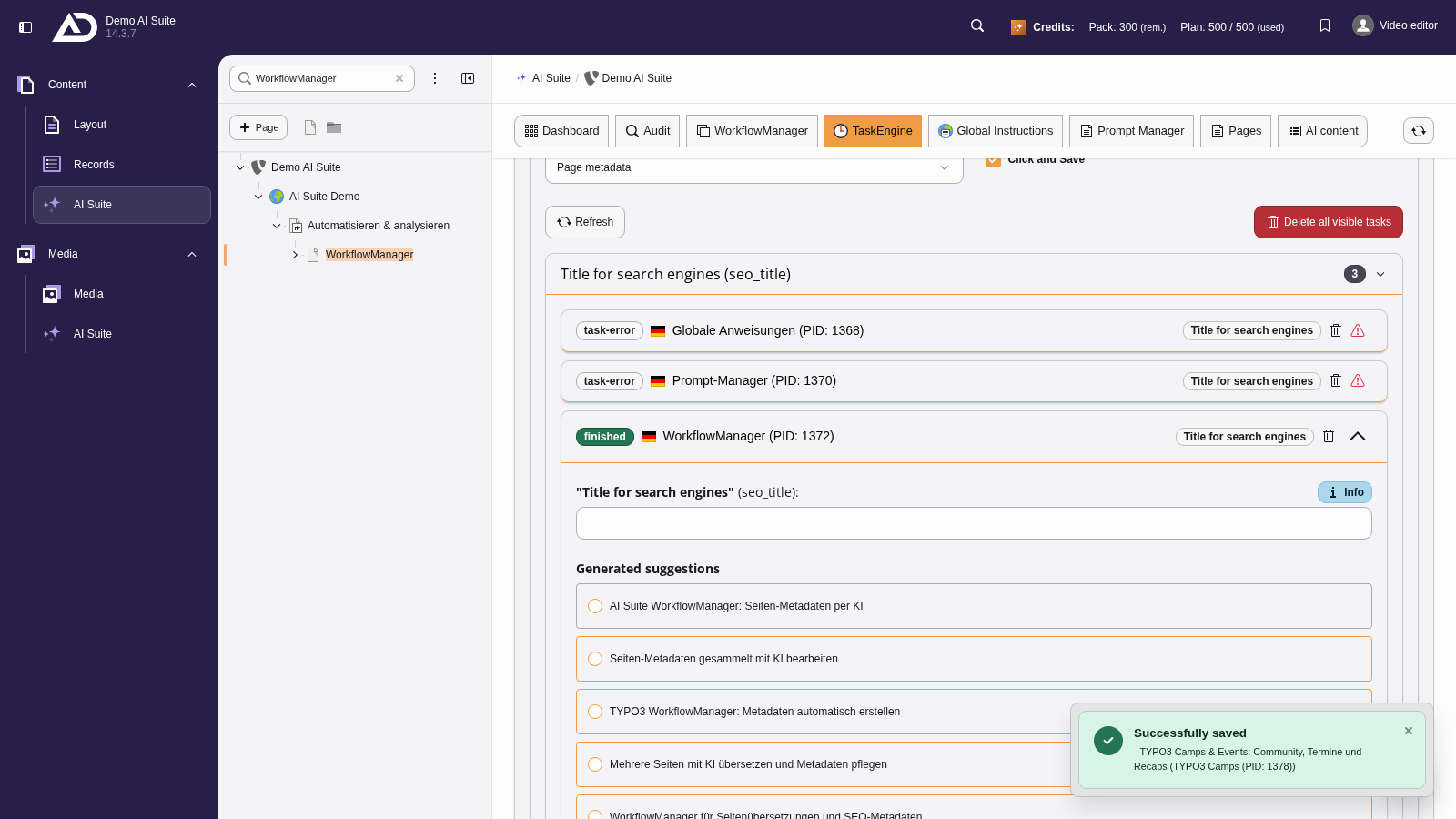
With “Click and Save”, a single click on a suggestion saves it.