Content Modification
For the modification of content, we have developed our own plugin, which you can use in all RTE fields of your content elements that are available to you. With targeted instructions, you optimize, shorten or expand existing texts.
The plugin and the rich text editor are also available for you to review your generated content elements.
In addition, the RTE offers the “Easy Language” plugin, with which you convert texts into “Easy Language”.
-
Show larger version
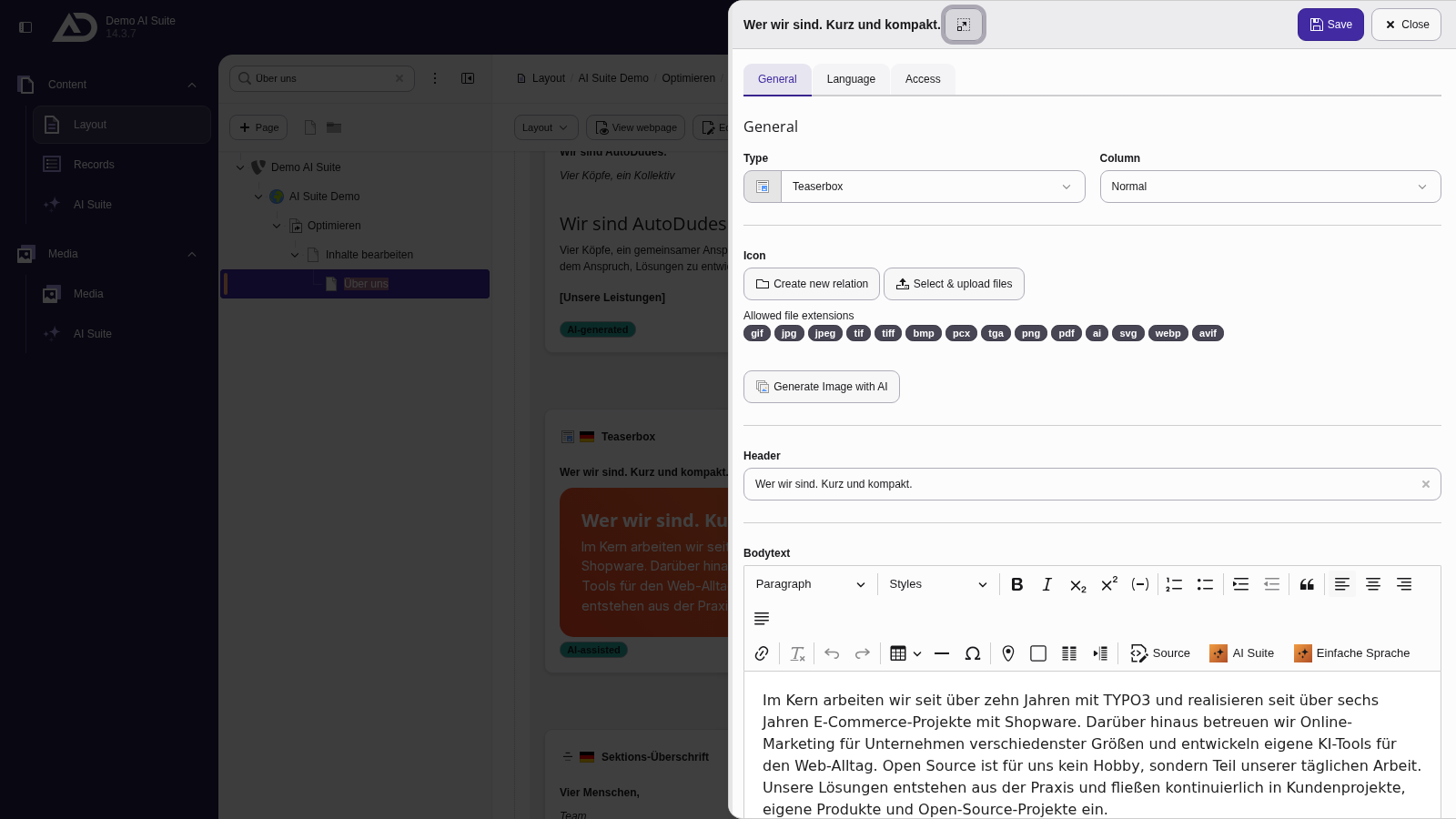
We open the text element. The “AI Suite” button is located in the toolbar of the rich text editor.
-
Show larger version
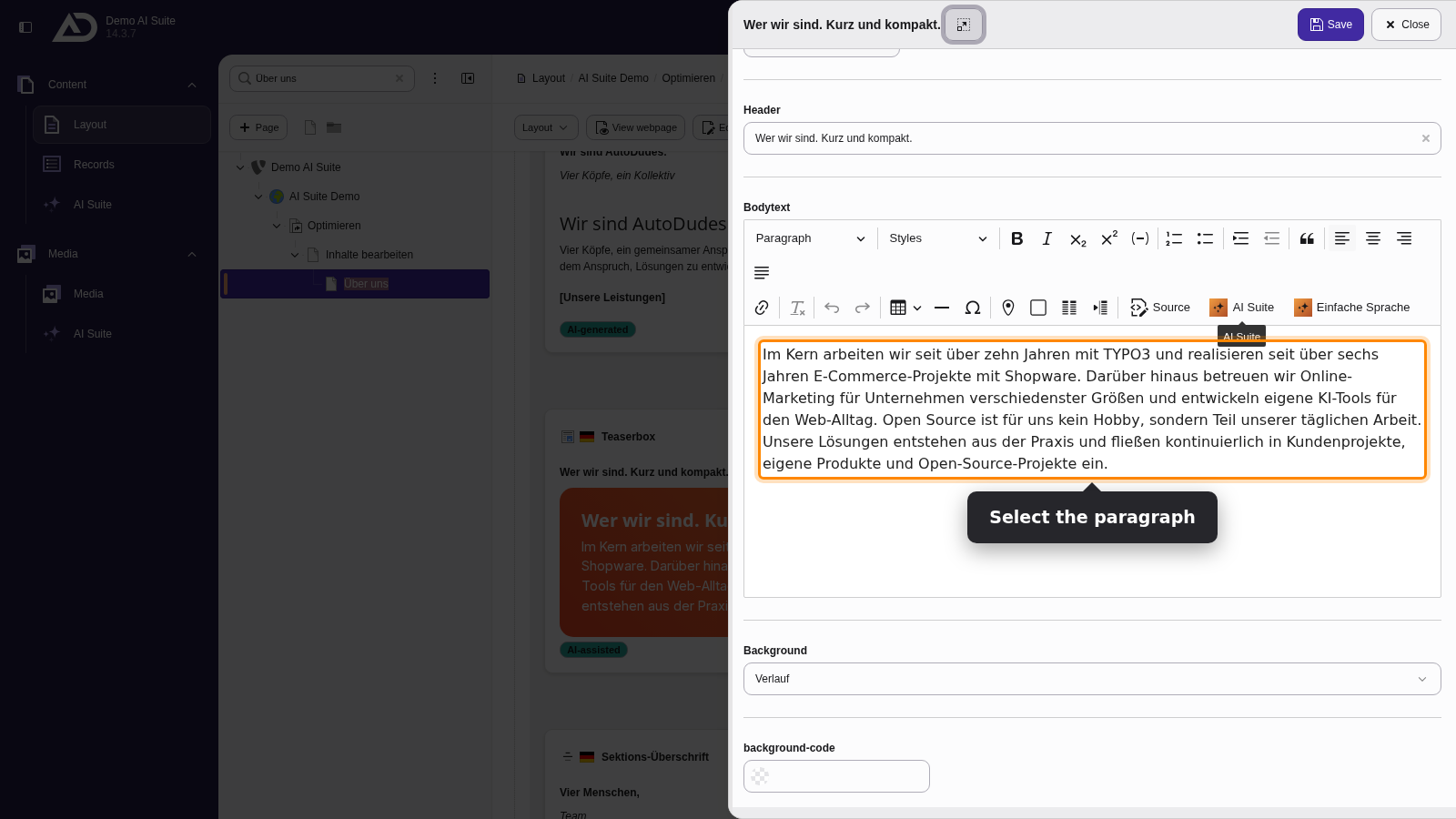
We select the paragraph and click “AI Suite”.
-
Show larger version
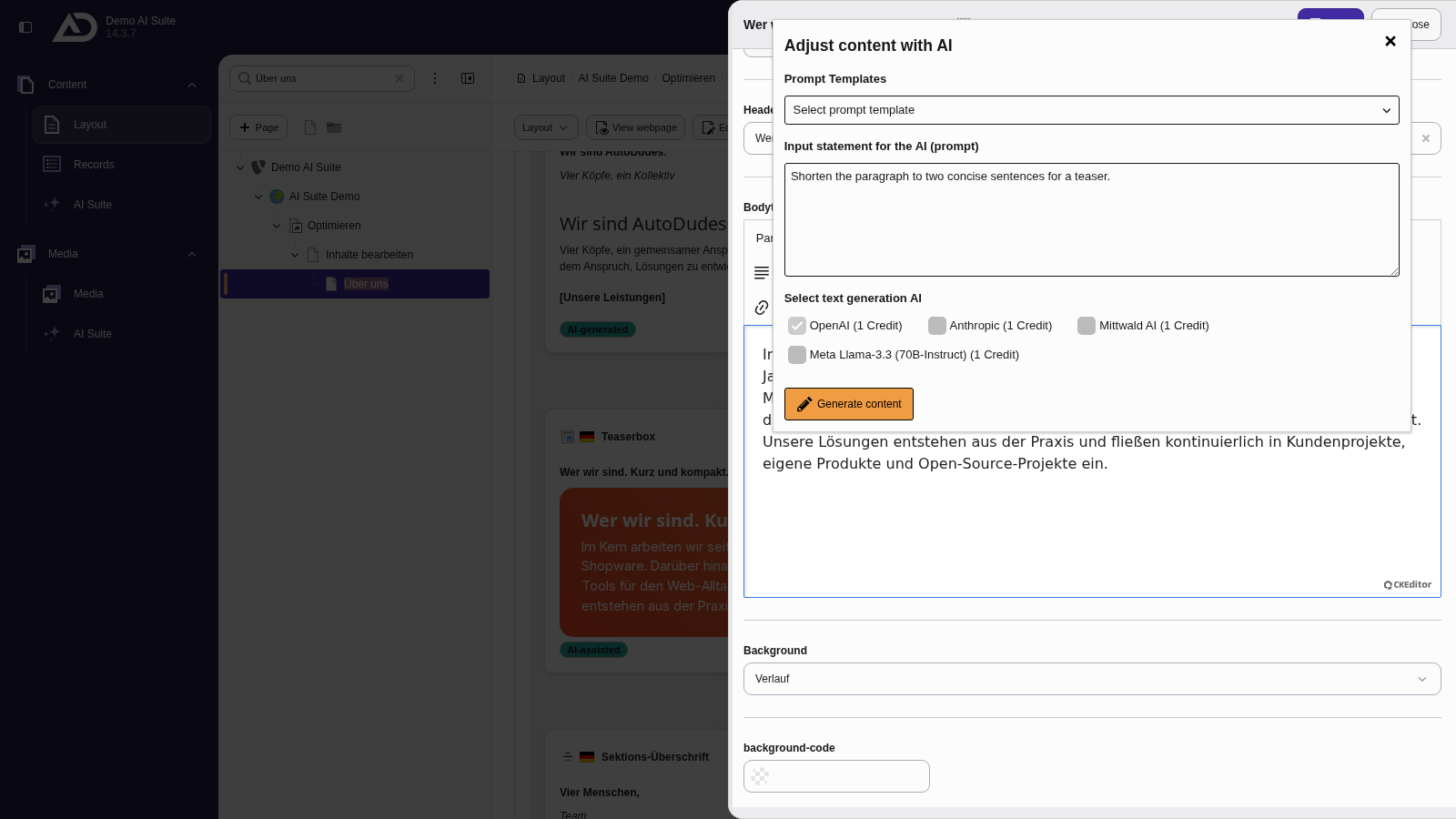
In the “Adjust content with AI” dialog, we describe what should happen to the paragraph and choose a text model. A prompt template is not needed.
-
Show larger version
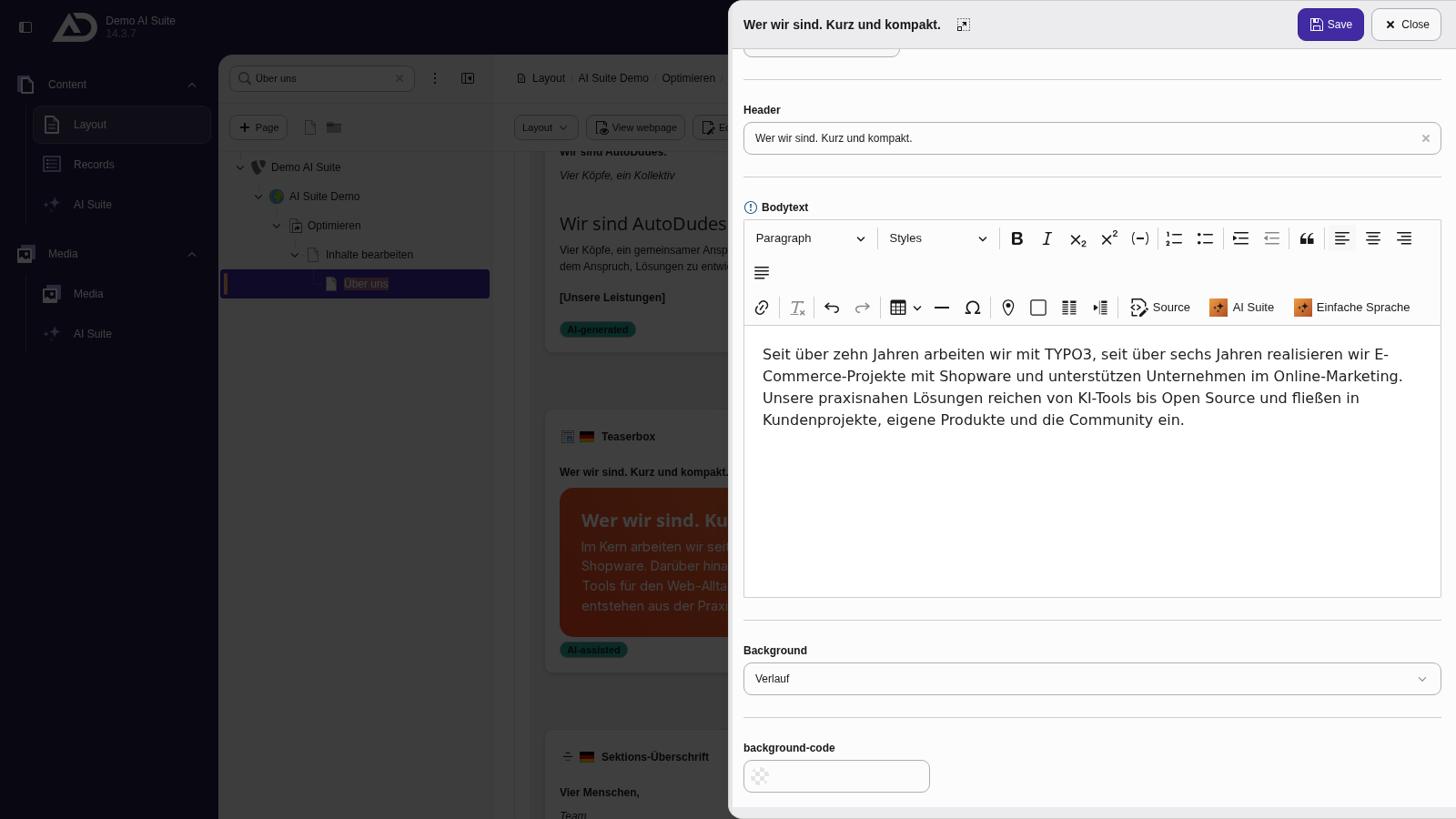
A click on “Generate content” replaces the selected paragraph with the shortened version.
-
Show larger version
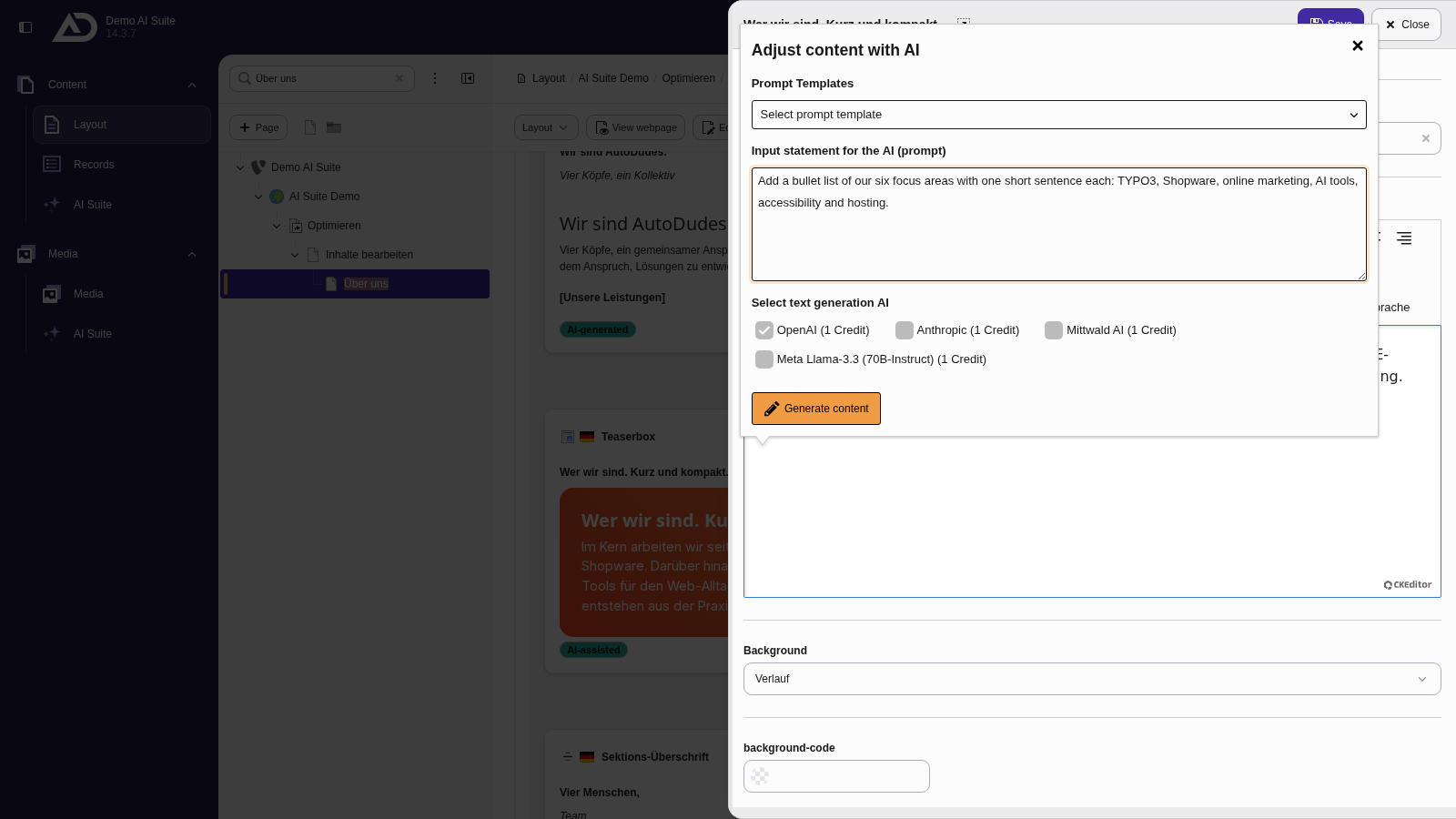
Without a selection, the AI Suite adds new text at the cursor position. We put the cursor at the end and ask for a list of our focus areas.
-
Show larger version
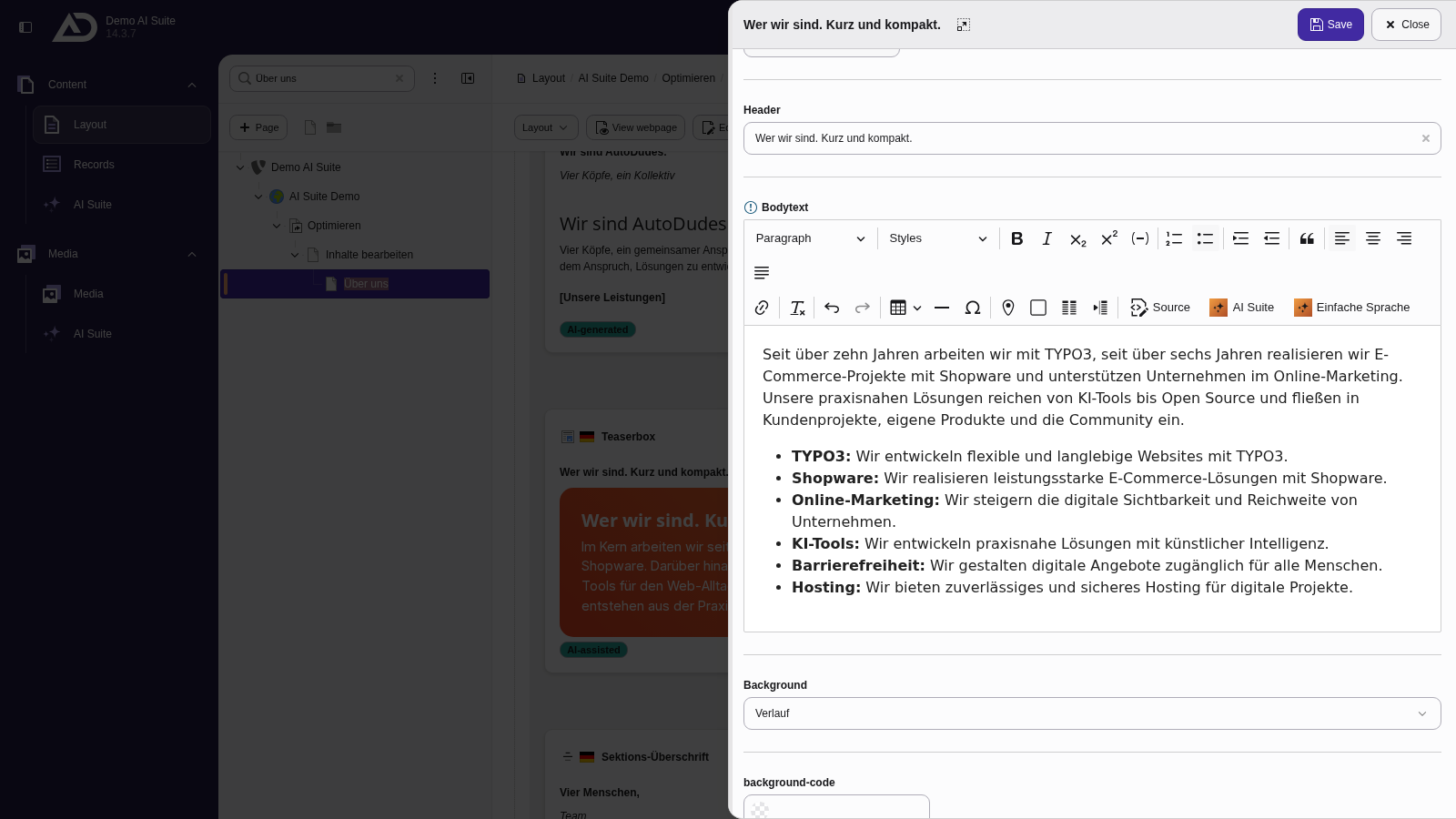
The list lands exactly where the cursor was.