Translation of content into “Easy Language”
For the translation of content into “Easy Language”, we have developed our own plugin, which you can use in all RTE fields of your content elements and records. You set the desired model in the extension configuration.
-
Show larger version
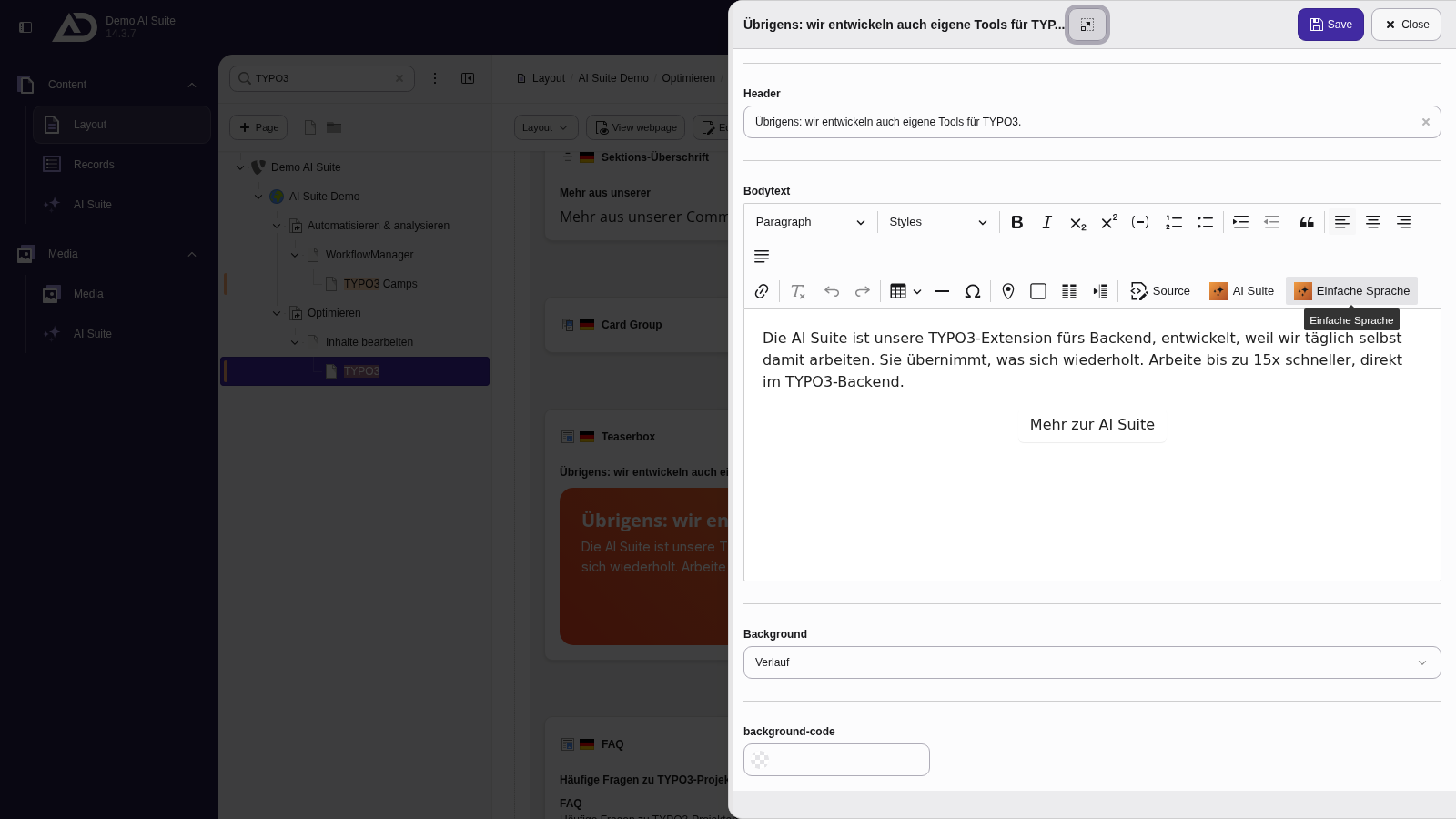
The “Einfache Sprache” button is located in the toolbar of the rich text editor.
 2. General notes on functionality
- If you select a text before clicking the button, this text is translated into “Easy Language”.
- If no text is selected beforehand, a confirmation appears (“No content selected. Do you want to continue with the whole content?”). With “Continue with whole content”, you use the entire content; with “Abort”, you cancel the process.
- The AI Suite always generates the content in the configured page language.
-
Show larger version
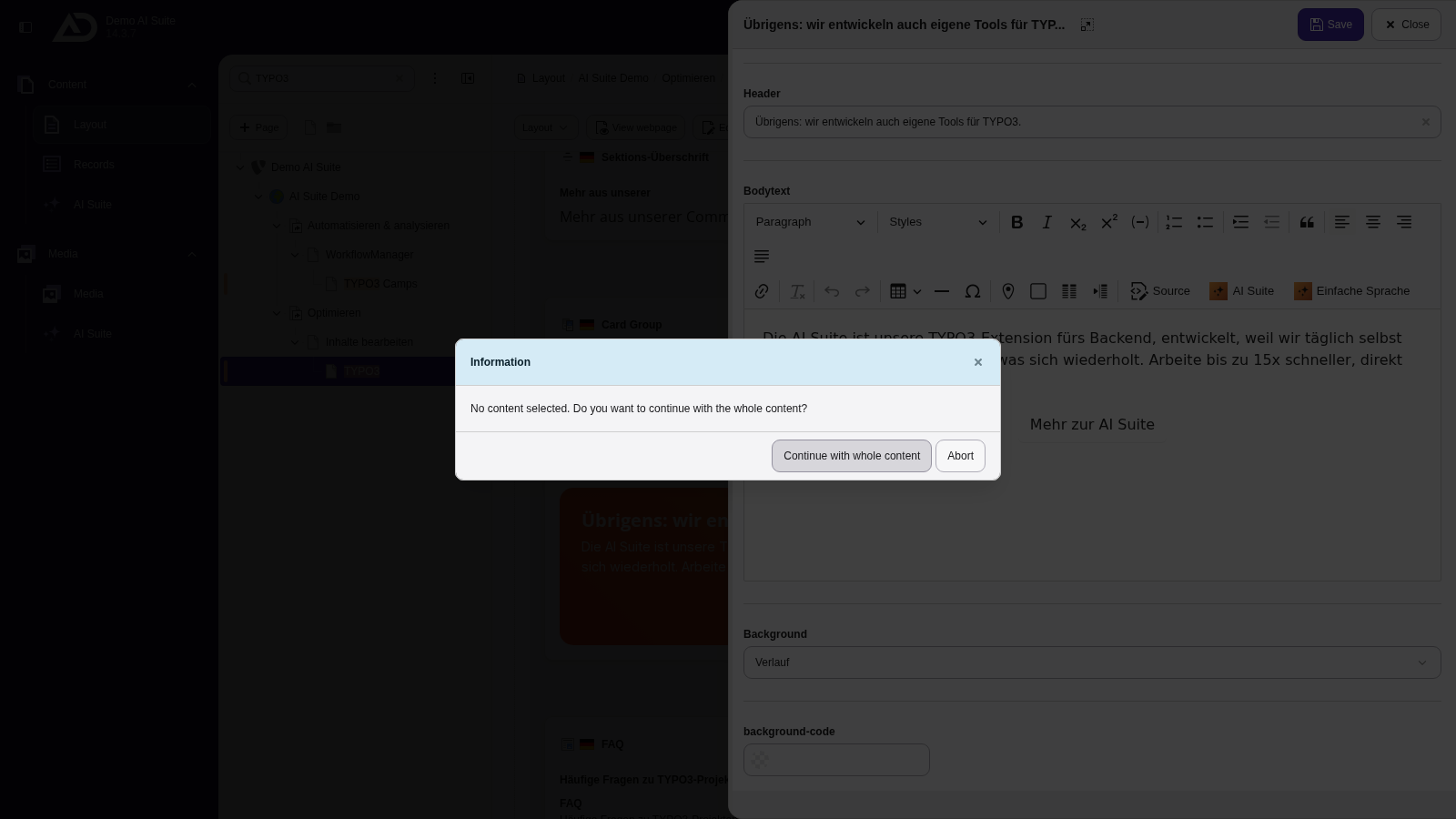
Without a selection, the AI Suite asks whether to convert the whole content. With a selection, only the selected passage is replaced.
-
Show larger version
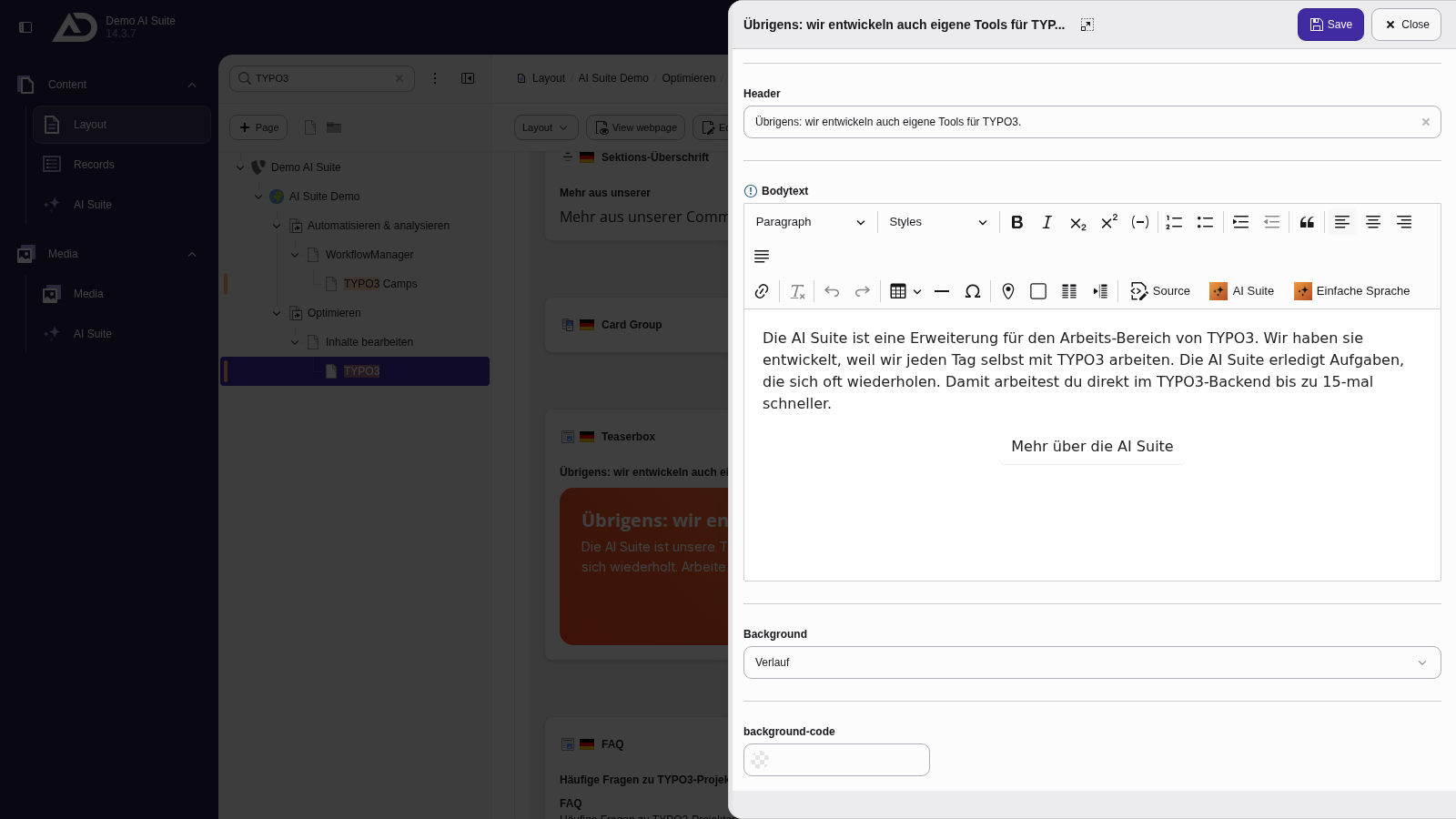
After a few seconds, the text appears in “Easy Language” in the editor: short sentences, familiar words.