-
Show larger version
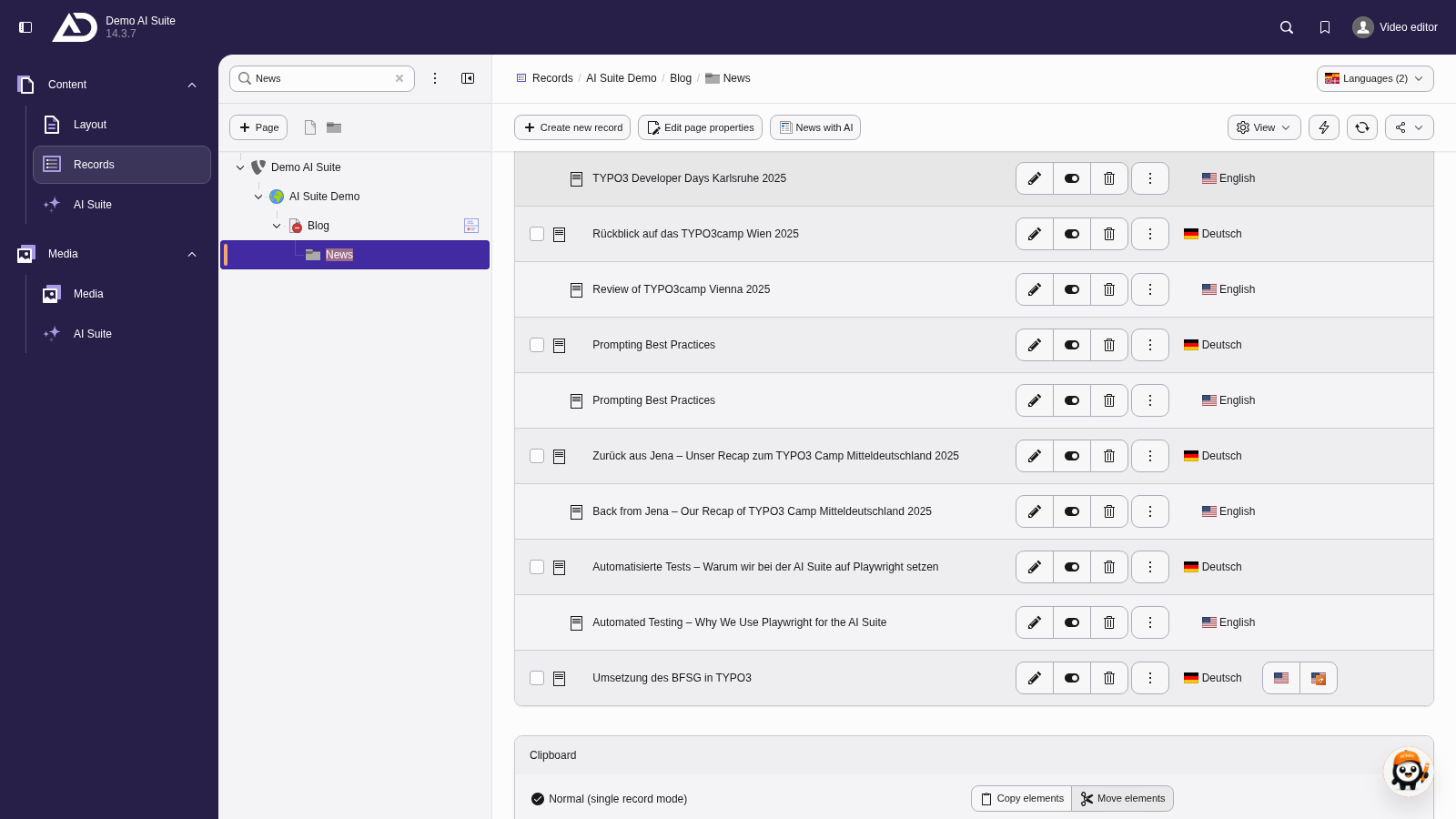
In the “Records” module, we show all languages in the “News” folder. Next to an article that is not translated yet is the flag with the AI Suite icon.
-
Show larger version
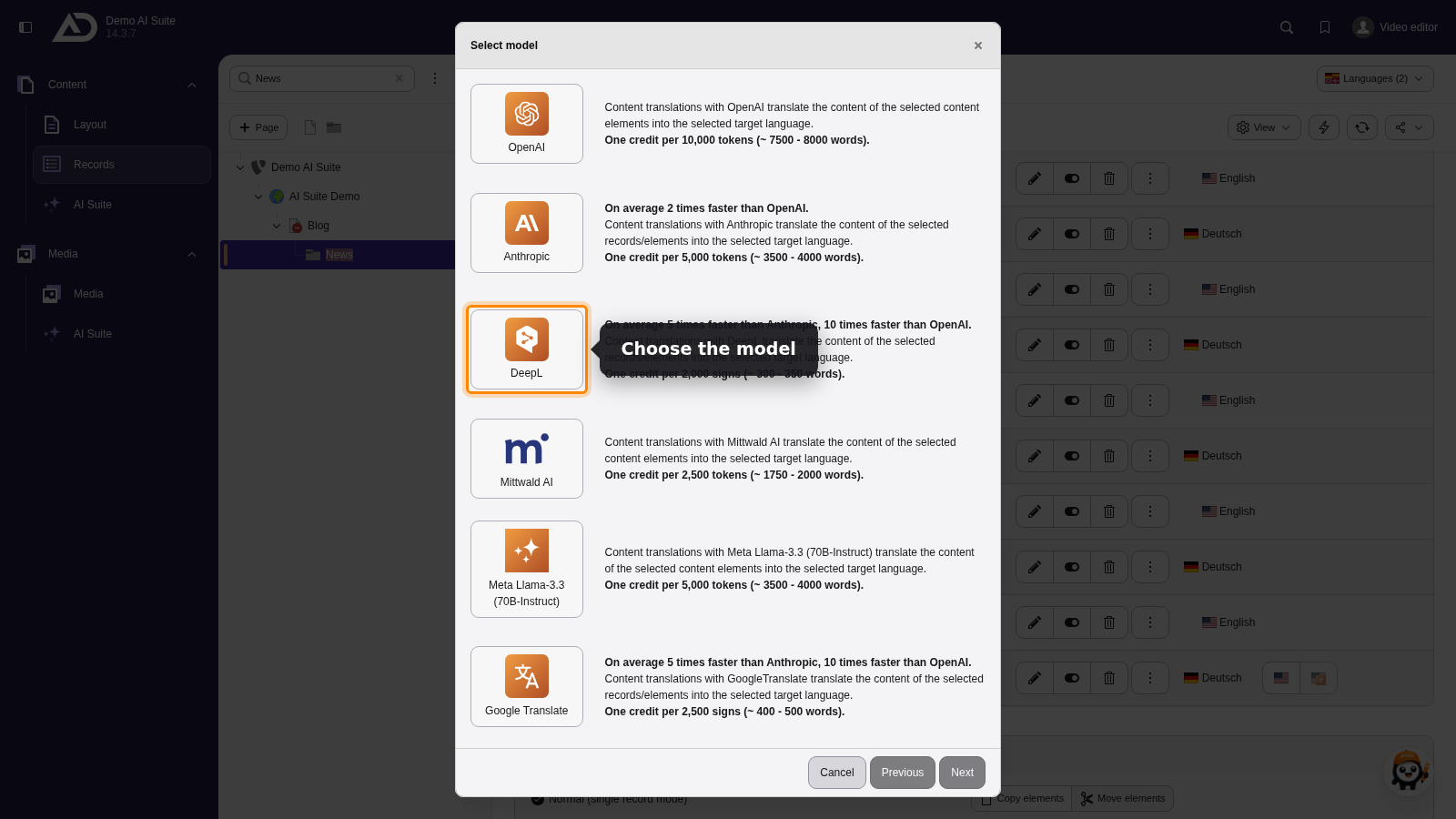
Choosing a model starts the translation.
 Check and activate the translation
The AI Suite does not open the translated record automatically. Open it in the list view in the target language, check the translation and then activate the record so that it becomes visible in the frontend.
-
Show larger version
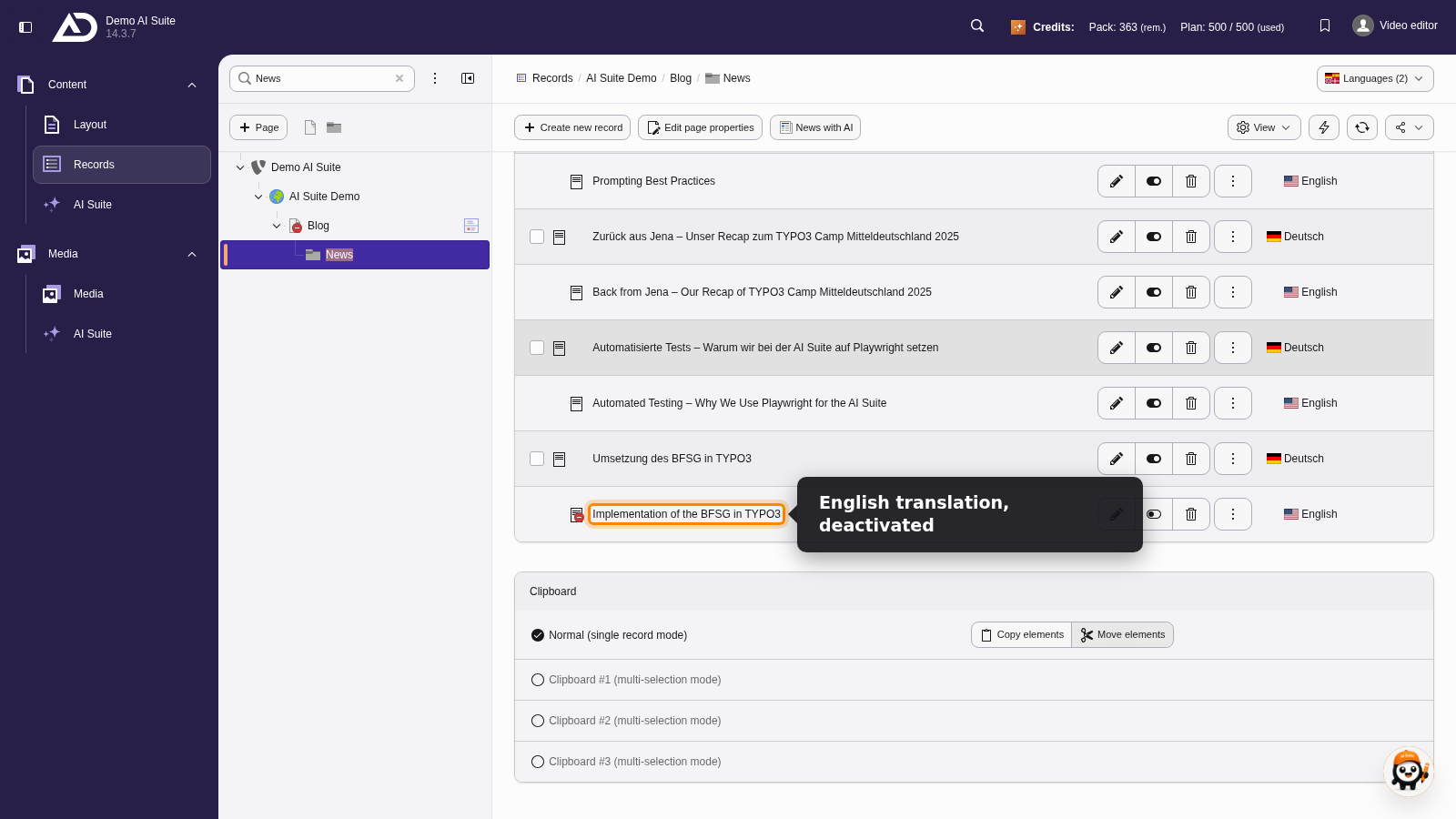
The English version is created and stays deactivated for now.
-
Show larger version
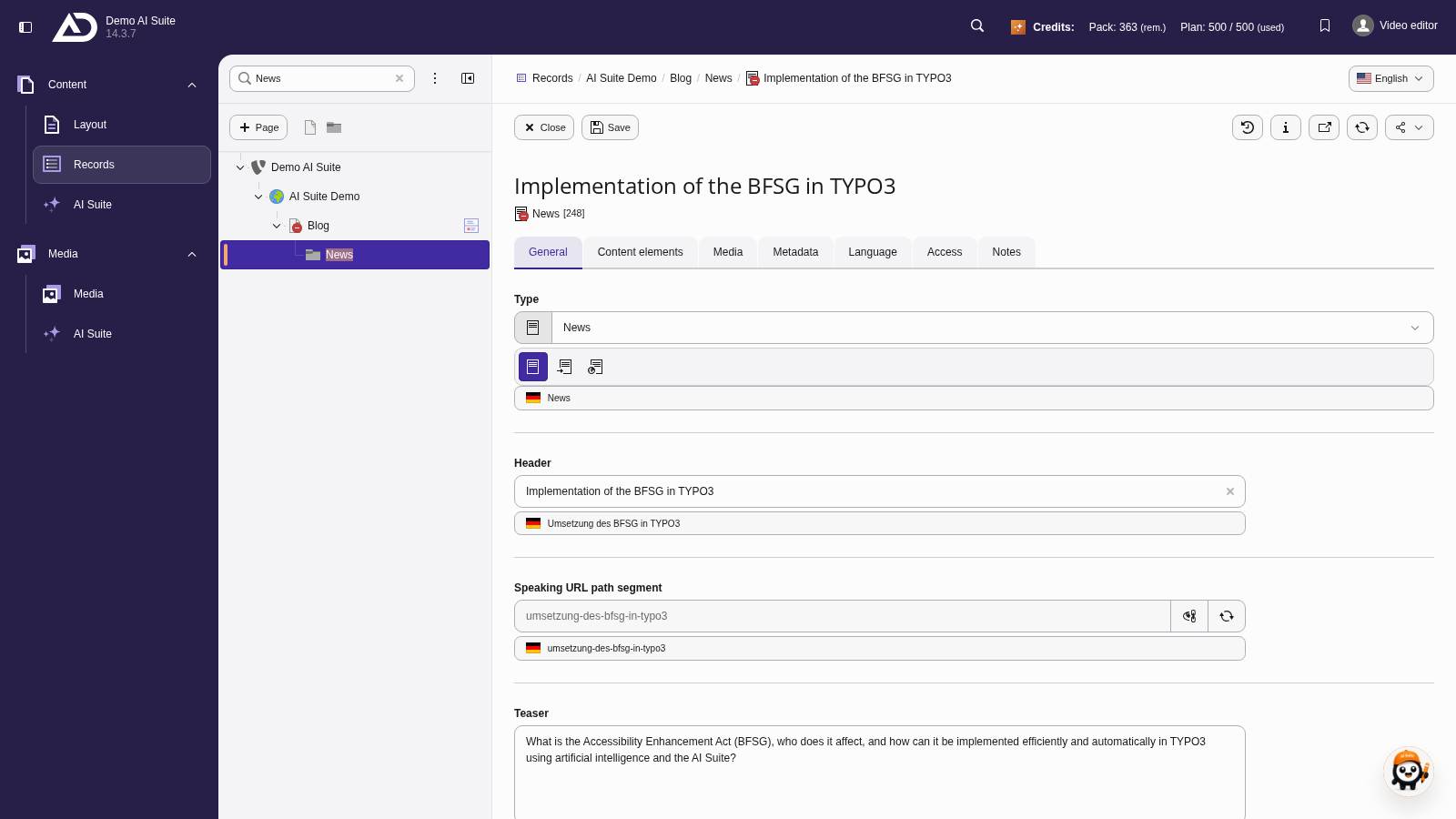
In the editing form, we check the translated article.
Fallback is the TYPO3 default behavior
If a problem occurs during the translation, TYPO3 creates the record untranslated in the new language as usual.