Content Generation
With the AI Suite, you generate all content elements available to you using AI. The AI Suite determines all text and image fields of the selected content element, including the fields of child elements such as slides, accordions or tabs.
After generation, you can revise the generated content and also regenerate images.
-
Show larger version
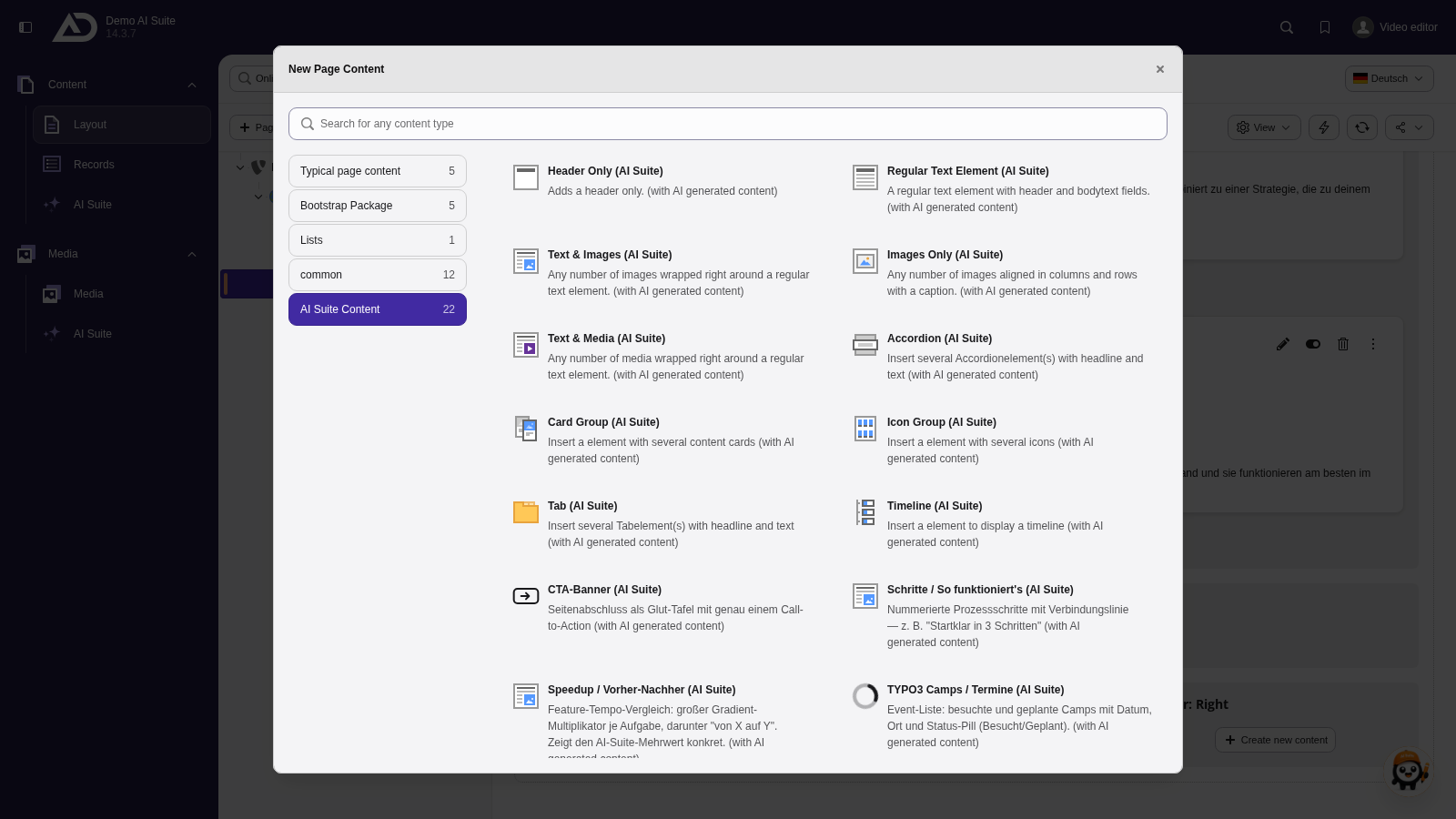
Below the section heading, we add new content. The “AI Suite Content” tab lists every element the AI can fill.
-
Show larger version
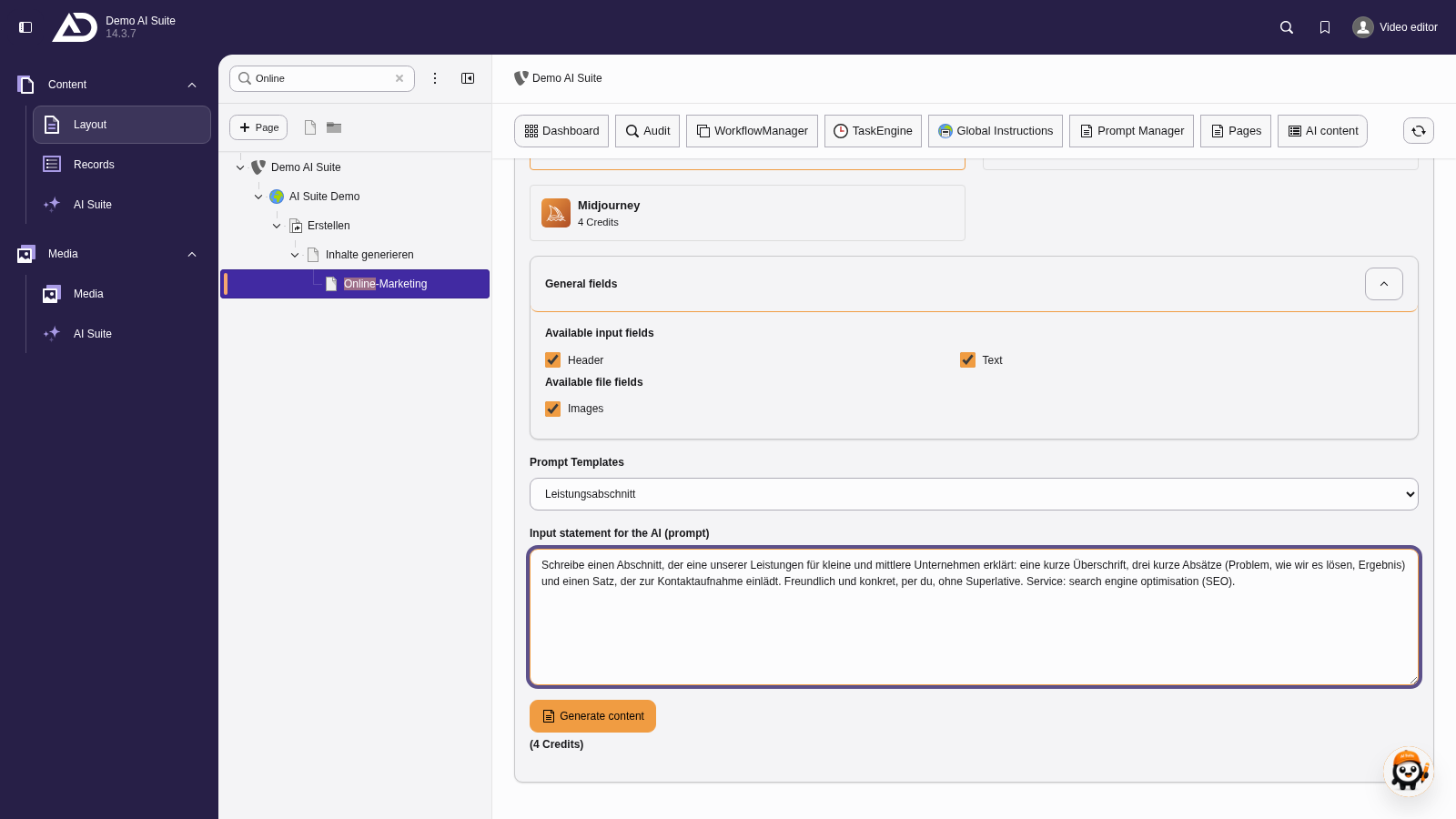
We choose the prompt template “Leistungsabschnitt” and only add to the prompt which service it is about.
-
Show larger version
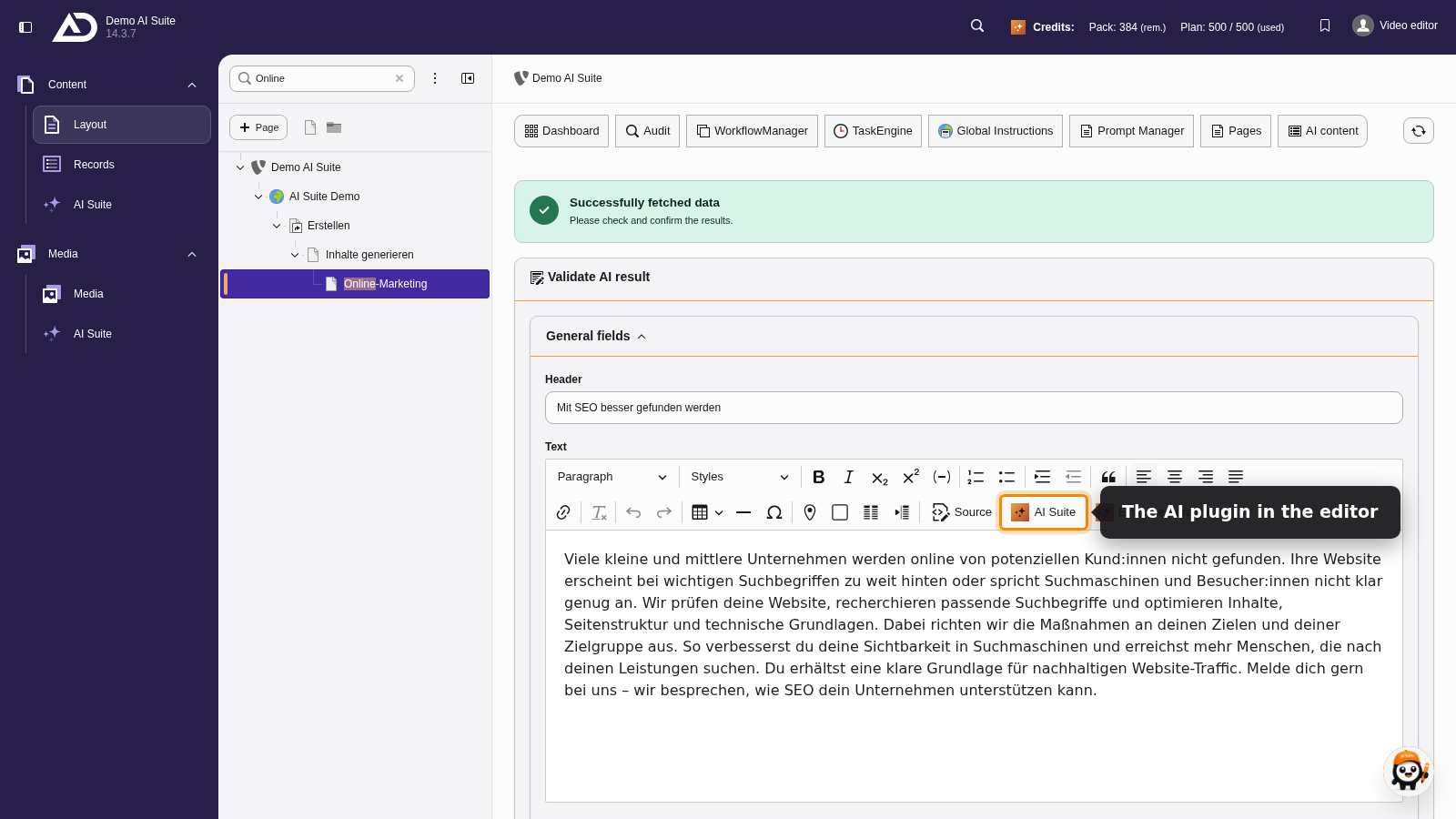
We review and edit the text right in the editor. The “AI Suite” button helps with rewriting here, too.
-
Show larger version
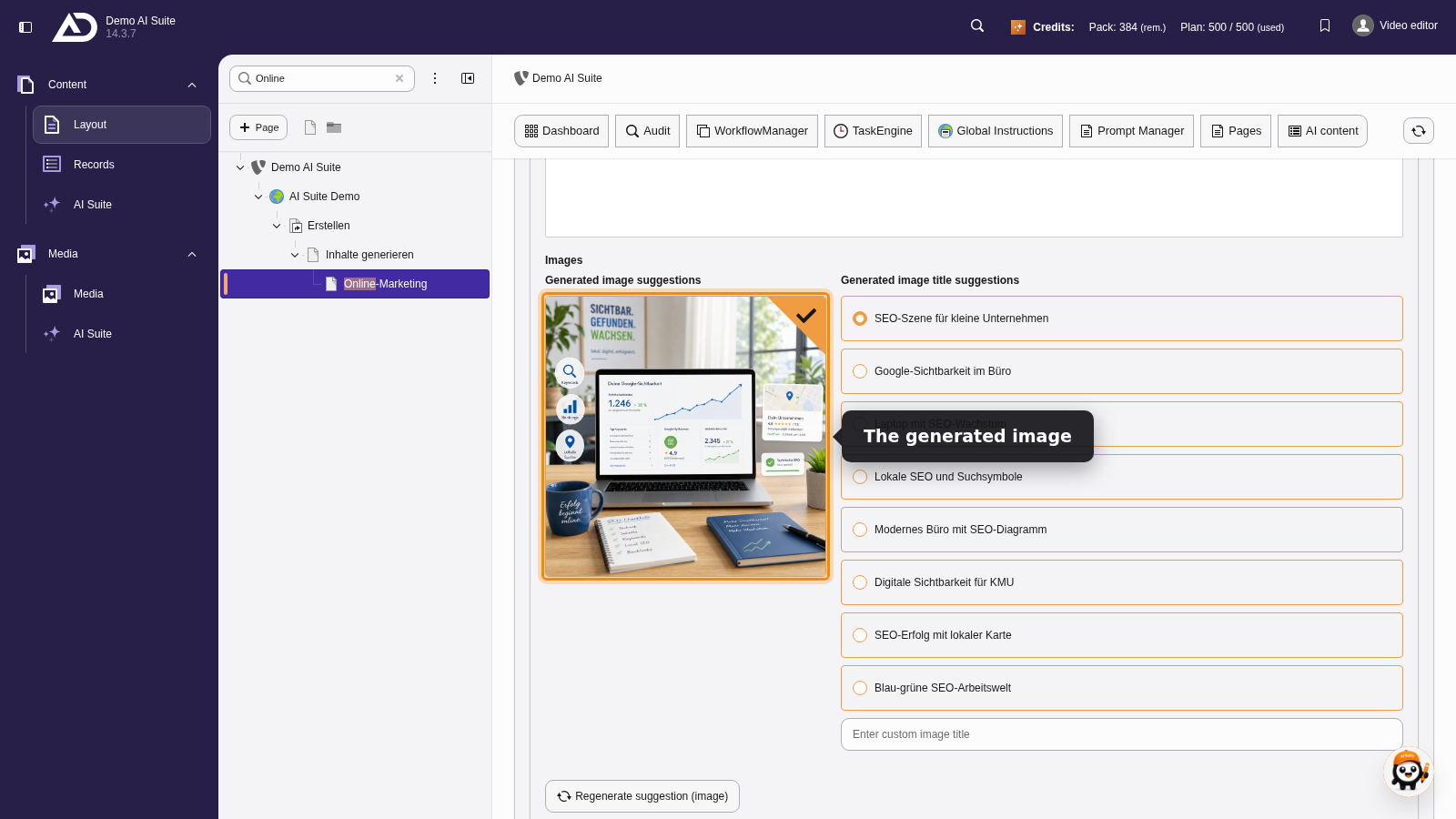
For the image, the AI suggests several titles. We pick one. If the image does not fit, it can be generated again on its own.
-
Show larger version
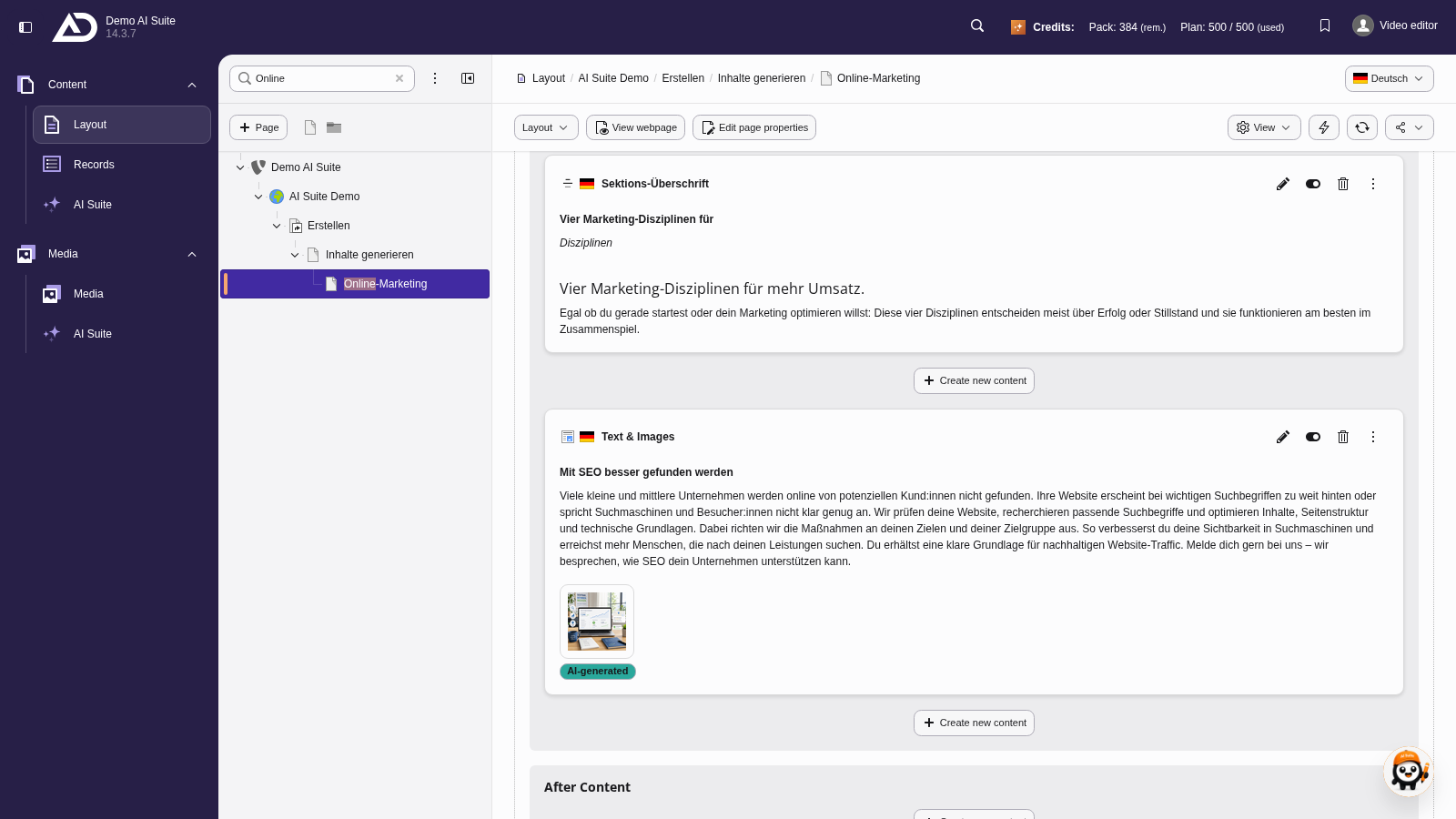
With “Add content to page”, the element goes right below the section heading.
-
Show larger version
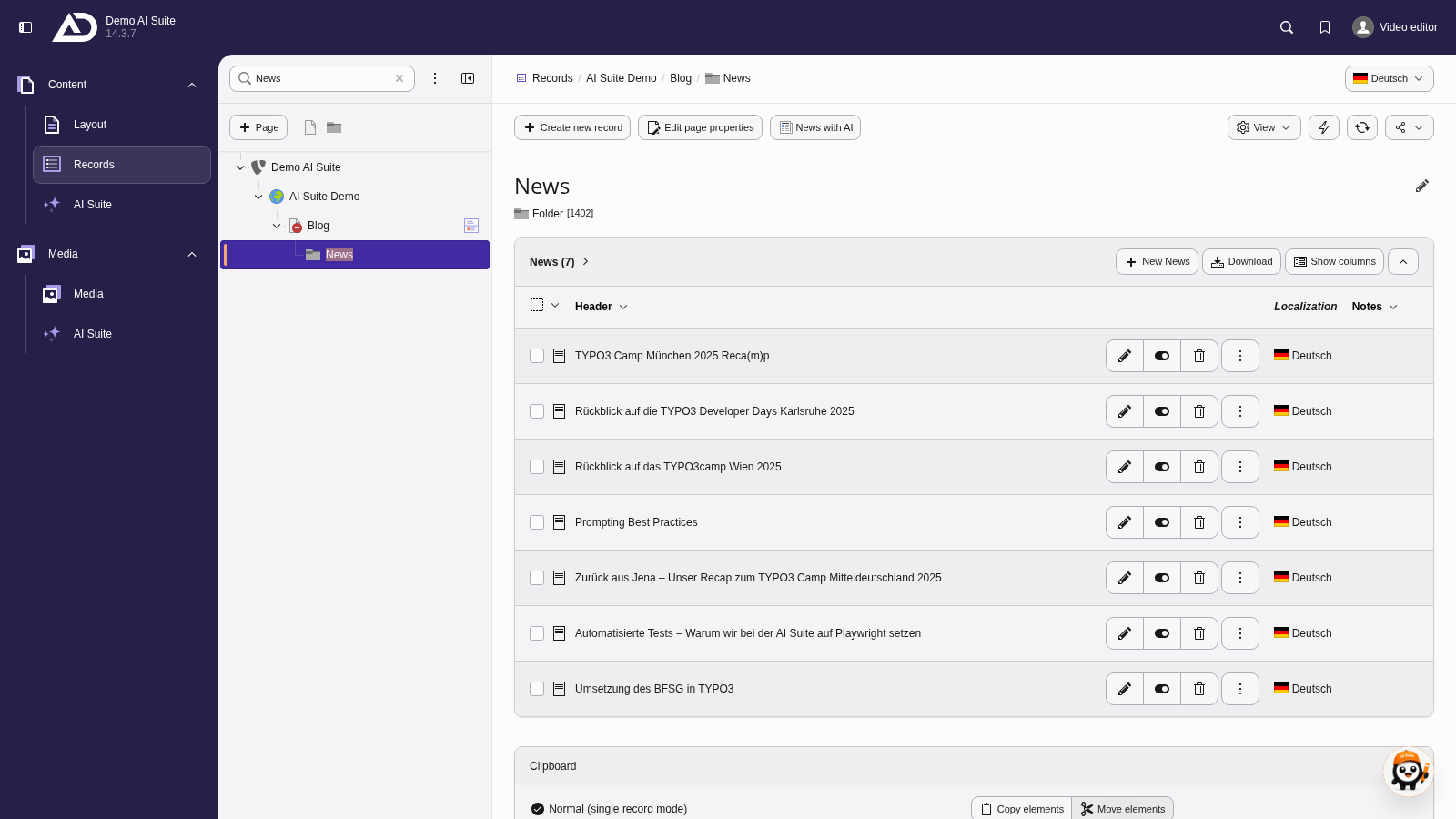
In the “Records” module, we choose the “News” folder. The “News with AI” button is located in the bar at the top.
-
Show larger version
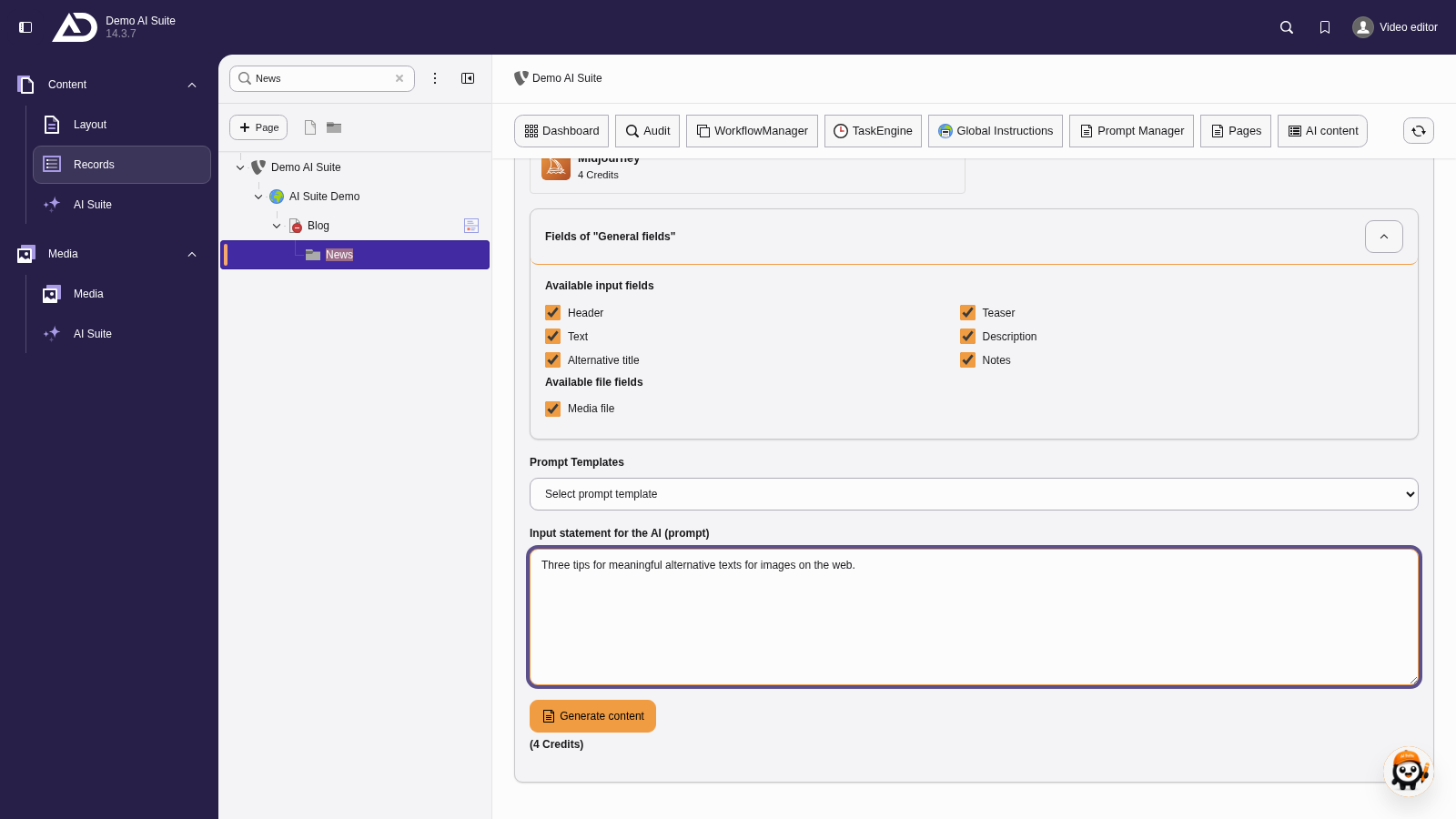
We enter the topic of the news as the prompt.
-
Show larger version
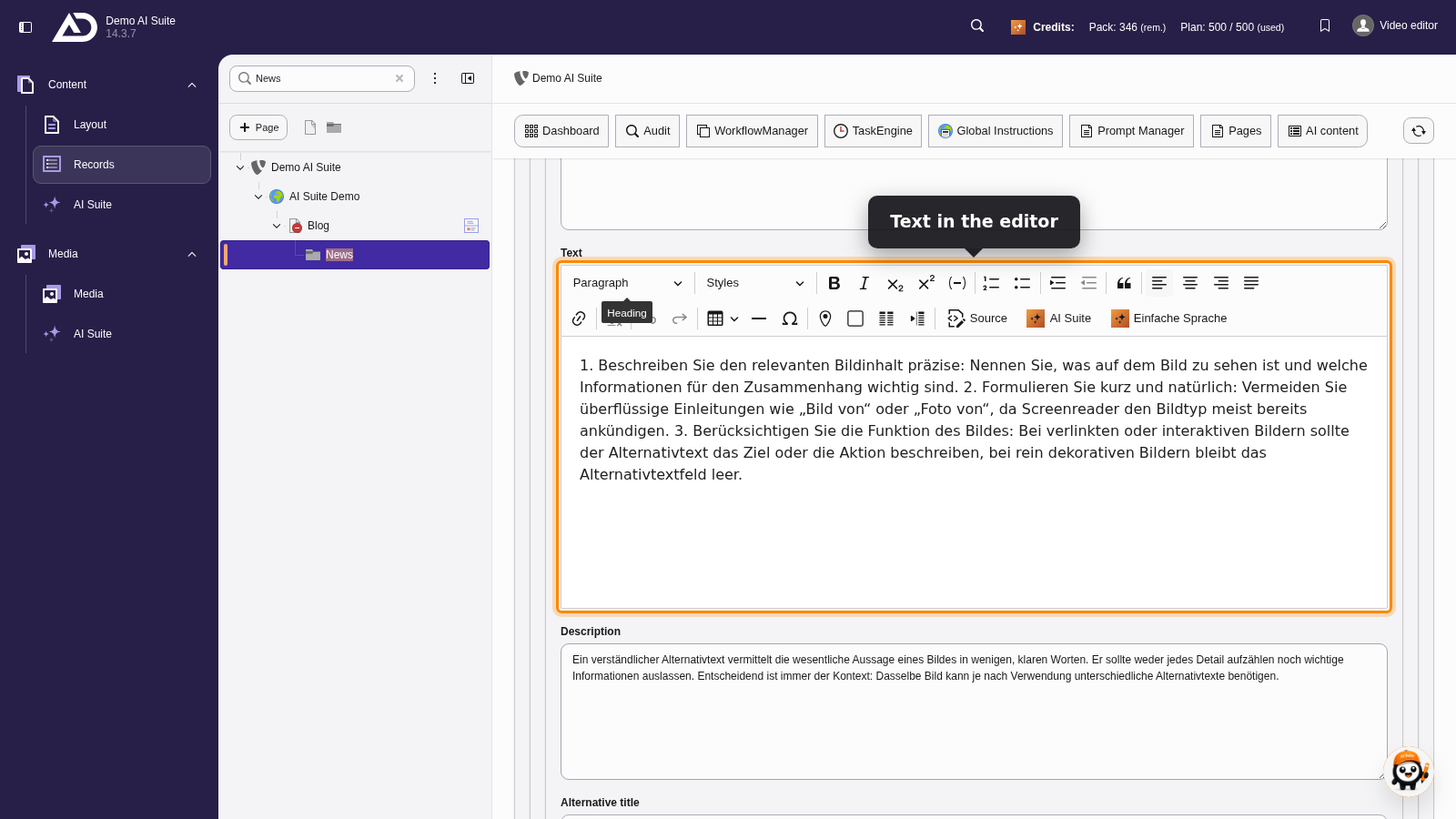
The text is in the editor and can be adjusted right away. Below it is the image suggestion with title suggestions.
-
Show larger version
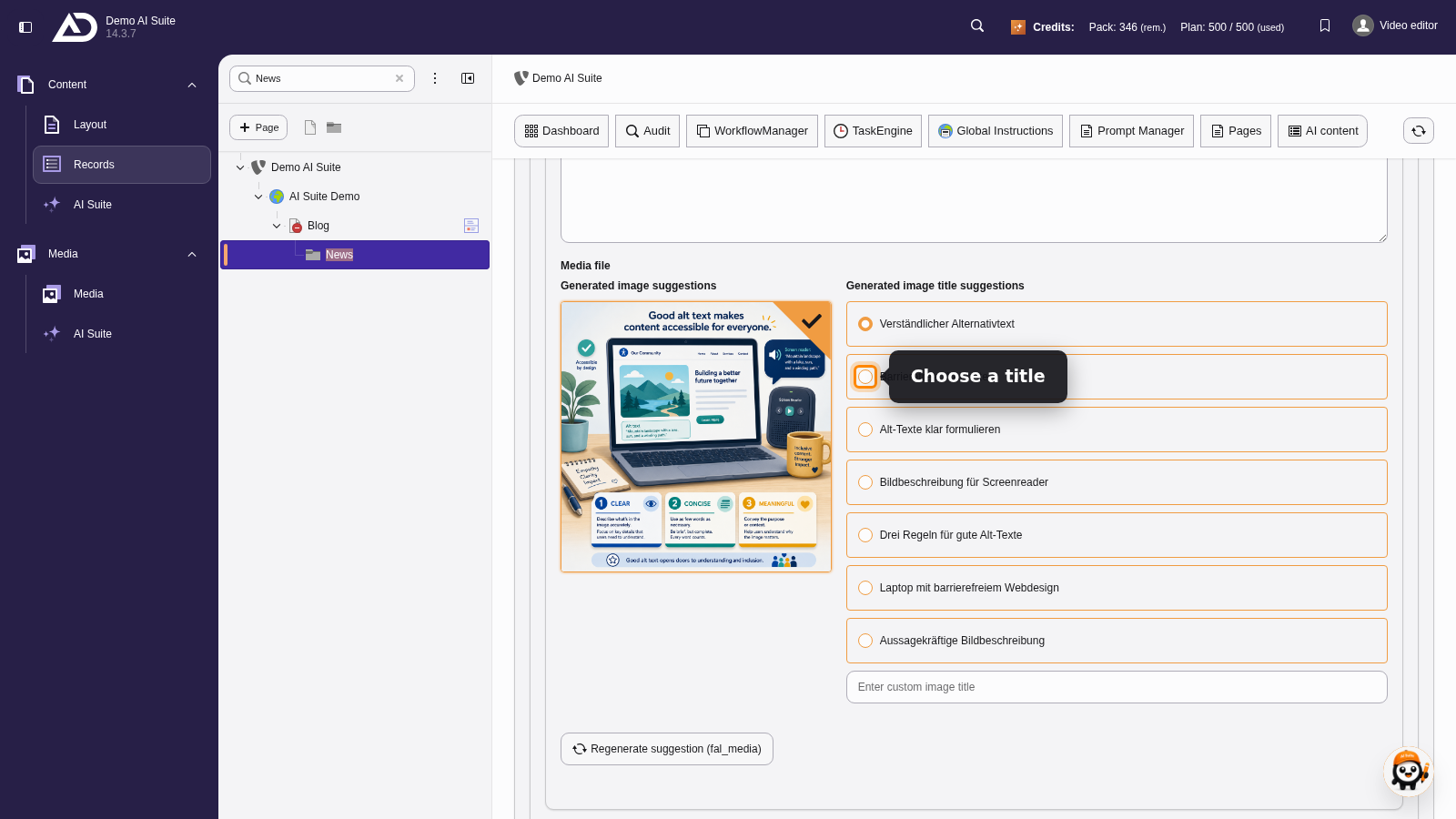
We choose a title for the image and add the record with “Add content to page”.
-
Show larger version
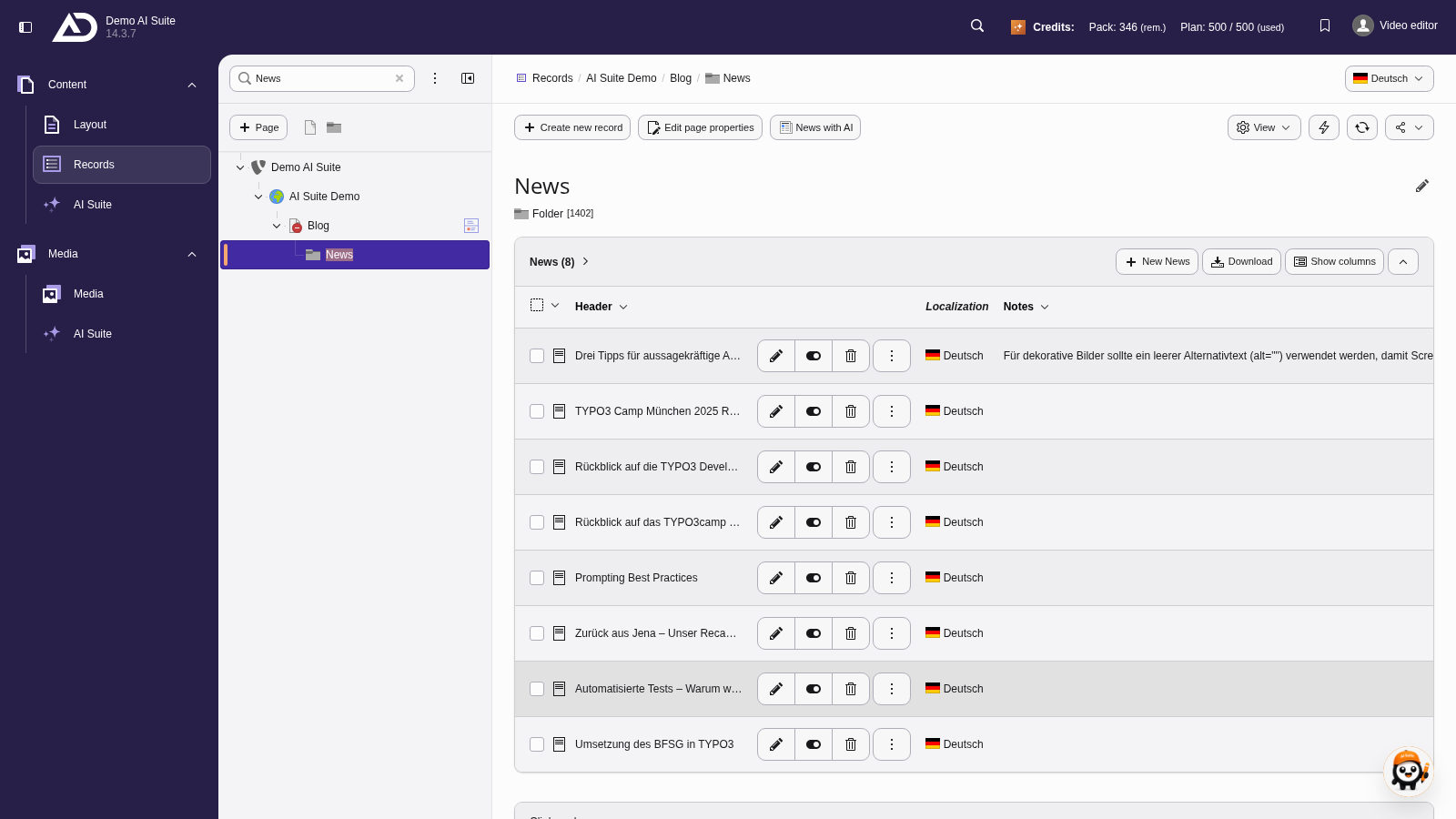
The new news record is in the “News” folder.