-
Show larger version
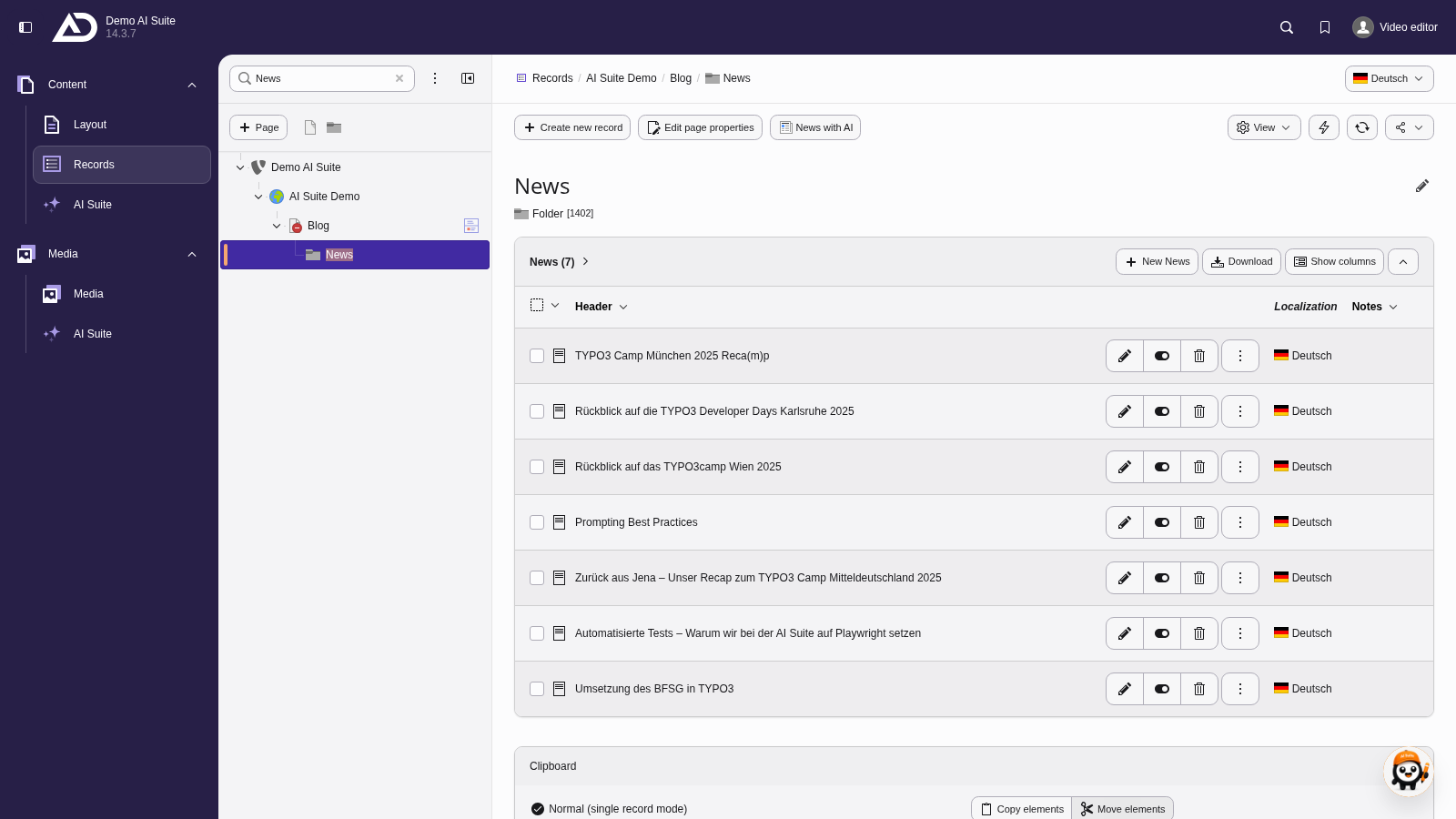
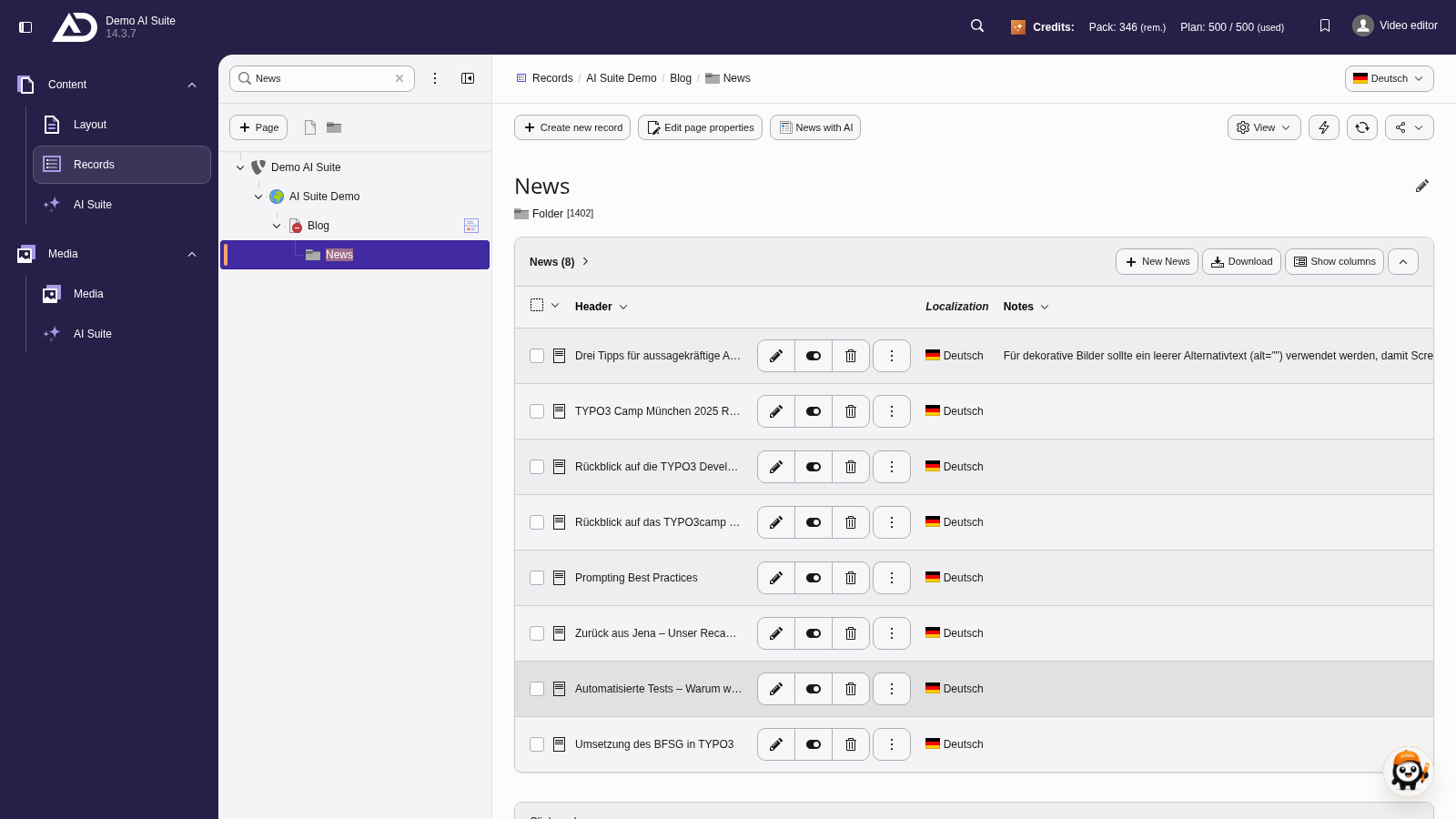
In the “Records” module, we choose the “News” folder. The “News with AI” button is located in the bar at the top.
2. Structure of the initial input mask
- Select the desired text model for creating the text content of your news record
- Select the desired image model for creating the images of your news record (if desired)
- if applicable, set additional configuration parameters (currently only for Midjourney)
- Select the individual fields of your news record that should be generated
- If needed, select a prompt template. It is inserted into the input field directly.
- Write your prompt or adjust the template.
- Generate your news record
-
Show larger version
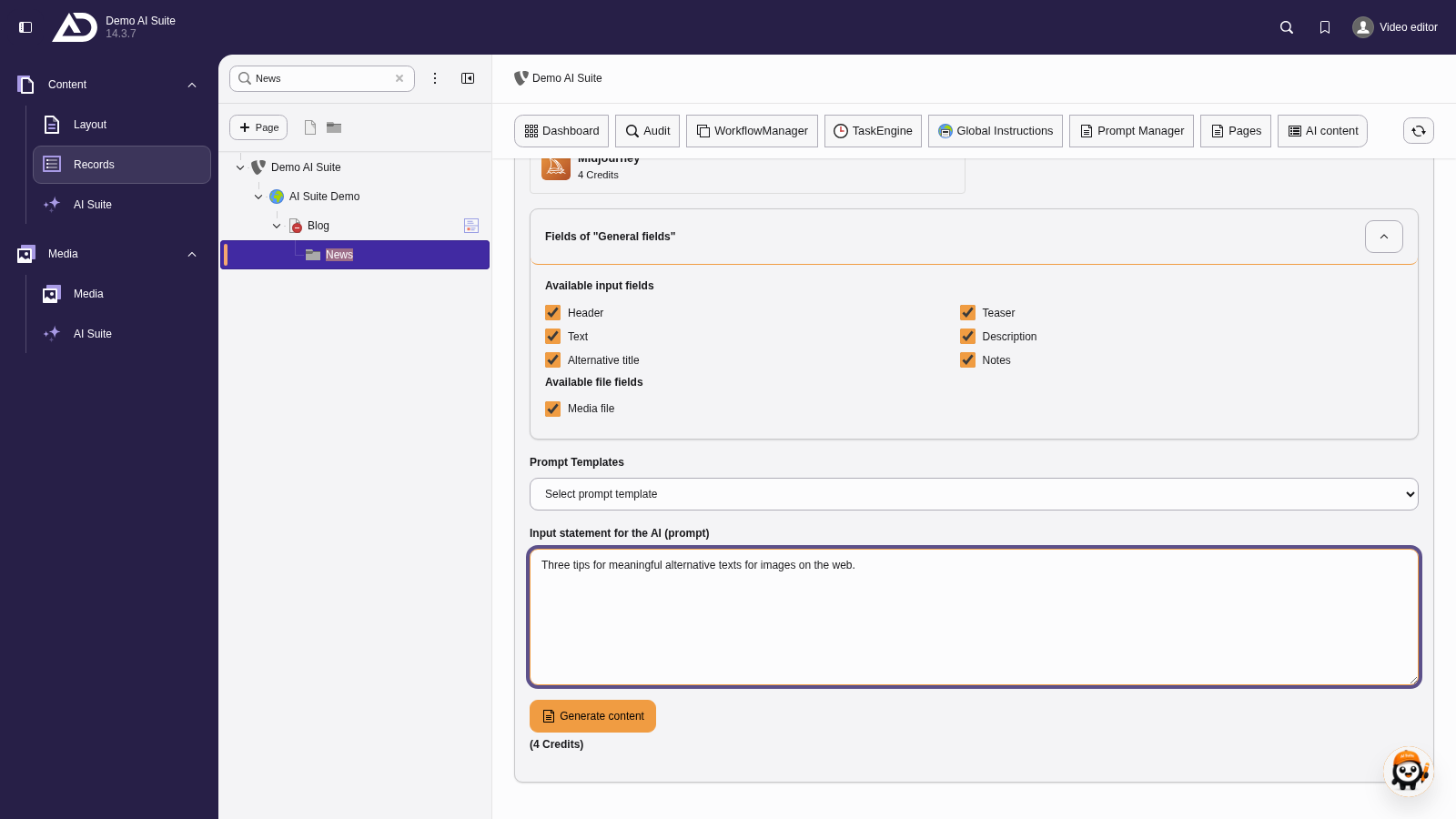
We enter the topic of the news as the prompt.
 Automatic use of the pre-configured language (of the page)
The AI Suite always generates the news record in the page language, regardless of the language you write the prompt in.
If your backend language differs, backend labels and generated content appear in different languages.
After the fields of the news record have been created, you can now validate the results and make appropriate adjustments.
- In RTE fields, you work in the editor as usual
- within the RTE field, an additional plugin for modifications is available
- For images, the behavior depends on the selected model
- Midjourney
- Preselection of images
- Selection and generation of an image using the buttons
- processed image with title suggestions
- GPT Image and Flux
- direct image suggestion with title suggestions
- Midjourney
- All images can be regenerated separately
- Create/save the news record or regenerate it completely (start at step 2 with pre-filled values)
-
Show larger version
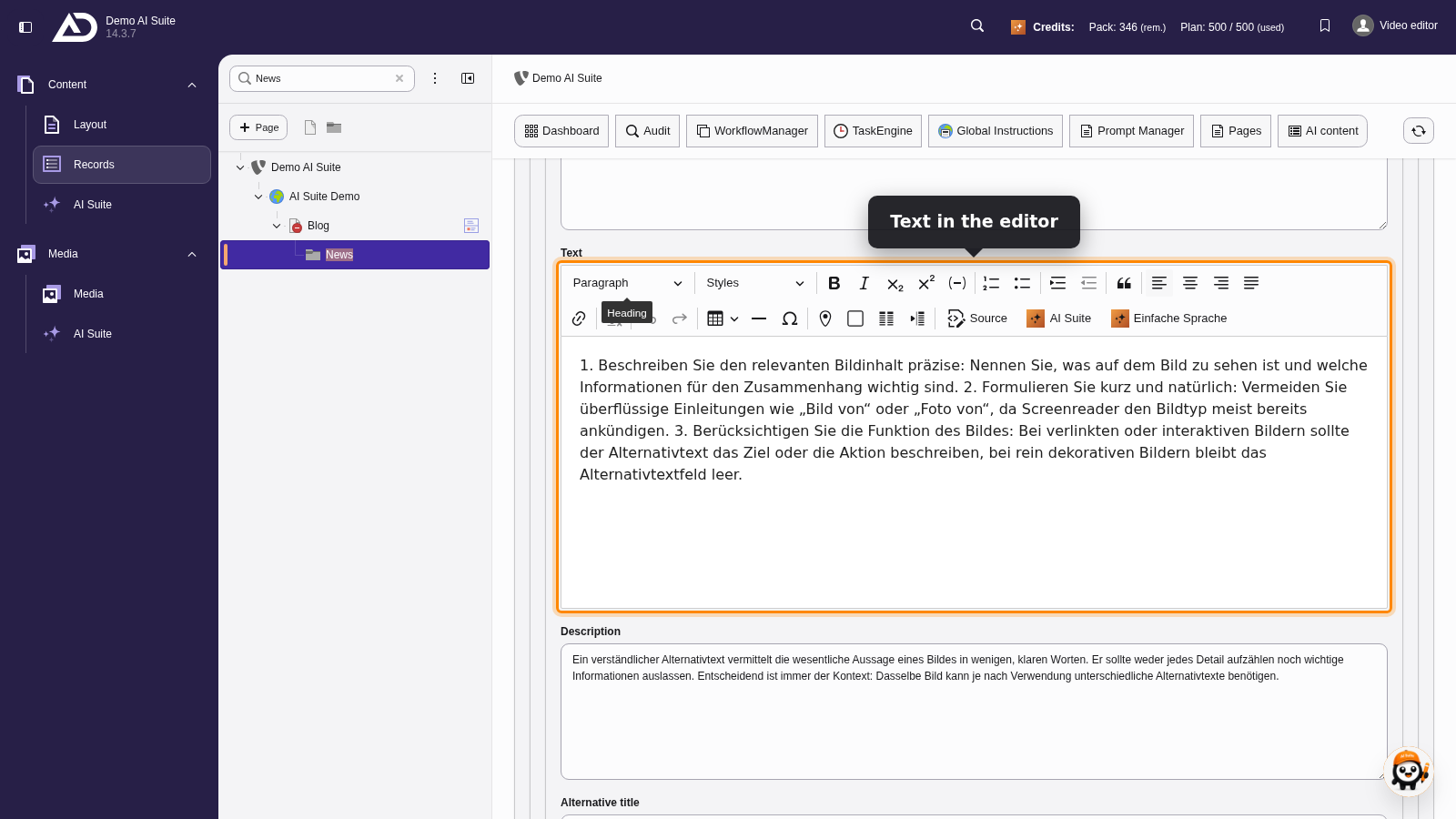
The text is in the editor and can be adjusted right away. Below it is the image suggestion with title suggestions.
-
Show larger version
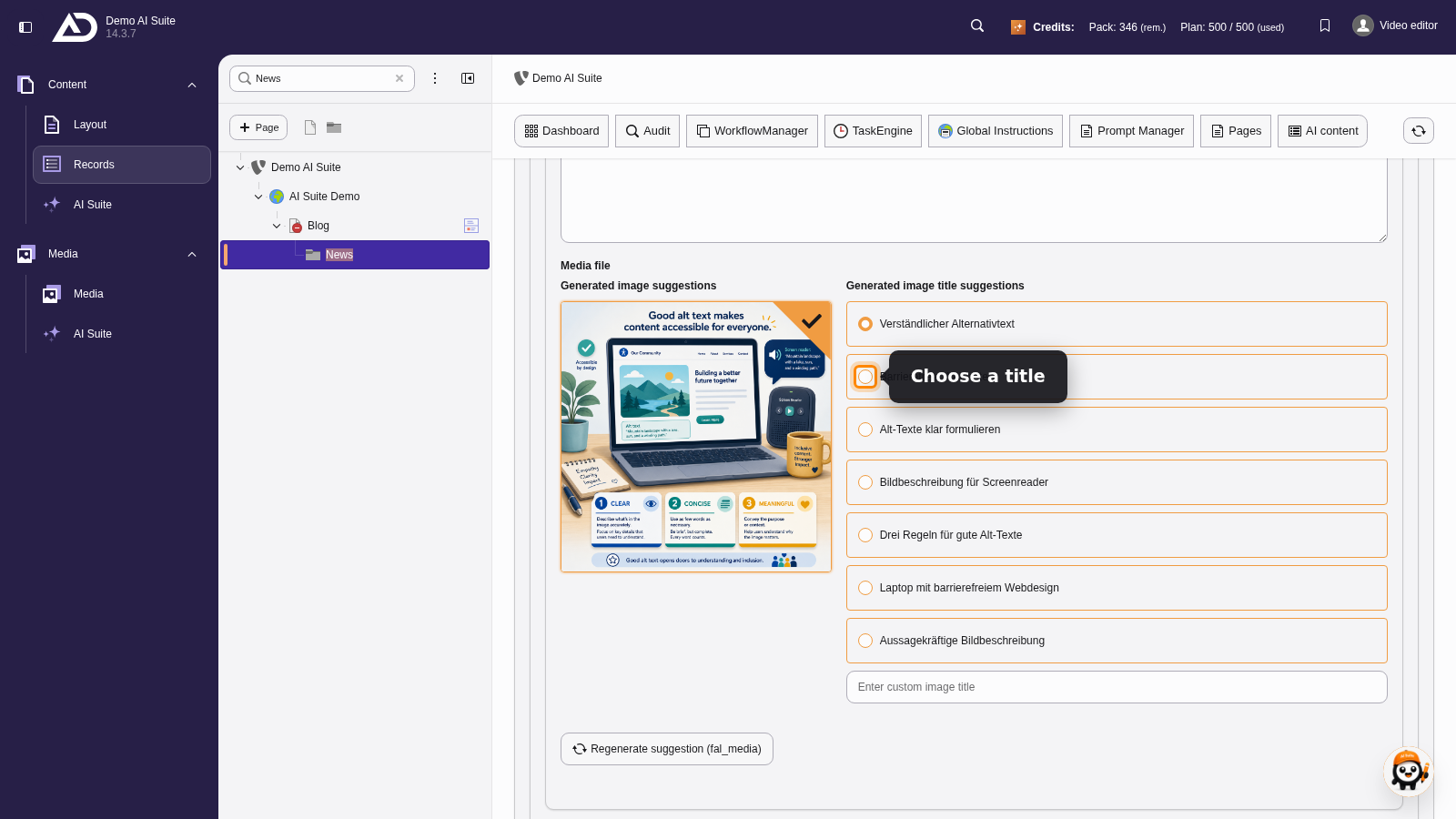
We choose a title for the image and add the record with “Add content to page”.
-
Show larger version
The new news record is in the “News” folder.