-
Show larger version
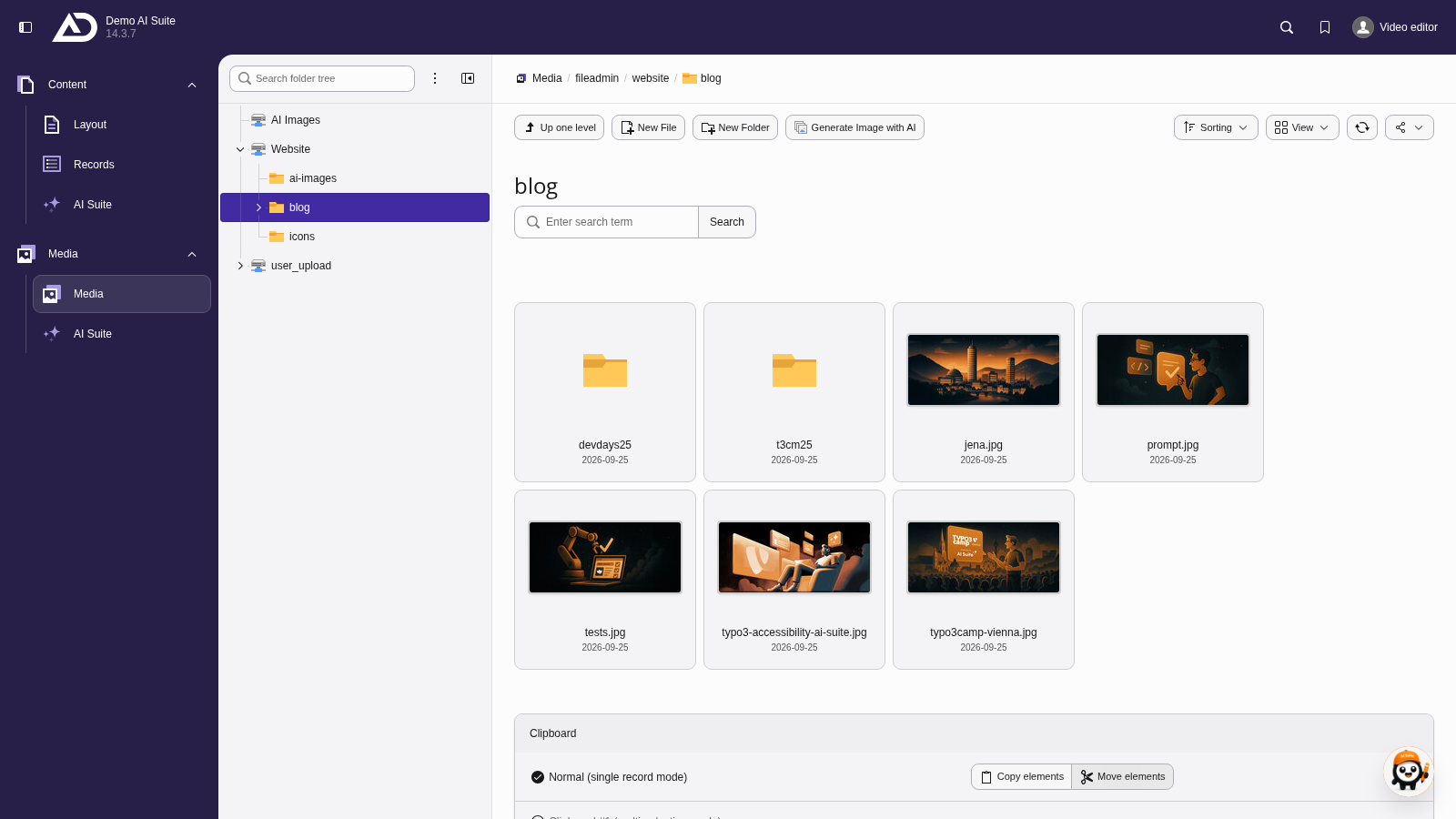
In the file list, we switch to the “blog” folder.
-
Show larger version
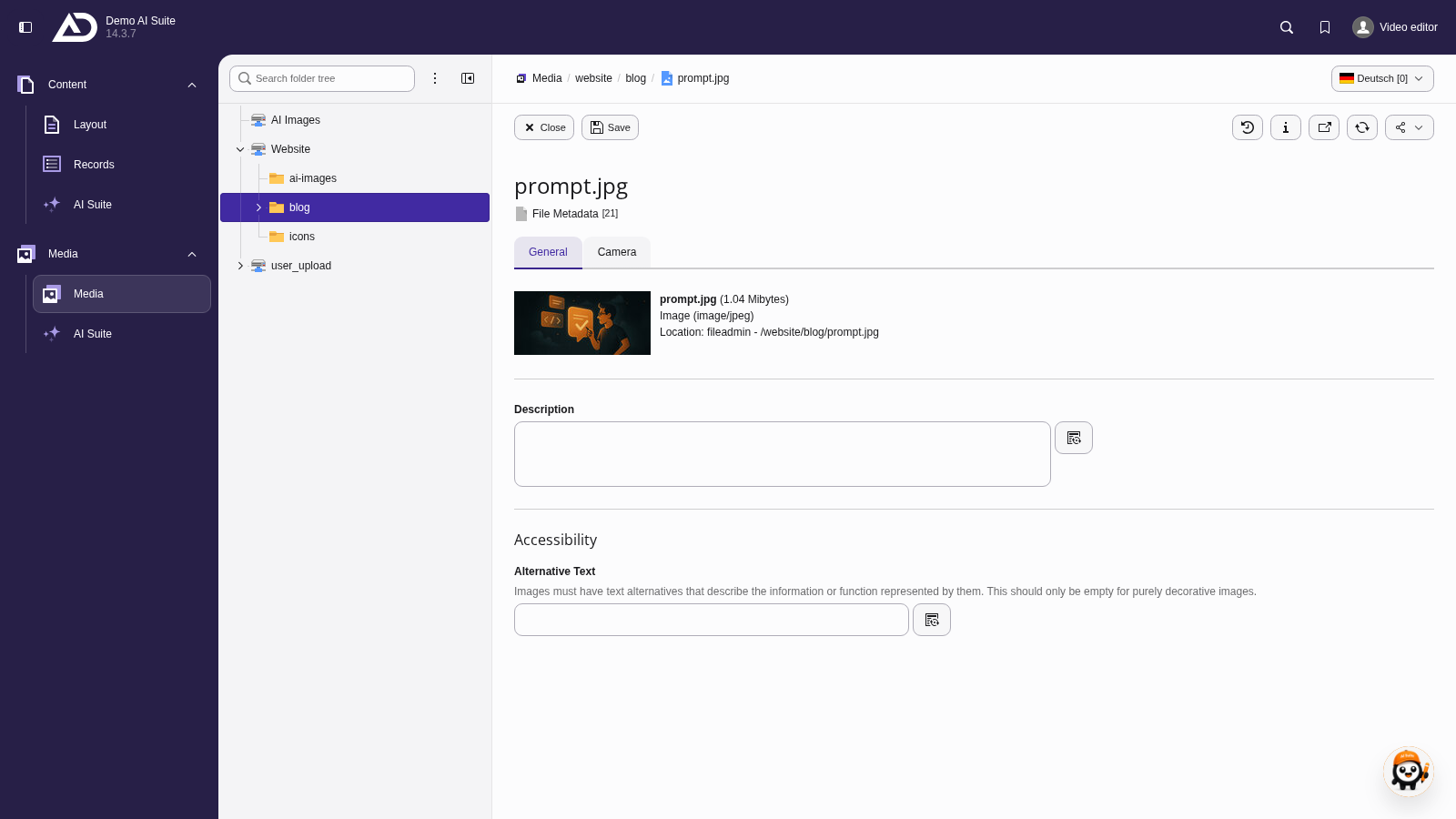
A click on the image opens its metadata. Next to “Title”, “Description” and “Alternative Text”, there is an AI button each.
2. Structure/Process of Generation
- Click the AI button next to the field. A wizard with two steps opens.
- In the first step (“Enter metadata generation settings”), you select the AI model. With “Use own prompt”, you can optionally set your own prompt.
- Under “Select (target) language:”, you define the language in which the suggestions are generated.
- Click “Generate metadata suggestions”.
-
Show larger version
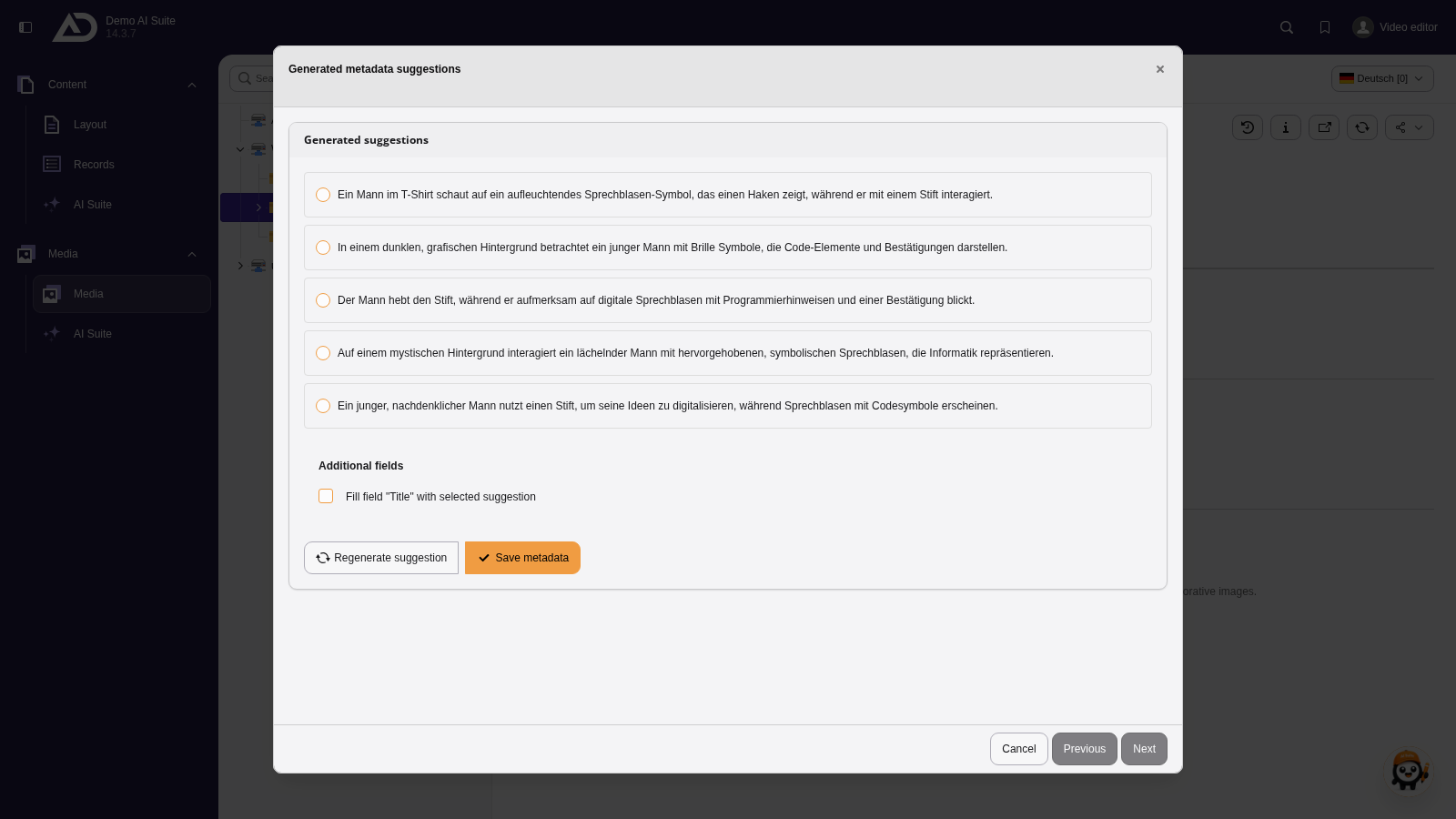
We start with the alternative text. A vision-capable model looks at the image and suggests texts.
 Language of the suggestions
The AI Suite generates the suggestions in the language you select in the first step of the wizard under “Select (target) language:”, regardless of the language you write the prompt in.
If the selected language and your backend language differ, backend labels and generated suggestions appear in different languages.
- In the second step (“Generated suggestions”), select a suggestion
- If needed, adopt the suggestion into further fields under “Additional fields” (not available for all fields)
- If the suggestions do not fit, “Regenerate suggestion” takes you back to the first step
- Click “Save metadata” to adopt the suggestion into the field
- Save the image/metadata to apply changes
-
Show larger version
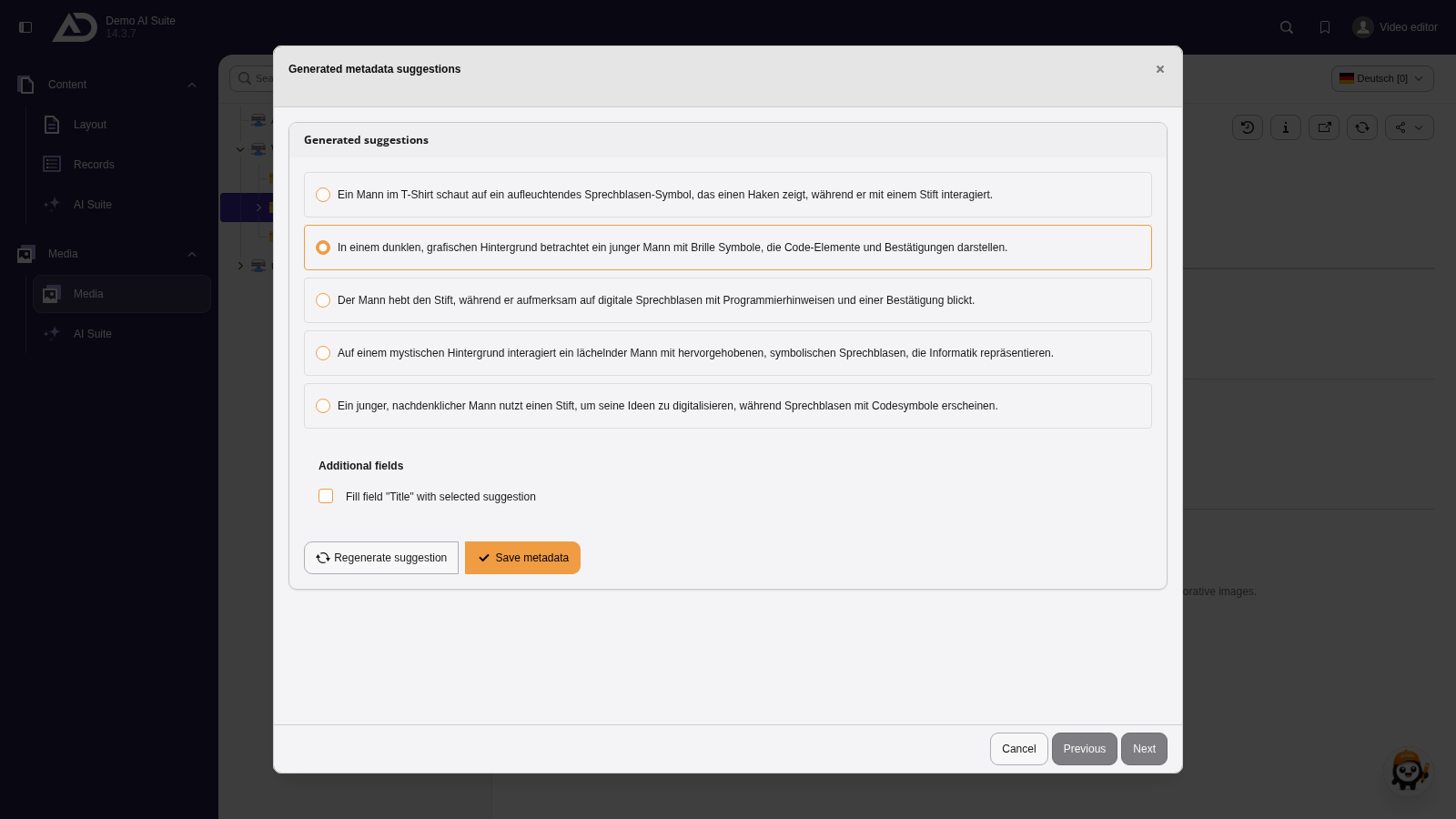
The suggestions are written in the language we selected in the first step of the wizard. We choose one and apply it with “Save metadata”.
-
Show larger version
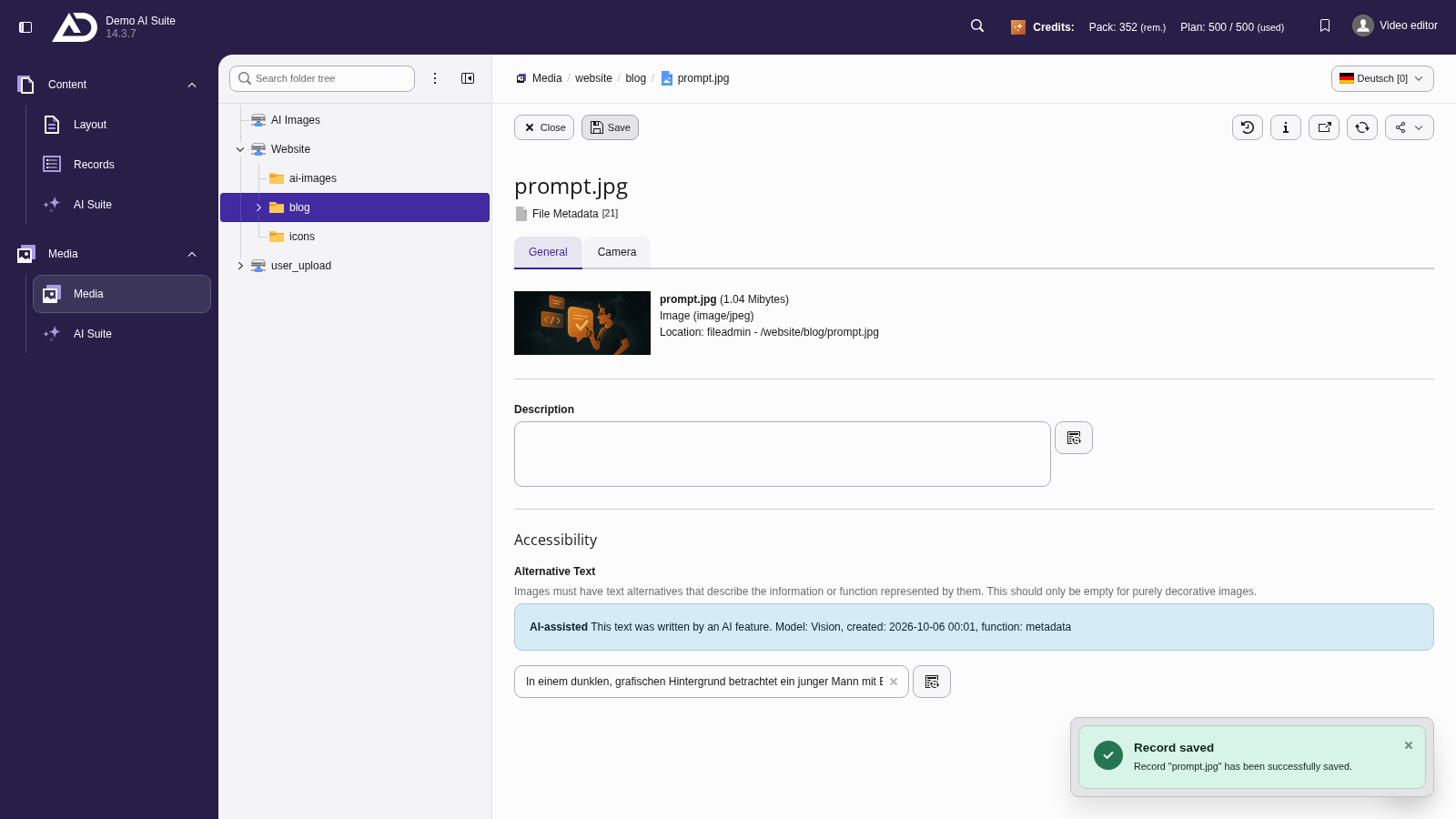
The alternative text is in the field. We save the metadata.