1. Where can I find the function?
The news metadata generation can be done as follows:
- Switch to the “Records” module (in TYPO3 12: “List”)
- Select the appropriate page or folder in the page tree
- Switch to the editing mask of the desired news record
- Switch to the “Metadata” tab
- Click the button next to the field for which you want to generate content
-
Show larger version
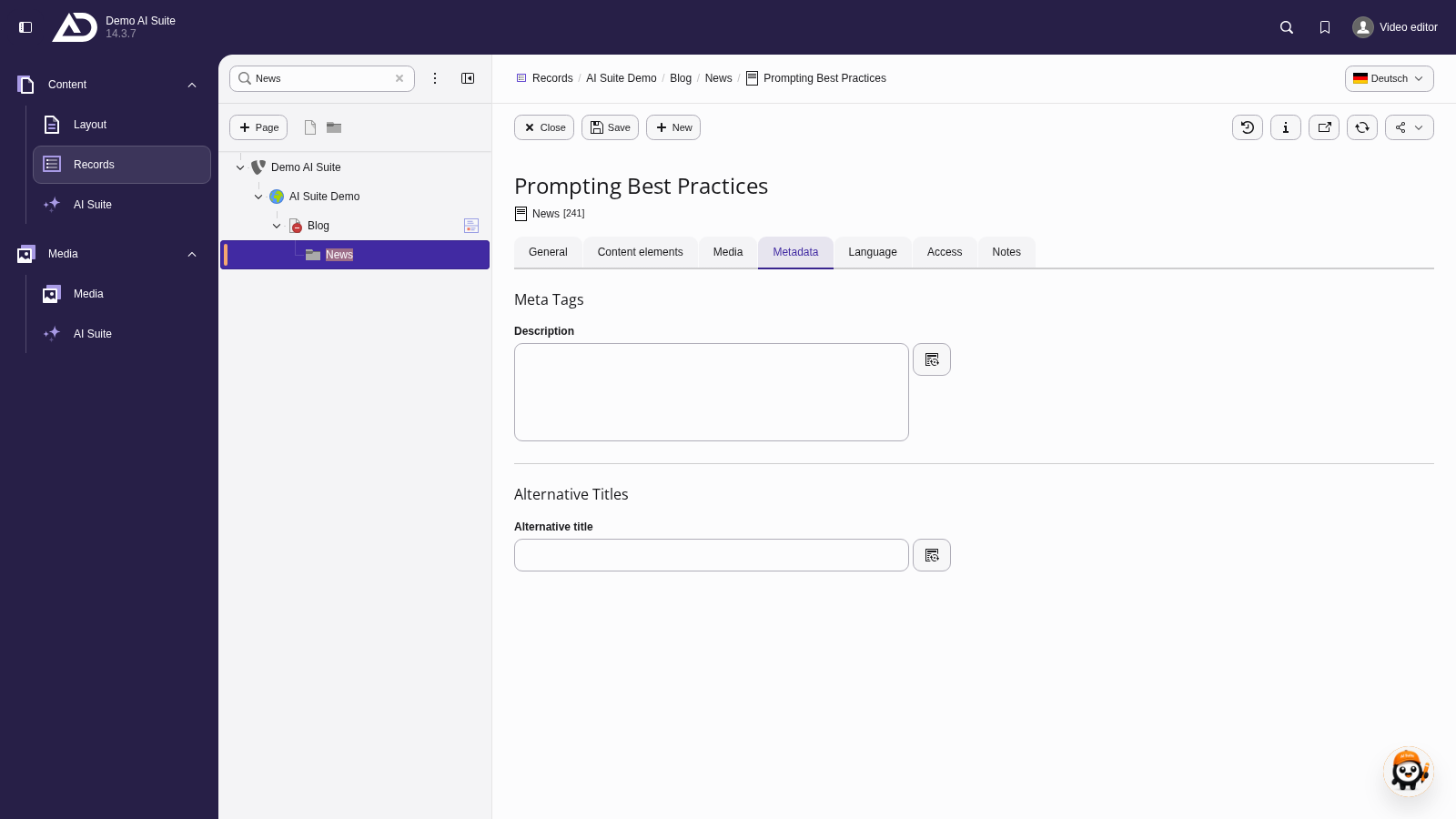
In the “Records” module, we open an article in the “News” folder and switch to the “Metadata” tab.
 Setting a News Detail Page
You select the news detail plugin directly in the first step of the wizard. If the selection is missing, the wizard points this out. Since versions 14.6.2/13.18.2/12.24.2, the selection field is additionally highlighted and focused. In older versions (up to 12.5.2), the UID of a news detail page had to be set in the extension configuration.
- Click the AI button next to the field. A wizard with two steps opens.
- In the first step (“Enter metadata generation settings”), you select the AI model. With “Use own prompt”, you can optionally set your own prompt.
- Under “News Detail Plugins”, select the detail plugin that outputs the news.
- Click “Generate metadata suggestions”.
-
Show larger version
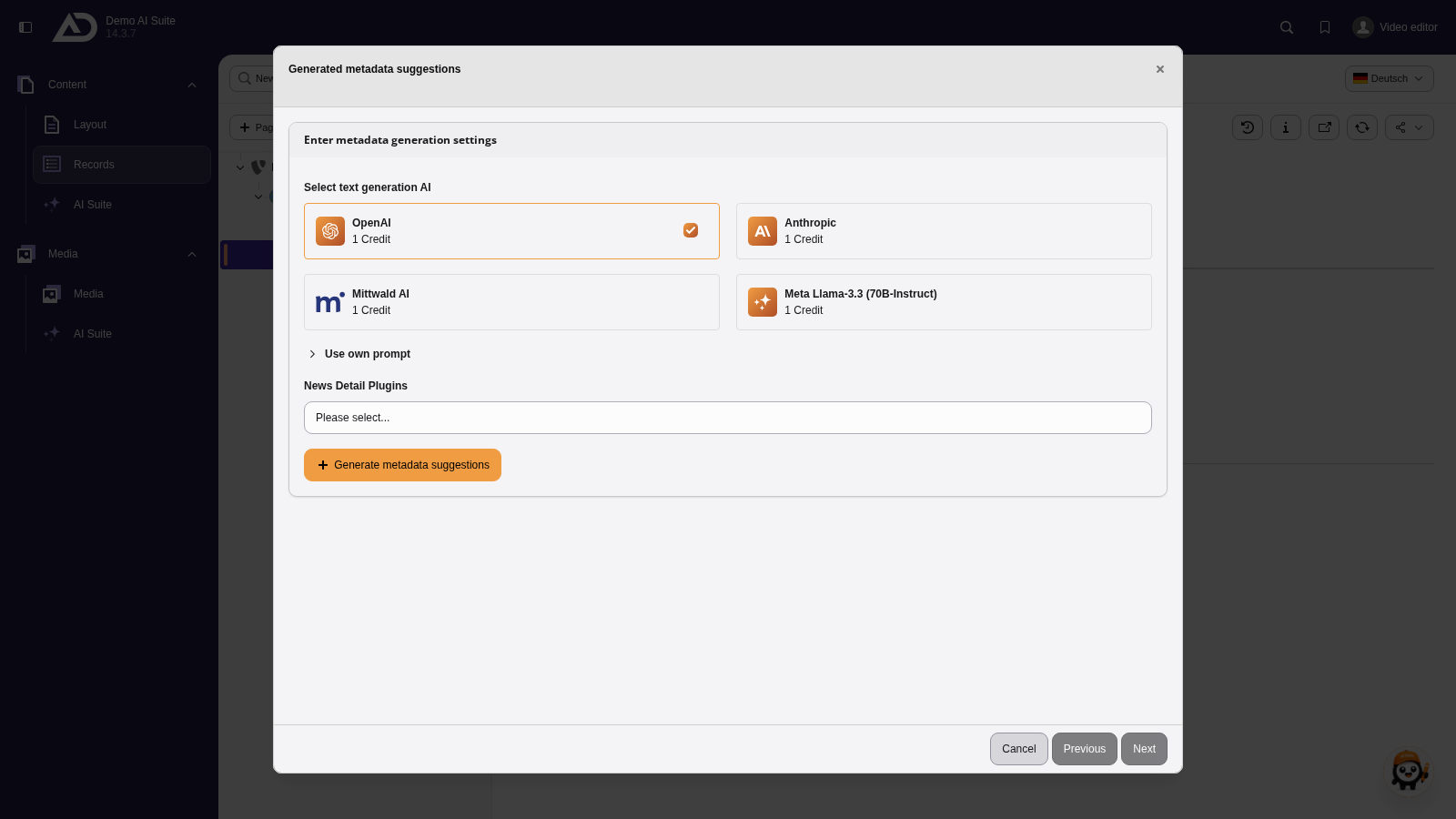
We start with the description and choose the model and the news detail plugin. The AI Suite reads the article and suggests several texts.
Automatic use of the record's language
The AI Suite always generates metadata suggestions in the language of the record, regardless of the language you write the prompt in.
If your backend language differs, backend labels and generated suggestions appear in different languages.
-
Show larger version
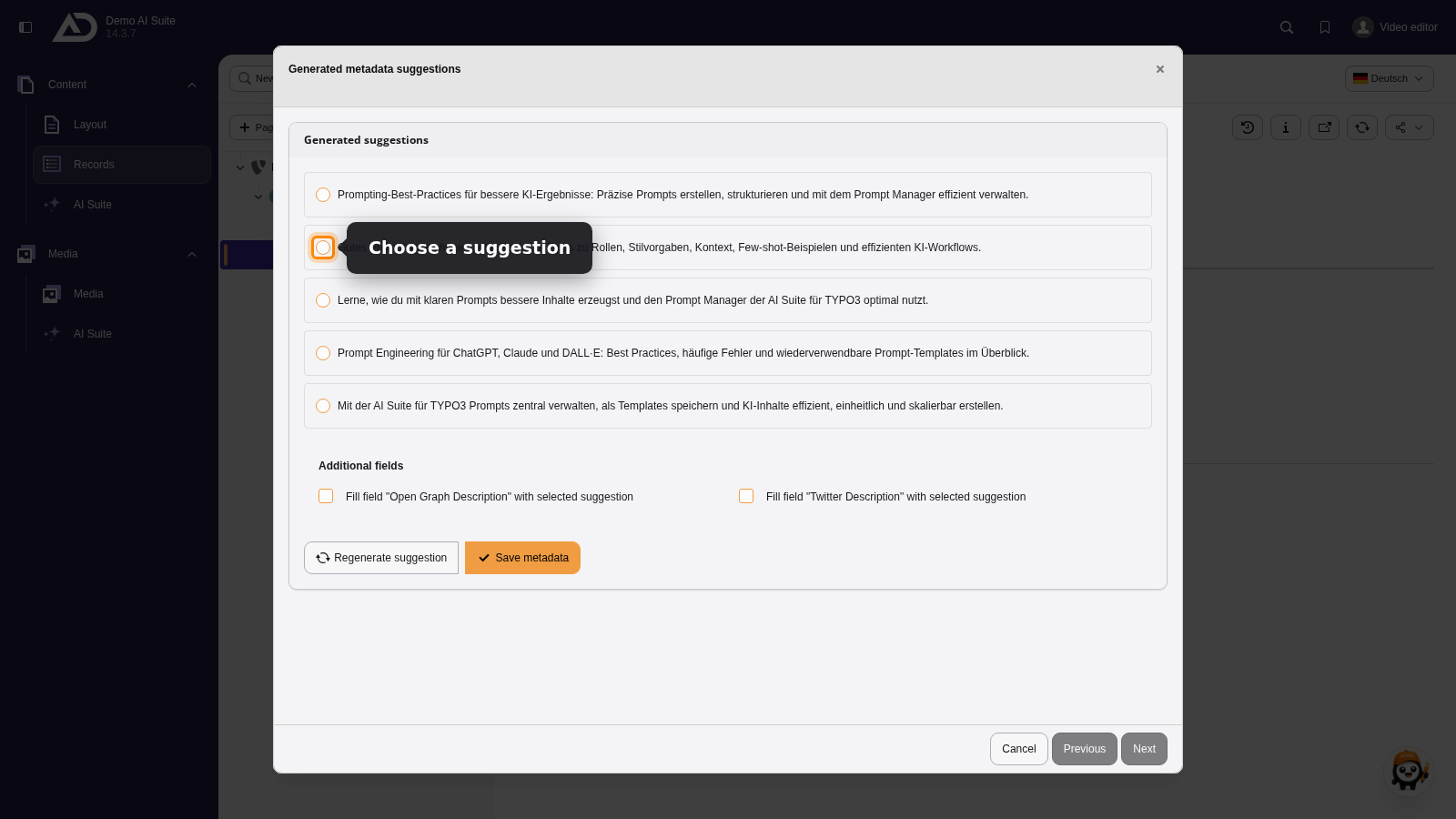
The suggestions are written in the language of the article. We choose one and apply it.
-
Show larger version
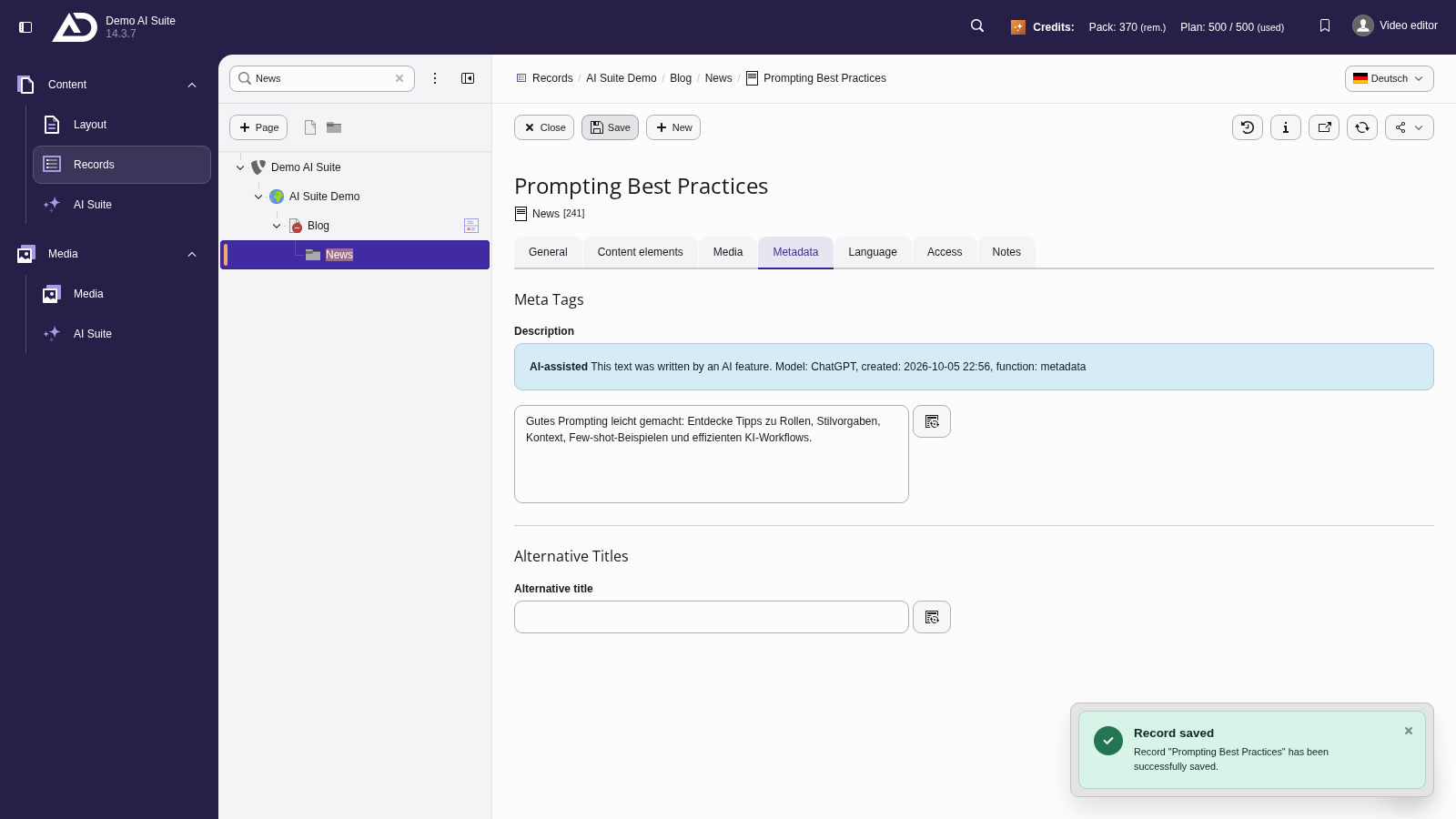
The description is in the field. We save the article.