1. Where can I find the function?
The page metadata generation can be done as follows:
- Switch to the Page module
- Select the appropriate page in the page tree
- Switch to the editing mask of the page properties
- Switch to the “SEO” tab (for page title and meta description), “Social Media” (for Open Graph and Twitter tags) or “Metadata” (for the abstract)
- Click the button next to the field for which you want to generate content
-
Show larger version
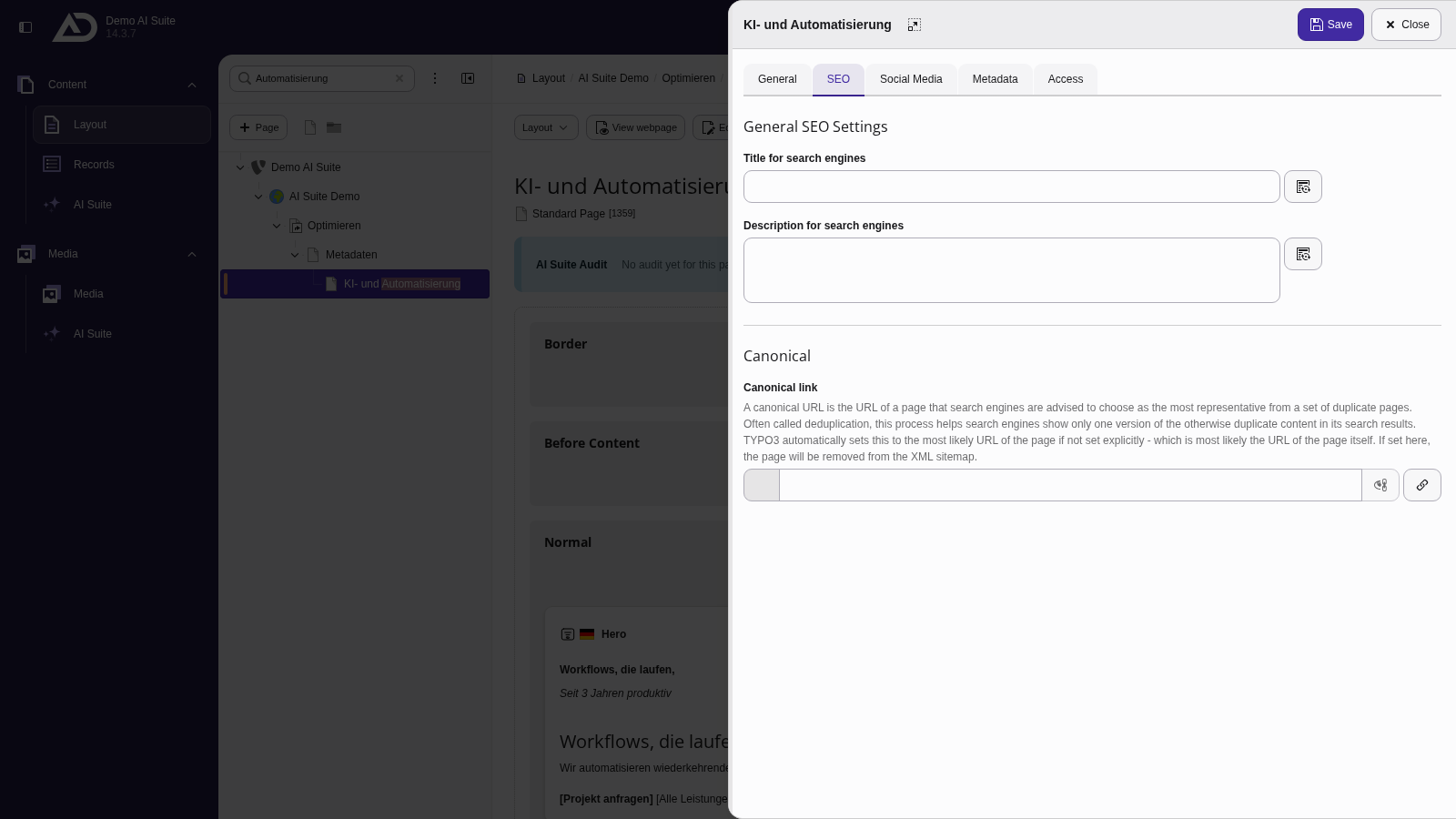
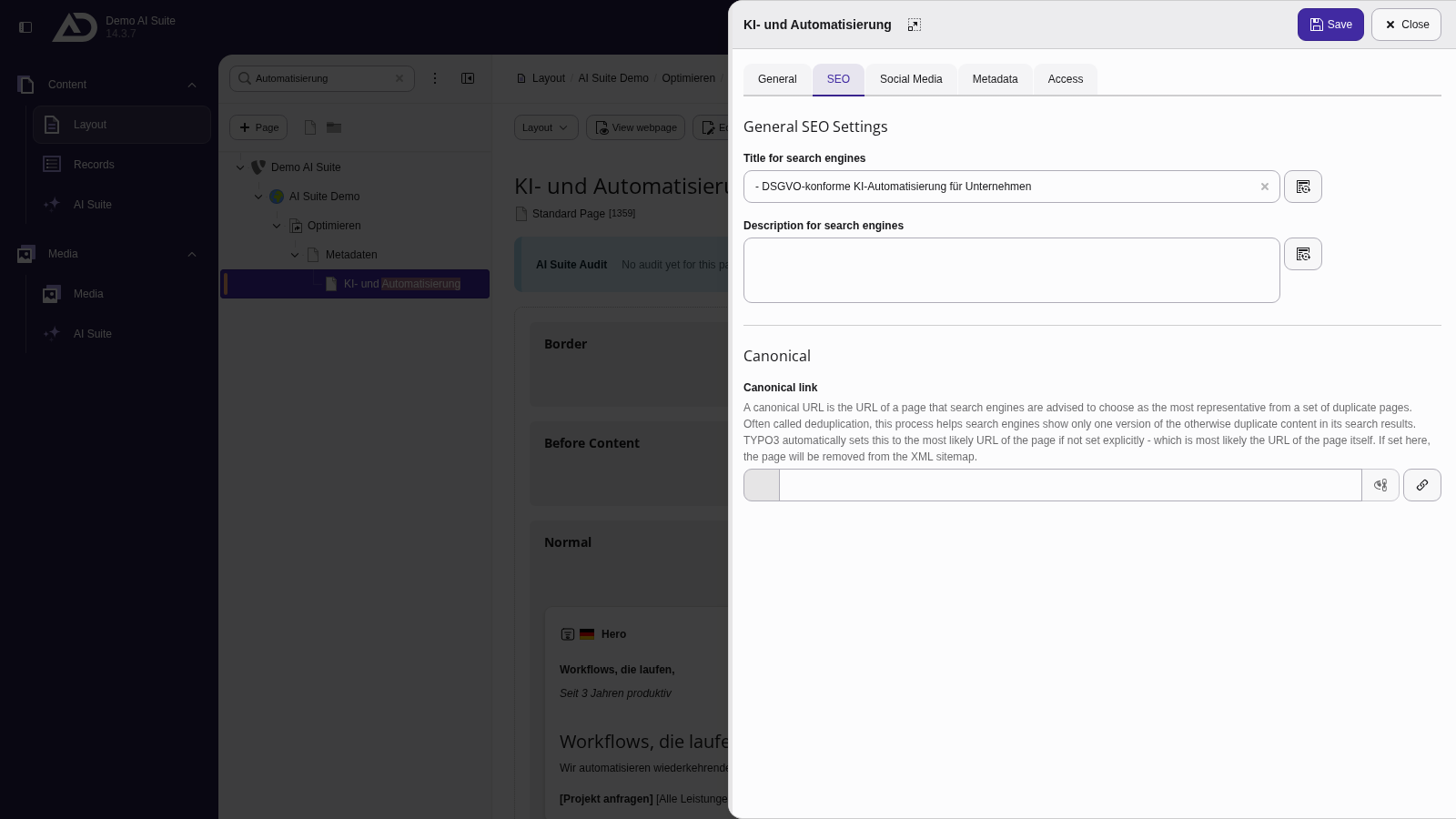
In the “SEO” tab, “Title for search engines” and “Description for search engines” each have an AI button.
-
Show larger version
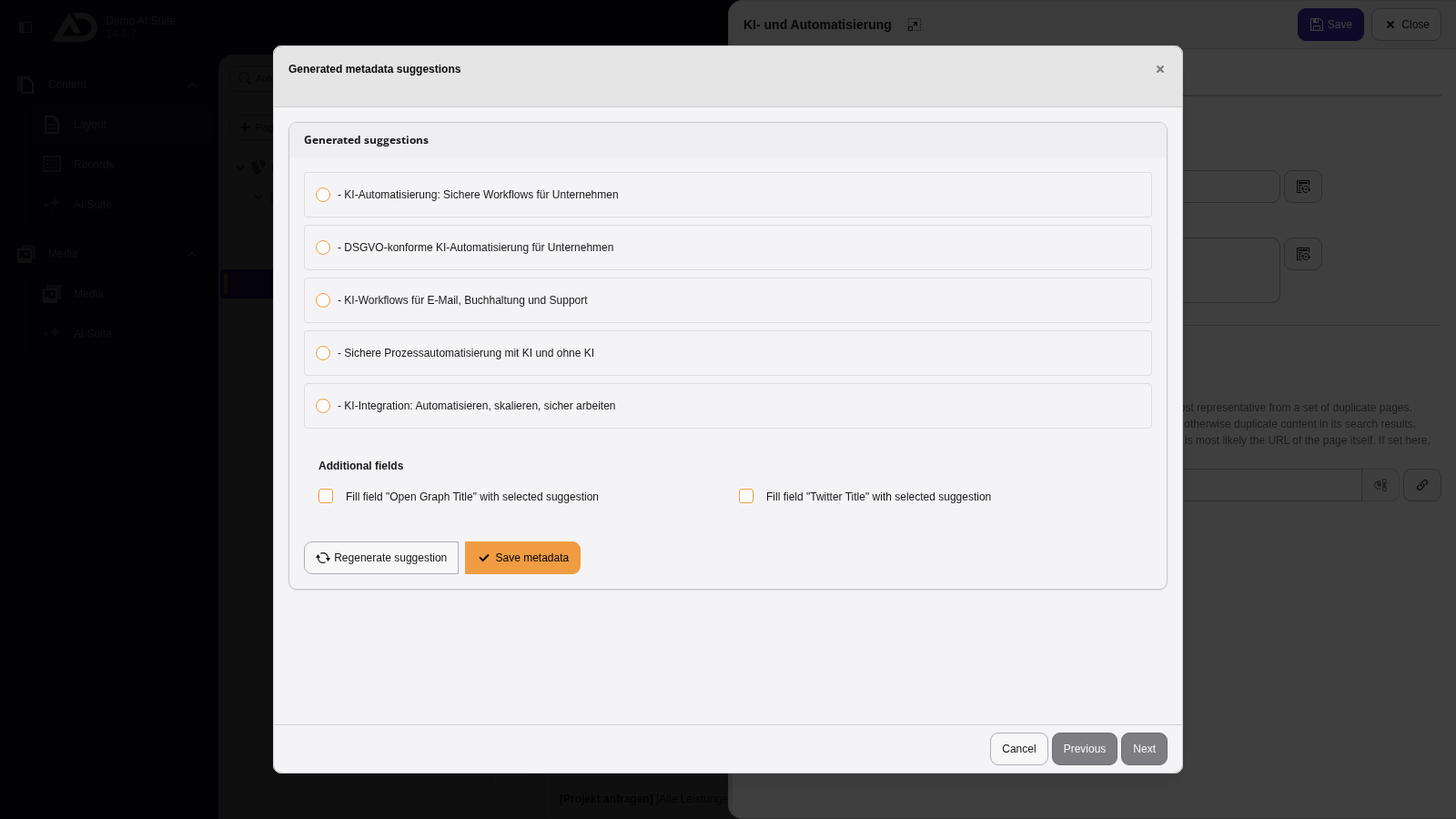
The AI Suite reads the page content and suggests several titles.
 Automatic use of the page language
The AI Suite always generates metadata suggestions in the page language, regardless of the language you write the prompt in.
If your backend language differs, backend labels and generated suggestions appear in different languages.
- In the second step (“Generated suggestions”), select a suggestion
- If needed, adopt the suggestion into further fields under “Additional fields” (not available for all fields)
- If the suggestions do not fit, “Regenerate suggestion” takes you back to the first step
- Click “Save metadata” to adopt the suggestion into the field
- Save the page properties to apply the changes
-
Show larger version
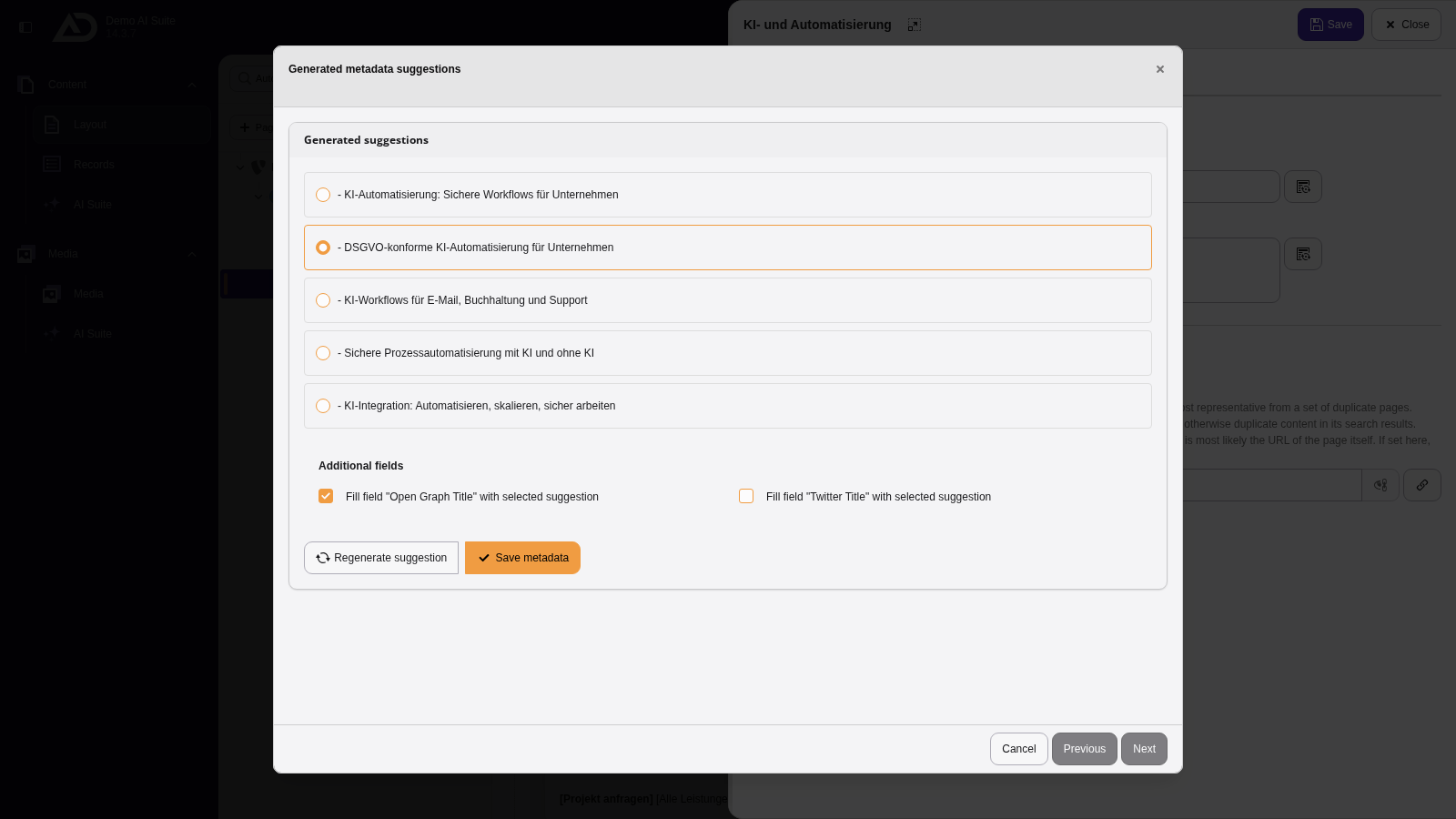
We choose a suggestion, use it for the Open Graph title as well if we like, and click “Save metadata”.
-
Show larger version
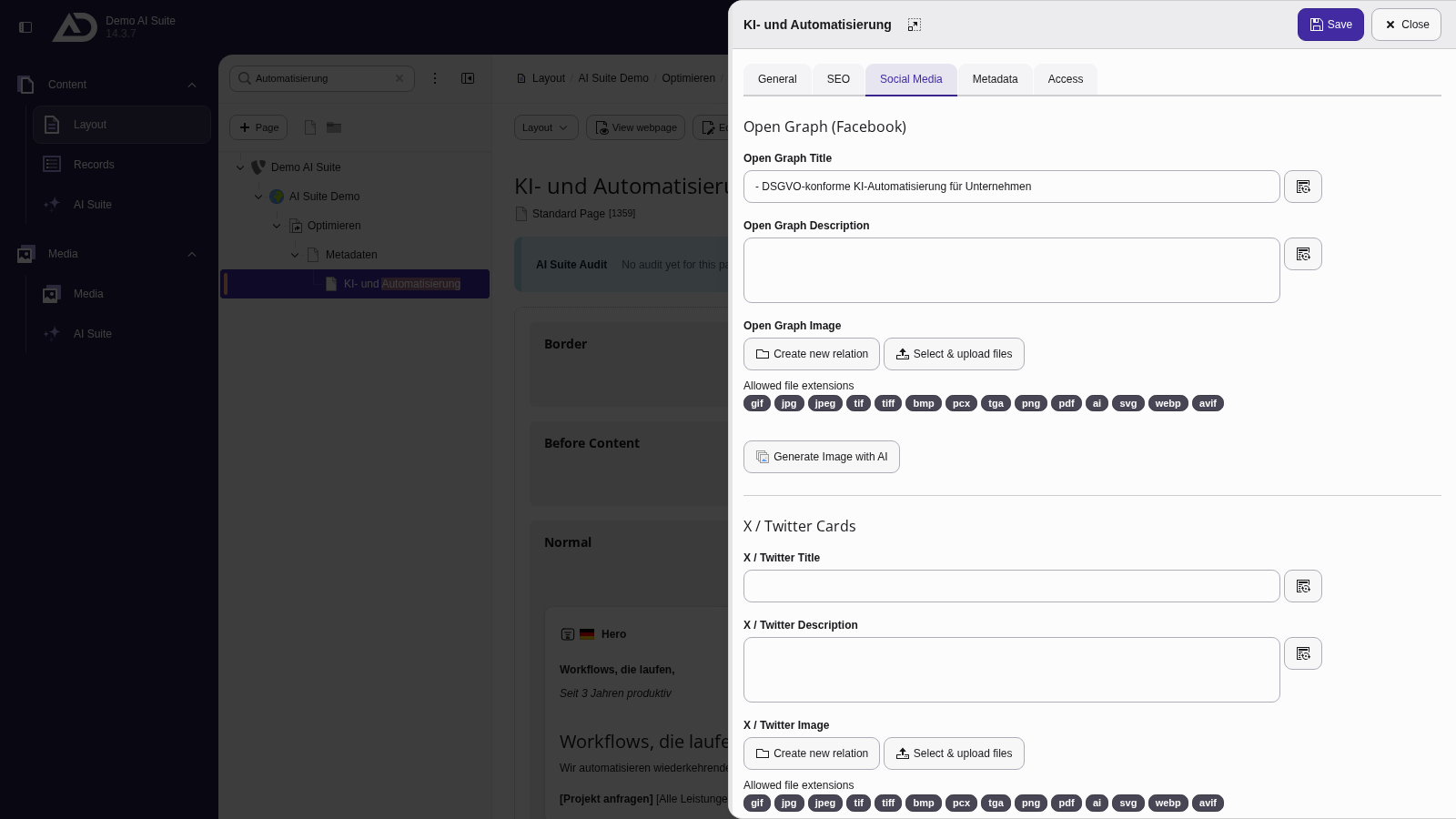
The title is in the field. In the “Social Media” tab, the Open Graph title is filled as well, with AI buttons there too.
-
Show larger version
Finally, we save the page properties.